Operating the iVent201 – Setting Modes and Parameters
70
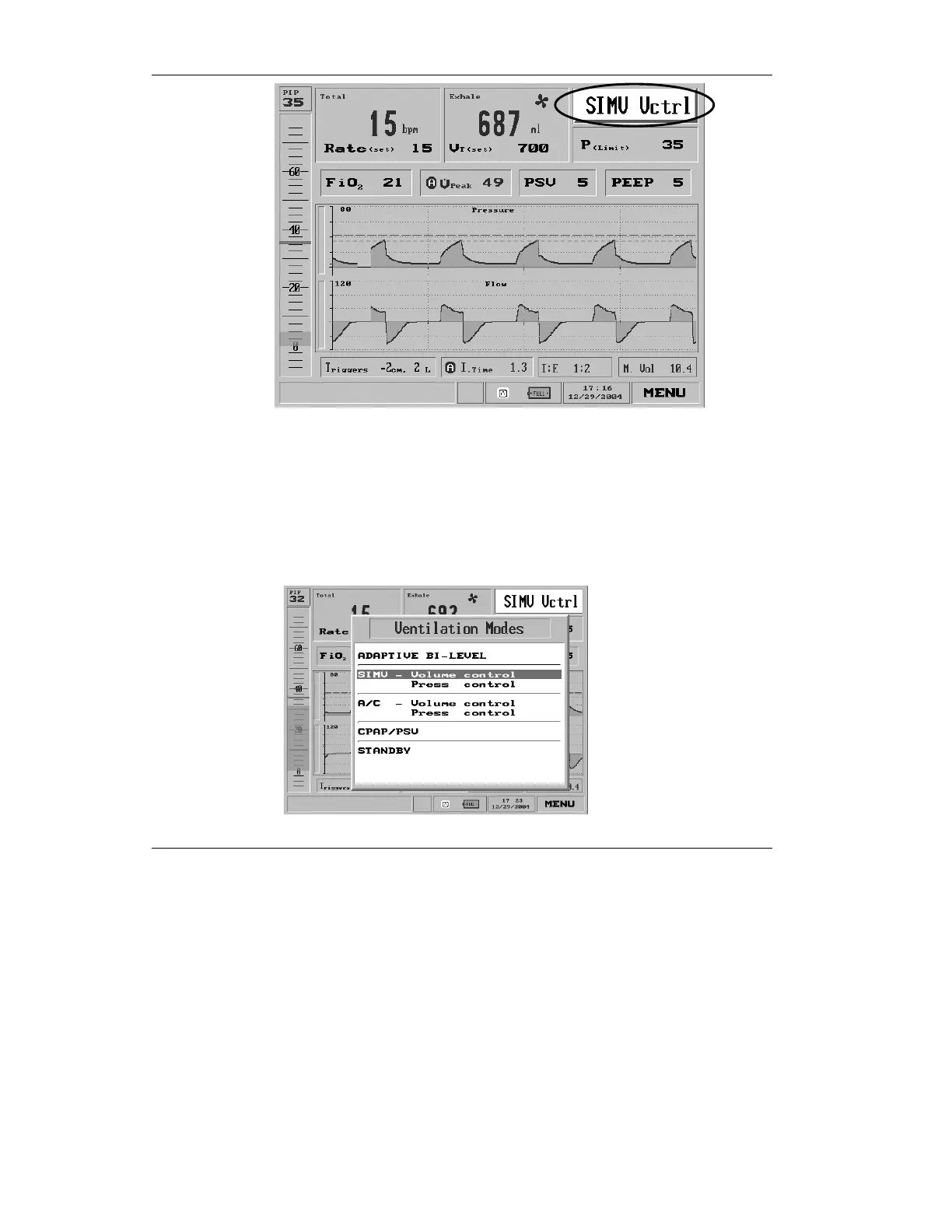
Figure 3.3 The Mode Selection box highlighted
NOTE: Depending on which iVent
201
model you have
purchased, not every mode may be available.
To change the mode, simply turn the control knob to highlight
the Mode Selection box, then press. You will be presented with
a screen offering six choices, plus Standby:
Figure 3.4 The Ventilation Modes Selection pop-up menu



 To Next Page