iVent201 Operator's Manual
73
4. Press the knob to accept the
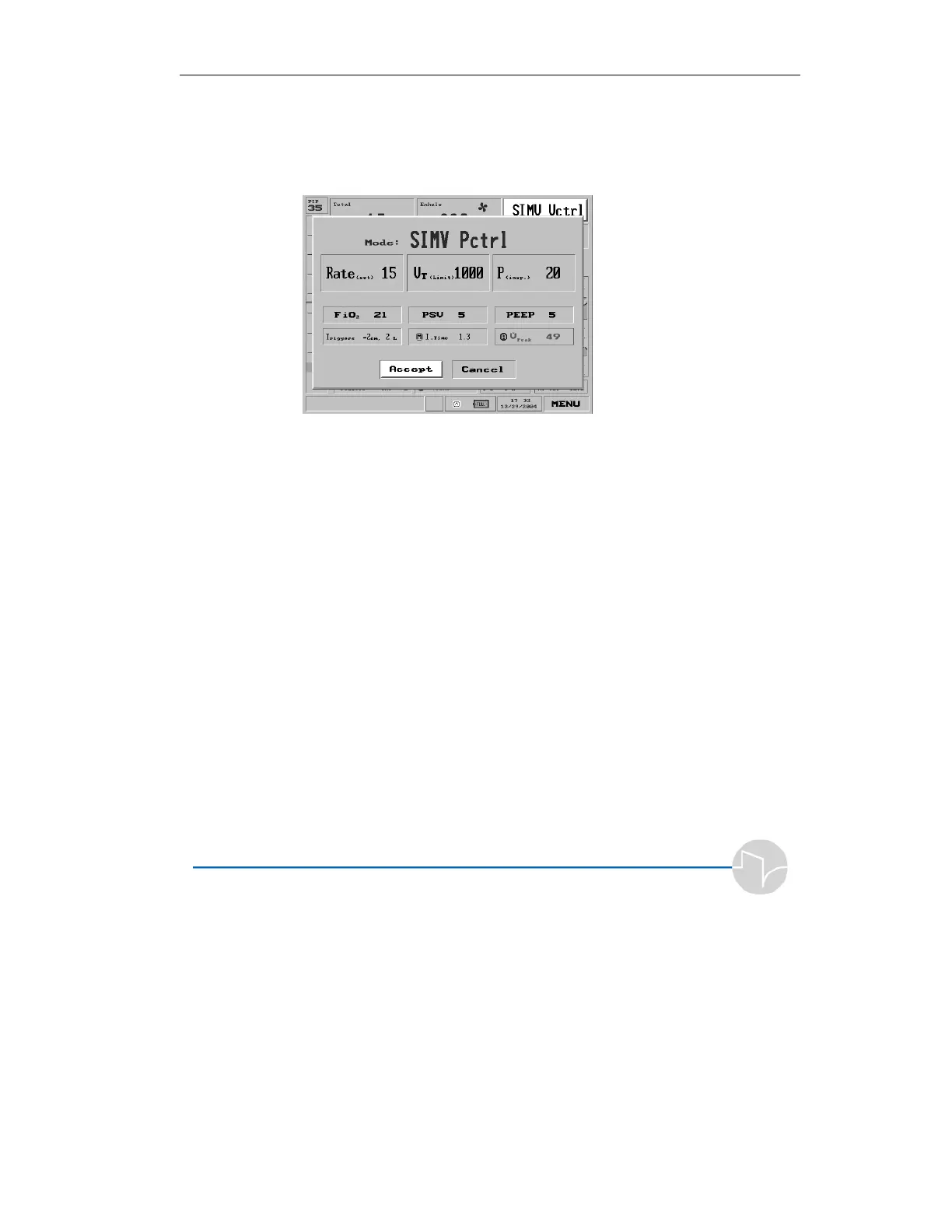
selection. This will bring up the
Parameters window for SIMV
Pressure Control:
Figure 3.7 The SIMV Pressure Control parameters screen
5. Notice the Accept box is
automatically highlighted,
making it possible to accept the
default parameters immediately
and go directly into patient
ventilation, once you have
verified the settings are correct
for the patient.
NOTE: The mode is not changed, and changed
parameters are not accepted, until the user presses
Accept.



 To Next Page