Operating the iVent201 – Setting Modes and Parameters
72
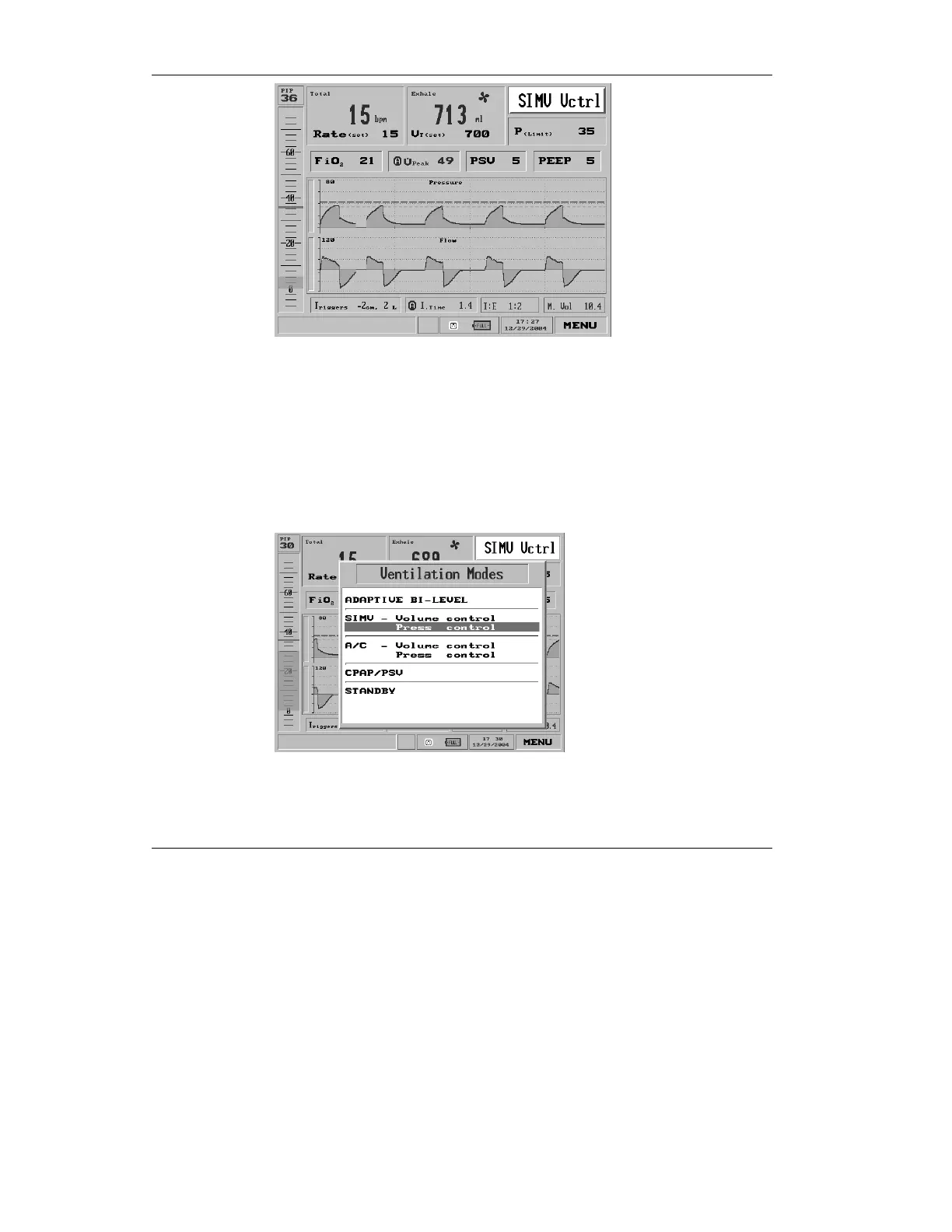
Figure 3.5 SIMV Vctrl mode shown selected
3. Pressing the control knob brings
up the Mode Choice screen.
Turn the knob clockwise one
click to highlight Pressure
Control:
Figure 3.6 Pressure Control highlighted on the Ventilation Modes
choice pop-up



 To Next Page