Operating the iVent201 – Setting Modes and Parameters
76
⇒ To abort the selection process and return the parameter to
the previously chosen value, press the clear button.
⇒ To return the selection of ALL ventilation parameters to
their default levels for a given patient weight:
a) Return to the Main
window
b) Select the Menu box,
then press the control
knob to call up the Main
Menu choices pop-up
window
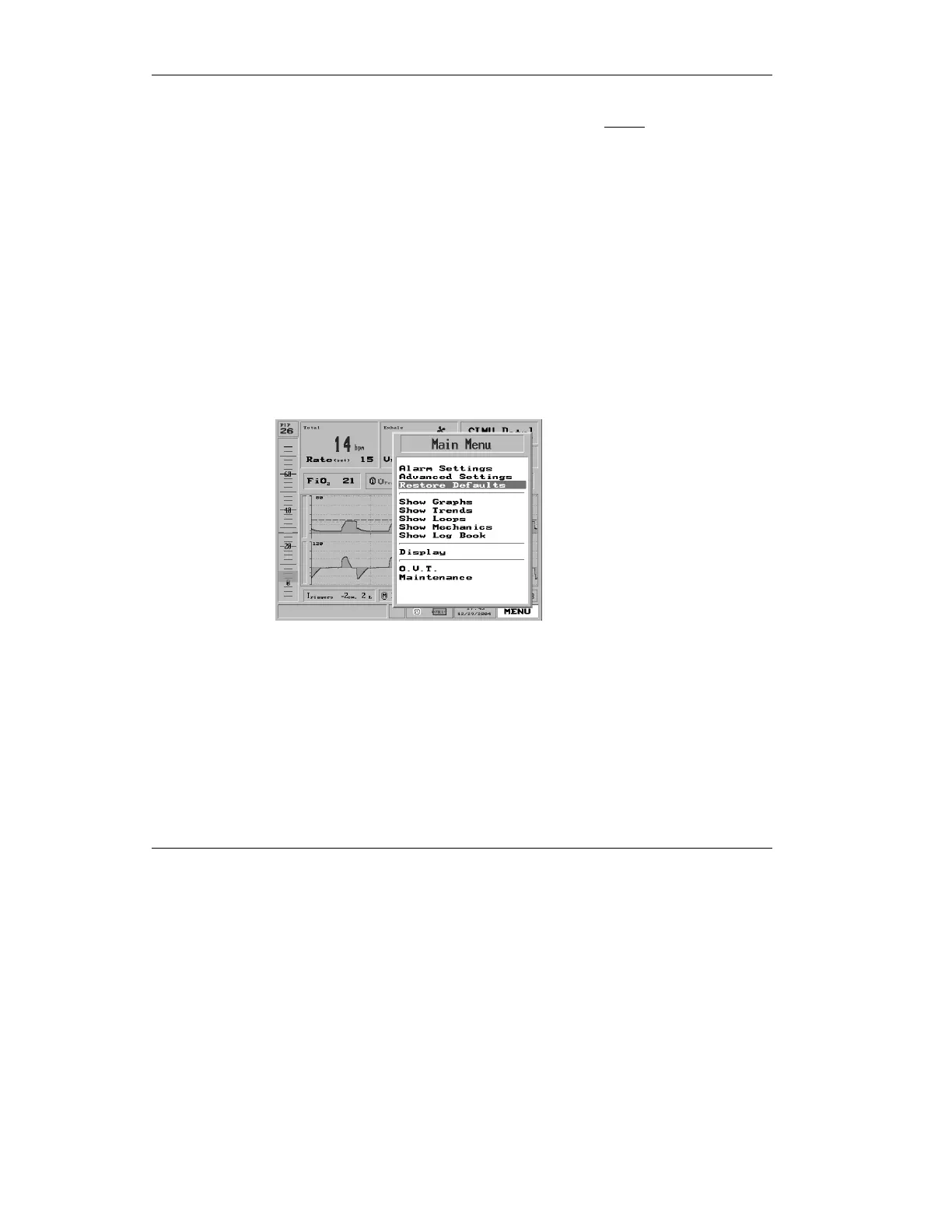
c) Select Restore Defaults
on the pop-up
Figure 3.8 Restore Defaults highlighted on the Menu pop-up
d) Then press the control
knob. A large red
Warning pop-up will
appear:



 To Next Page