General Operation
84 TVM Series Installation and Operation Handbook
Copyright © 2008, Harris Corporation
resolution at 1µ and the minimum timing resolution at 0.037 µs for HD (High
Definition) and 0.74 µs for SD (Standard Definition).
Things to Remember When Using the Timing Display
1. The Timing Display measures the elapsed time between the vertical syncs of two
inputs. The elapsed time is expressed in units of pixels and lines of the selected
input video not of the reference.
2. When referencing a standard definition analog or digital video input to a high
definition video or external tri-level reference input, the line number indication in
the timing display represents standard definition video lines. If the relative timing is
adjusted in high definition video lines, it may take an adjustment of two or more
lines before the line number changes in the timing display. This is due to the high
frequency high definition video lines, which are shorter than the standard definition
video lines represented by the timing display.
3. When referencing a high definition video input to a standard definition analog,
digital video, or external composite (BB) reference input, the line number
indication in the timing display represents high definition video lines. If the relative
timing is adjusted in standard definition video lines, a single video line adjustment
will cause a change of two or more lines in the timing display. This is due to the
low frequency standard definition video lines, which are longer than the high
definition video lines represented by the timing display.
4. The information of the Timing Display should not be used when captured SDI
freeze data is displayed.
Timing Pane Menu Selections
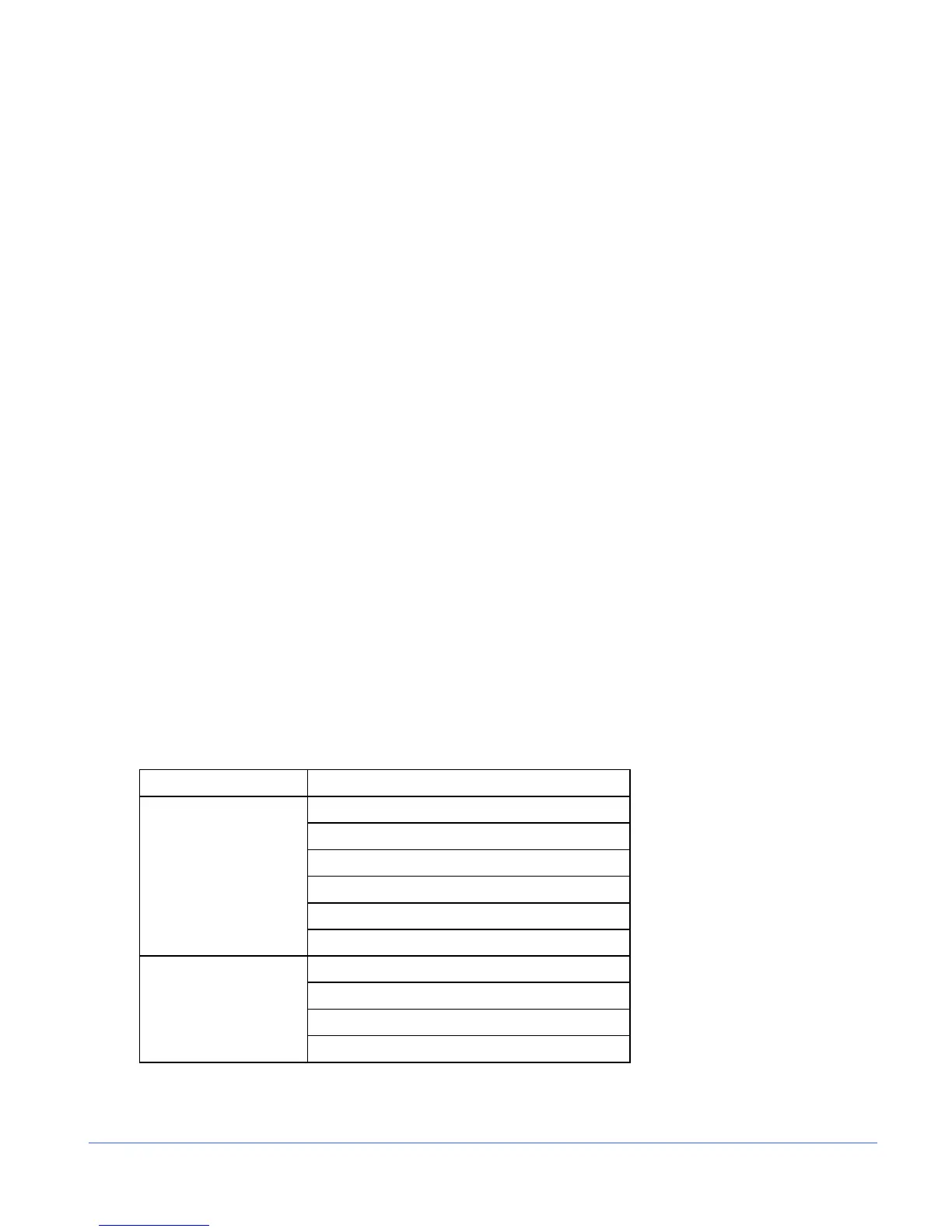
Pressing and holding the TIMING function button in the active Timing pane selects the
pane menu. The Timing Pane menu is described in Table 3-36.
Table 3-36. Timing Pane Menu
Selection Selection Option
EXT REF
INPUT A
INPUT B
INPUT C
INPUT D
REFERENCE
LTC
FACTORY
OFFSET
SET ZERO REF
TIMING MODE
CLEAR ZERO REF



 To Next Page