General Operation
TVM Series Installation and Operation Handbook 35
Copyright © 2008, Harris Corporation
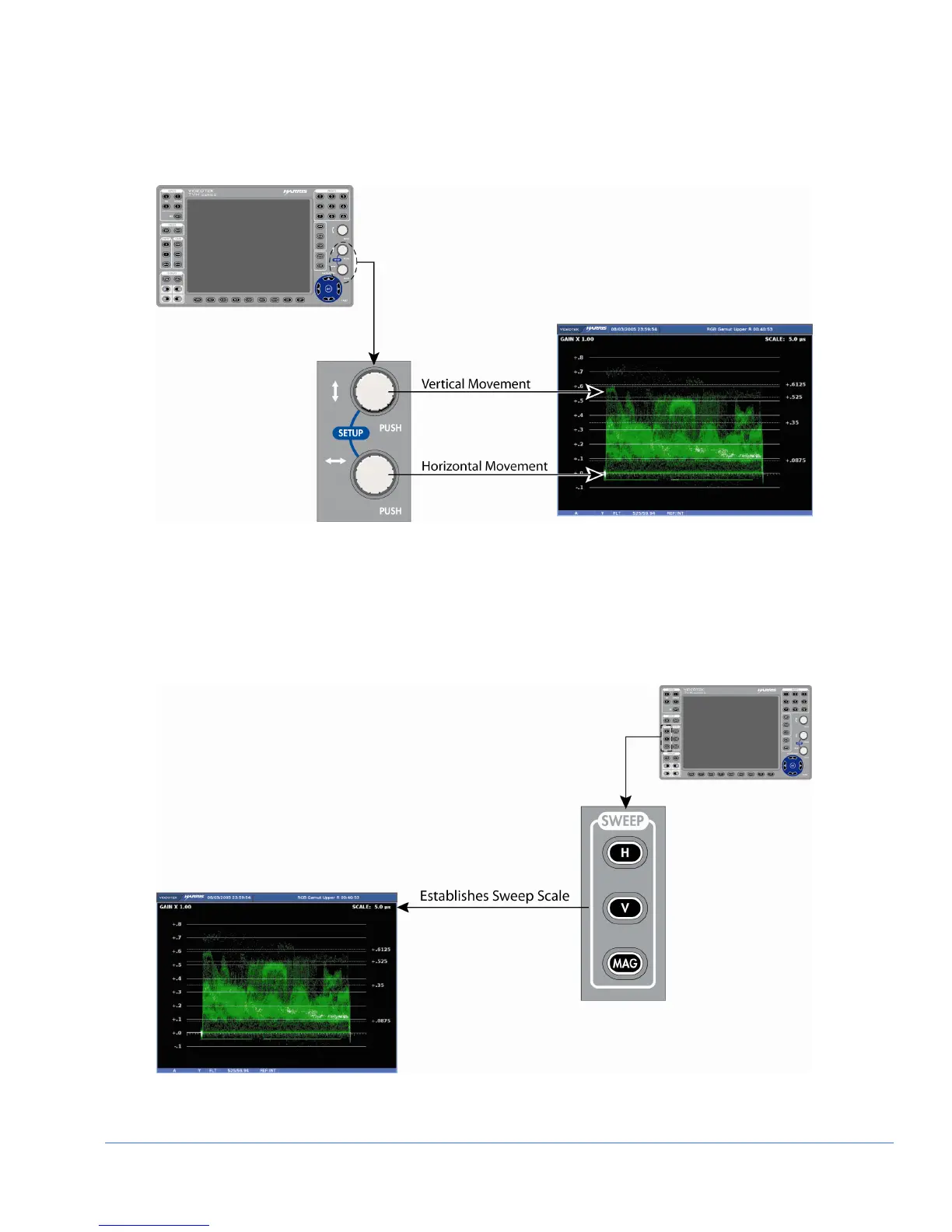
direction. Centering the waveform can also be performed by using the Waveform pane
menu (by pressing and holding the WFM button).
Figure 3-10. Moving the Waveform
Sweep Buttons
The Sweep buttons are used to determine the sweep rate scale. The scale is displayed in
the upper-right area of the waveform pane, as shown in Figure 3-11.
Figure 3-11. Establishing the Sweep Scale
NOTE: A menu selection is available to produce a 4H or 4V waveform.



 To Next Page