General Operation
112 TVM Series Installation and Operation Handbook
Copyright © 2008, Harris Corporation
ASI (Option TVM-VTM-ASI only)
NOTE: To enable the ASI screen, refer to “Option Display” on page 102.
The ASI screen is used to analyze the transport stream that complies with the ATSC or
DVB standard. It utilizes text and graphical formats and trending for up to 20
selectable programs simultaneously. It accepts two independent MPEG streams and
analyzes the selected stream in real-time for compliance to measurement guidelines of
ETSI TR-101-290 (ETR-290) first, second, and third priority standards. The priority
standards are:
• ETR 290 1
st
Priority
• ETR 290 2
nd
Priority (DVB)
• ETR 290 2
nd
Priority (ATSC)
• ETR 290 3
rd
Priority (DVB)
• ETR 290 3
rd
Priority (ATSC)
Two formats that can be monitored in the MPEG stream are DVB and ATSC. Digital
Video Broadcasting (DVB) is a specific project office of the European Broadcast
Union. This group has produced a set of digital broadcasting standards. The Advanced
Television Systems Committee (ATSC) is the parent organization that developed,
tested, and described the form and function of the US digital television formats. DVB
ASI and SMPTE310 are automatically detected and not manually selected.
To select the ATSC or DVB format:
1. Press and hold the ENT button. The T.S. FORMAT menu appears.
2. Select the ATSC or DVB format in the T.S. FORMAT menu.
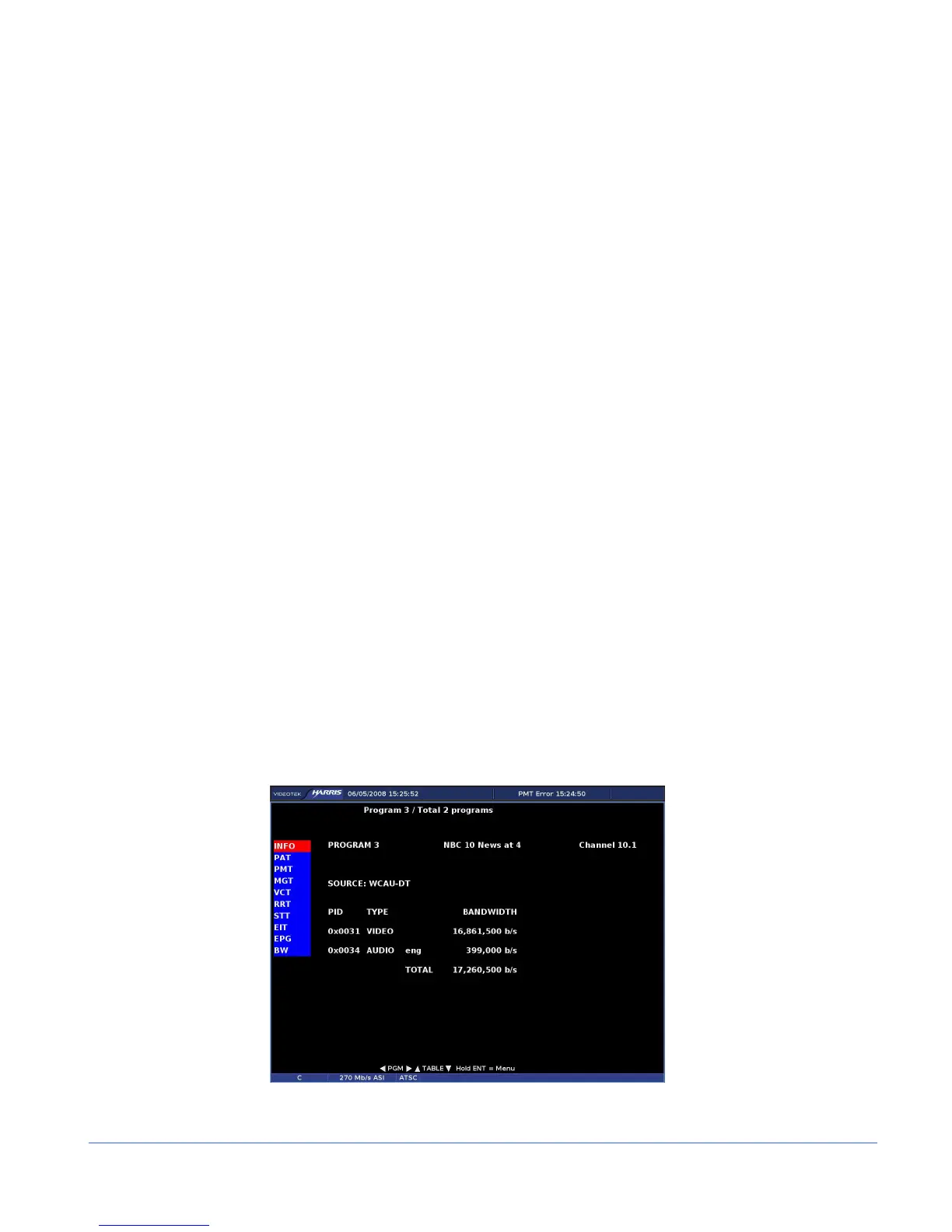
The ASI screen, shown in Figure 3-62, displays the selected program information for
the MPEG stream. The information is displayed based on the table selected. The other
selection to show information is BW (bandwidth).
Figure 3-62. ASI Display Diagram (ATSC Standard Selected)



 To Next Page