General Operation
76 TVM Series Installation and Operation Handbook
Copyright © 2008, Harris Corporation
Placing the Gamut Display in Line Select Mode
Pressing the LINE button enables the selected pane to monitor a single line
of a video signal. This enables Line Select to monitor individual lines of the
entire image. To view a line in Line Select mode:
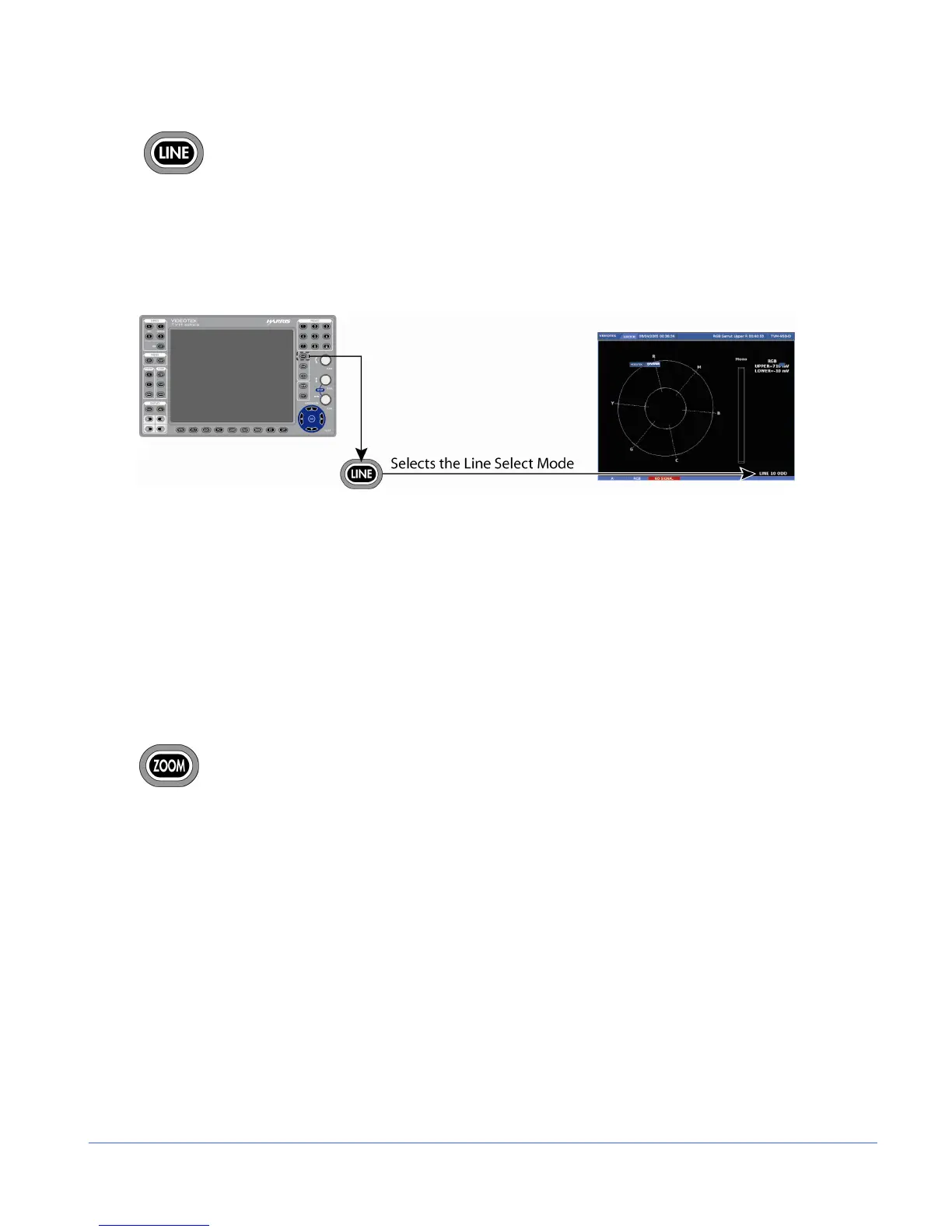
1. Press the LINE button to place the selected Gamut display pane in Line Select
mode. At the bottom-right of the display, the pane displays the Line number and
Odd or Even field, as shown in Figure 3-43.
Figure 3-43. Establishing Line Select
NOTE: In a Progressive (p) format odd and even selection is not available.
2. Press the CURVED ARROW knob to alternate between the ODD and EVEN fields
for interlaced formats.
3. Rotate the CURVED ARROW knob to select the line to be displayed.
When the inputs are linked, Line Select is a global setting. When the inputs are not
linked, Line Select is pane specific. When a picture is displayed in one of the panes, a
marker on the edge of the picture approximates the displayed line position (+/- 1 line).
Gamut Zoom
Press ZOOM to cycle through one of six displays of the Composite or RGB
gamut graticule:
• Expand the center
• Expand the upper-left quadrant
• Expand the upper-right quadrant
• Expand the lower-right quadrant
• Expand the lower-left quadrant
• Zoom off
Press and hold ZOOM to select the zoom pop-up menu. This menu is used to modify
the ZOOM button. Once selected, press ZOOM to toggle between the selected Zoom
screen and the Normal screen. If NORMAL is selected in the ZOOM menu, pressing
ZOOM steps through each zoom display.



 To Next Page