General Operation
42 TVM Series Installation and Operation Handbook
Copyright © 2008, Harris Corporation
Filter Selection
The filters available are dependent upon the input format. The filters available are:
• Flat: No filtering.
• Low Pass: Selects the Low Pass filter.
• Chroma: Selects the Chroma filter.
• F/LP: Selects Flat and Low Pass filtering
• R-Y: Selects the R-Y filter (selection available with TVM-VTM-ACV-2 option
only)
• Bowtie: The bowtie filter is used to check the timing relationships between the
digital components. A bowtie test signal is required.
Parade and Overlay Selections
Multiple inputs can be displayed in a single pane.
• When PARADE is selected, the components of the same input are shown next to
one another (i.e. Inputs Y, then CB, then CR in a YCBCR signal).
• When OVERLAY is selected for a single input, the components of the input signal
are displayed over each other (i.e. R over G over B in an RGB signal). When
OVERLAY is selected for A & B, like components of each input are over each
other (i.e. R over R, G over G, and B over B). A & B cannot be displayed in parade
mode.
HD or SD Format
When in the Format menu, select one of the display formats: (Y)RGB, YCBCR, or
CMPST (Composite). The selected (Y) RGB, YCBCR, or CMPST text is indicated with
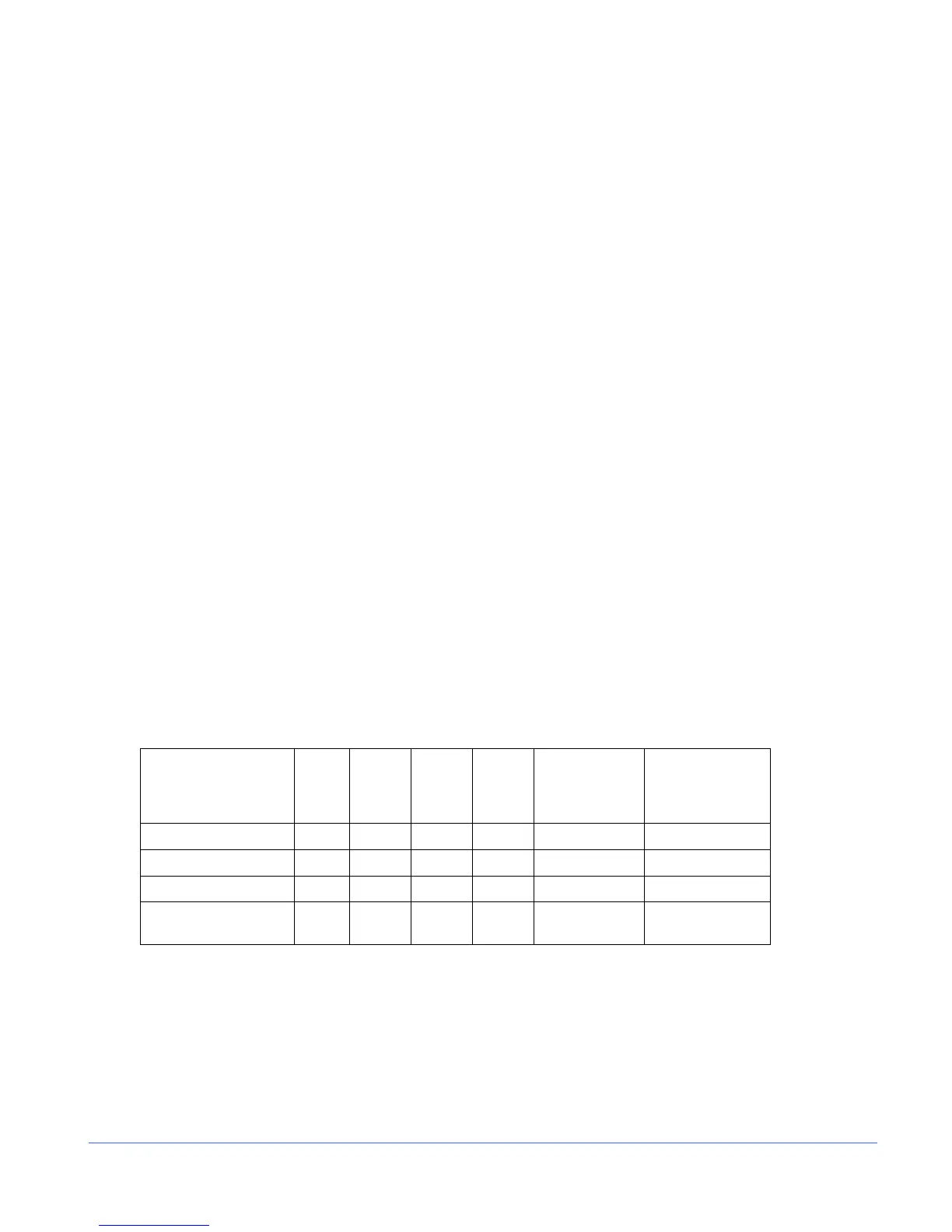
a check mark. Table 3-10 lists the relationships between the input and display formats.
Table 3-10. Input and Display Format Relationship
Input Format RGB YC
BCR YRGB COMP
YC
BCR +
Alpha
(10 bit only)
RGB + Alpha
(TVM-VTM DLK)
(TVM-VTM-3GB
10 bit only)
3 Gb/s Yes Yes Yes Yes Yes Yes
HD Yes Yes Yes Yes Yes Yes
SD Yes Yes Yes Yes No No
Analog Composite
(Option)
No No No Yes No No
Blanking (SDI Signals only)
The blanking selections are Blank All, EAV/SAV, and Show All.
• “Blank All” displays only the active video of the input signal.
• “Show EAV/SAV” displays the active video and the EAV/SAV headers of the
input signal.
• “Show All” displays the ancillary data, EAV/SAV, and active video.



 To Next Page