General Operation
TVM Series Installation and Operation Handbook 79
Copyright © 2008, Harris Corporation
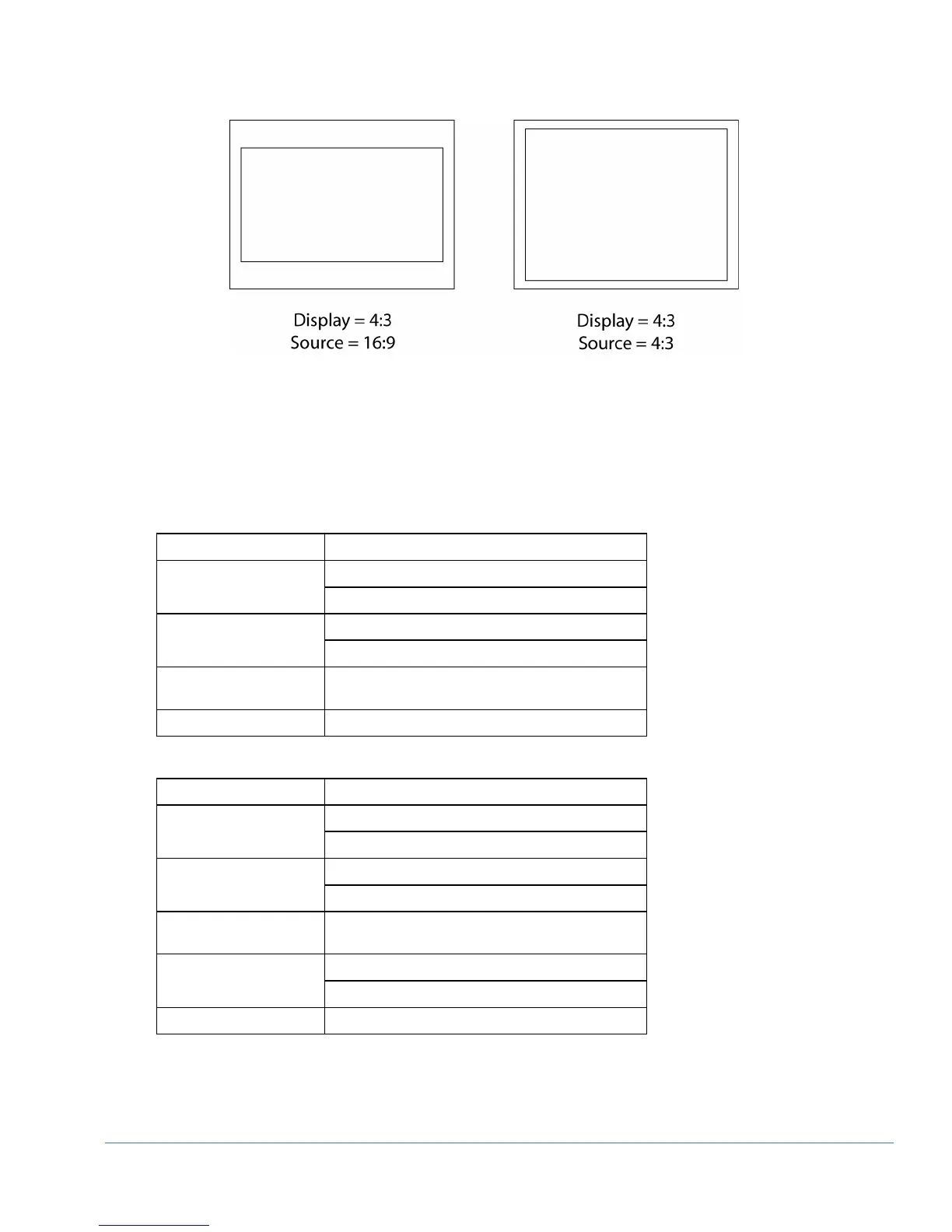
Figure 3-45. Aspect Ratio Source Diagram
Picture Pane Menu Selections
Pressing and holding the PICT function button or the DISPLAY PANE button in the
active picture pane selects the pane menu. The Picture Pane menus are described in
Table 3-32 to Table 3-34 for picture monitoring.
Table 3-32. Picture Analog Menu
Selection Selection Option
OFF NATIVE
ON
ON DELAY
OFF
DELAY POSITION Use the H POS and V POS knobs. Press KNOB
for default.
PICTURE SETUP Press ENT
Table 3-33. Picture SD Menu
Selection Selection Option
OFF NATIVE
ON
ON DELAY
OFF
DELAY POSITION Use the H POS and V POS knobs. Press KNOB
for default.
ON GAMUT
HIGHLIGHTING
OFF
PICTURE SETUP Press ENT



 To Next Page