General Operation
30 TVM Series Installation and Operation Handbook
Copyright © 2008, Harris Corporation
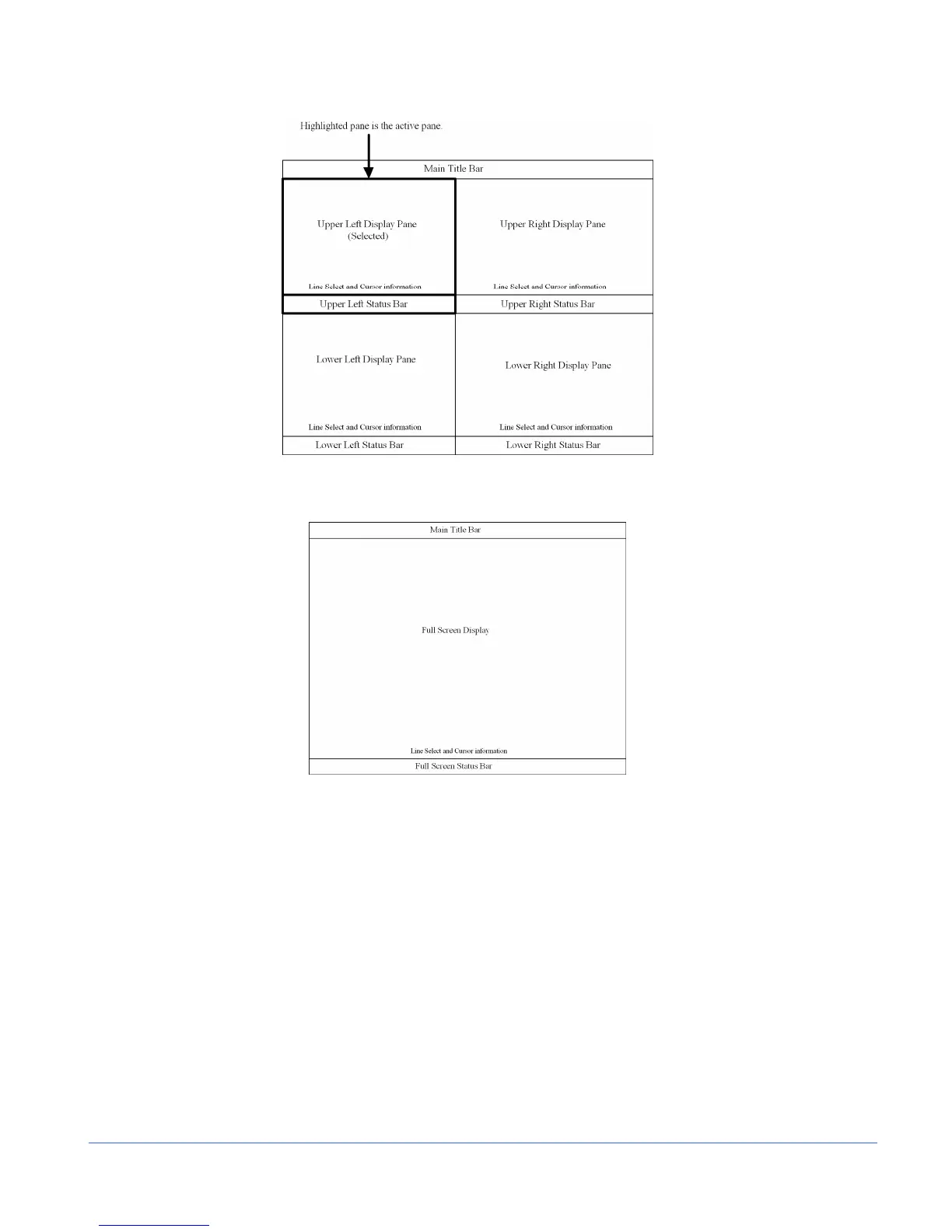
Figure 3-4. Sample Quad Diagram
Figure 3-5. Full-Screen Display Diagram
Main Title Bar
The main title bar is displayed at the top of the screen, and contains the Company
name, date and time, icon indictors, most current alarm (alarm background color is
yellow when active), and the model name.
Icons
Icons appear in the main title bar and are shown in a specified order (left to right).
Table 3-3 shows the icons and the condition for the appearance:



 To Next Page