General Operation
34 TVM Series Installation and Operation Handbook
Copyright © 2008, Harris Corporation
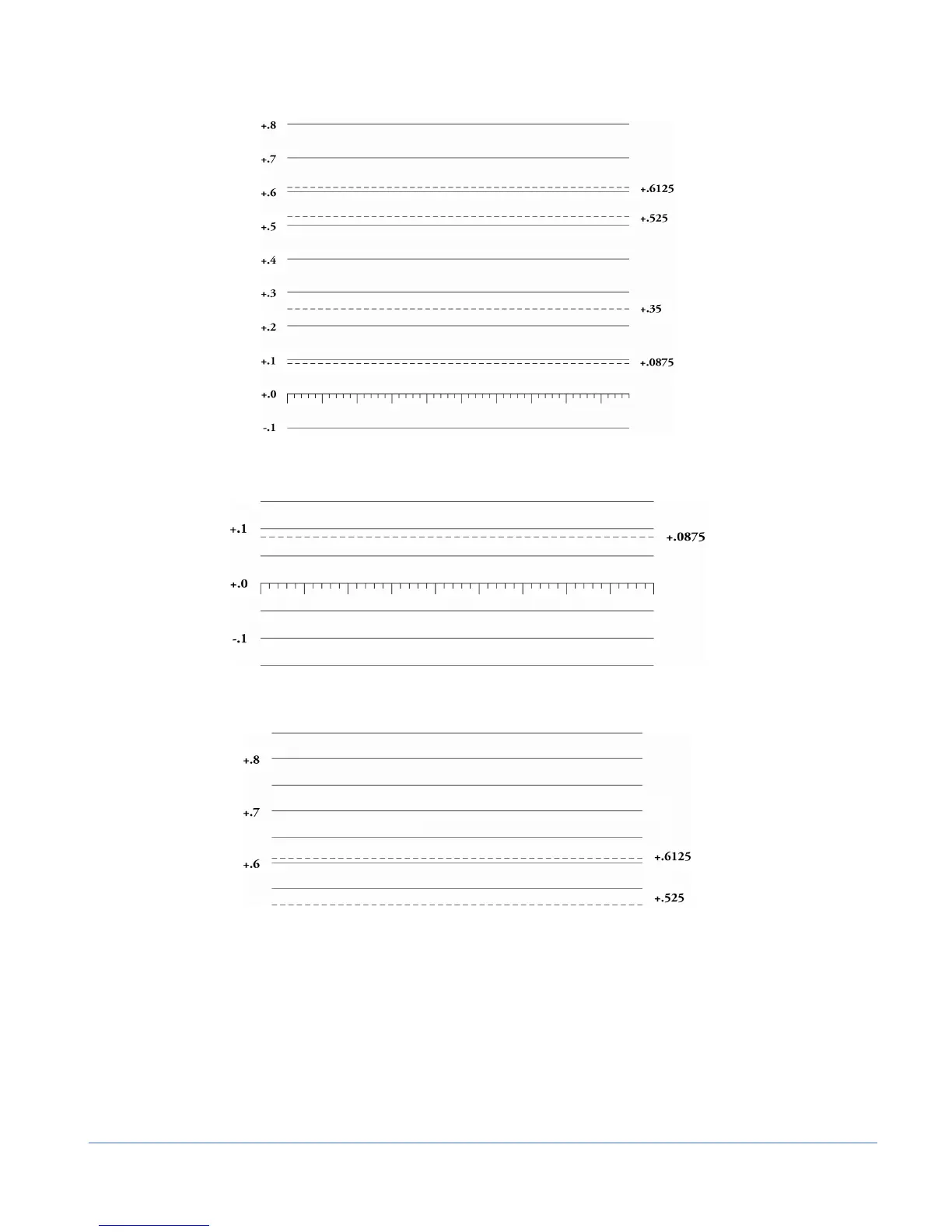
Figure 3-7. RGB and YCBCR Graticule
Figure 3-8. RGB and YCBCR Zoom 0 mV Graticule
Figure 3-9. RGB and YCBCR Zoom 700 mV Graticule
Waveform Front Panel Selections
The following buttons directly affect the waveform display.
Moving the Waveform using the Setup Knobs
Move the Waveform display relative to the graticule by using the LEFT and RIGHT
arrow Knob (for horizontal movement) and the UP and DOWN knob (for vertical
movement), as shown in Figure 3-10. Press the LEFT/RIGHT (horizontal direction) or
UP/DOWN (vertical direction) arrow knob to center the waveform in the particular



 To Next Page