General Operation
TVM Series Installation and Operation Handbook 27
Copyright © 2008, Harris Corporation
Format Mismatch Message
When selecting A+B or C+D while the inputs are in different formats, the message
FORMAT MISMATCH is displayed. The inputs must be changed to the same video
format if both inputs are to function simultaneously.
Linking Panes
Hold the A, B, C, or D input button for two seconds to enable the Link inputs pop-up
menu selection. When the LINK INPUTS menu box appears, press the ENT button to
toggle the selection. When linked, all the panes change to the selected input. If the
panes are not linked to an input, the broken link icon appears on top of the menu bar.
Selecting the Function for the Pane
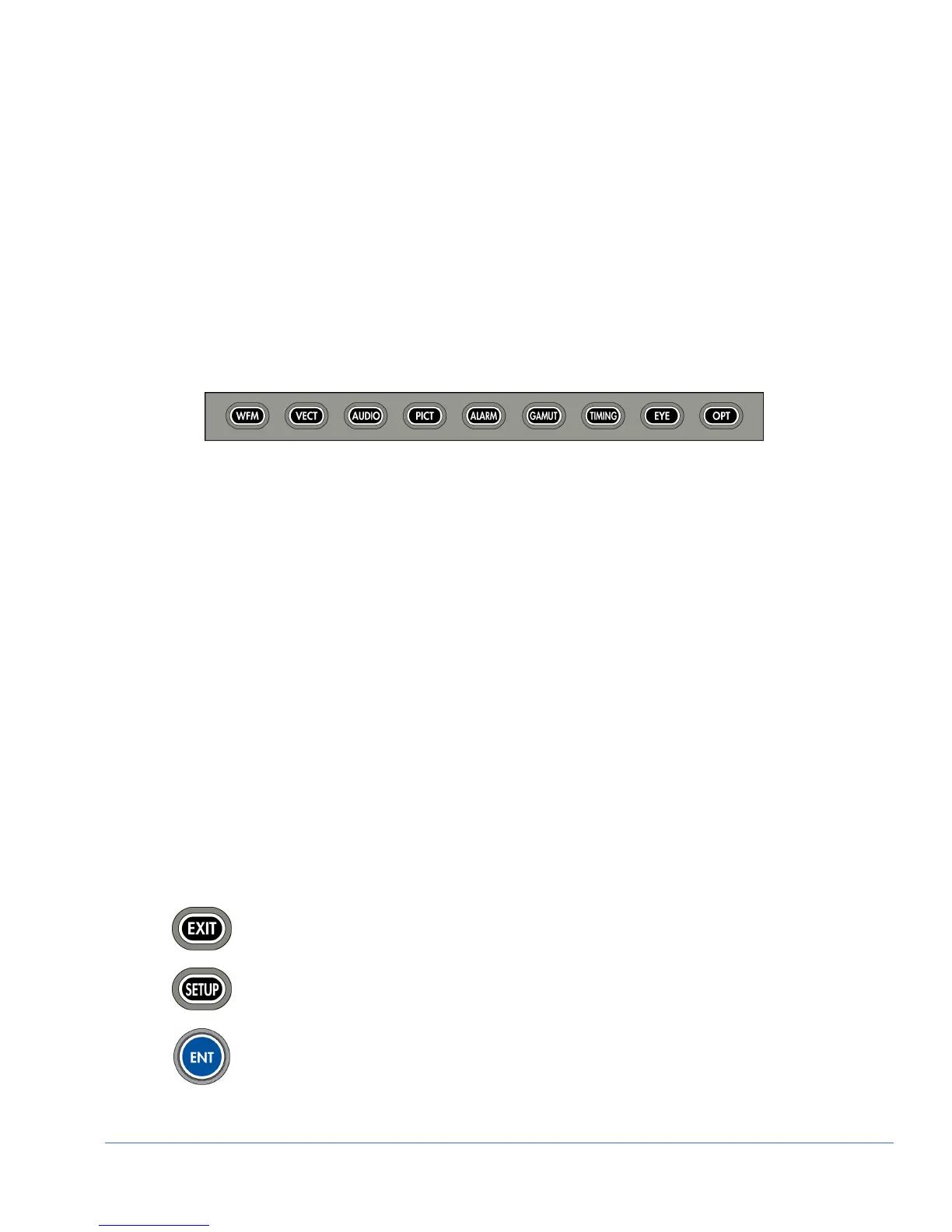
Once a pane is selected, press the function button to select Waveform, Vector, Audio,
Picture, Alarm, Gamut, Timing, Eye (only works with Inputs A and B), or Option for
the pane. Press and hold the function button to display the pane menu.
Function Not Allowed Message
When a button is pressed that cannot be utilized with the selected Function (Waveform,
Vector, etc.), the message FUNCTION NOT ALLOWED briefly appears over the
center of the screen.
Option Not Installed Message
When a button is pressed for an option that is not installed, the message OPTION NOT
INSTALLED briefly appears over the center of the screen.
Navigating the Pane Setup menu
NOTE: A function button can be pressed to exit from the menu. If a function other than the
displayed function is pressed, the display will change to the newly selected function.
Use the NAVIGATION buttons or the SETUP POSITION knobs to navigate the Pane
menu. The SETUP POSITION knobs and Navigation buttons are described below:
Press to exit the menu.
Press to exit the pane menu.
Press to select a menu item or open a menu or submenu.



 To Next Page