Global Setup Menu Functions
TVM Series Installation and Operation Handbook 179
Copyright © 2008, Harris Corporation
4. Use the NAVIGATION buttons to move the cursor to GPI ALARM NAMES.
5. Press the ENT button.
6. Use the NAVIGATION buttons to select the desired input (INPUT 1 to INPUT 9).
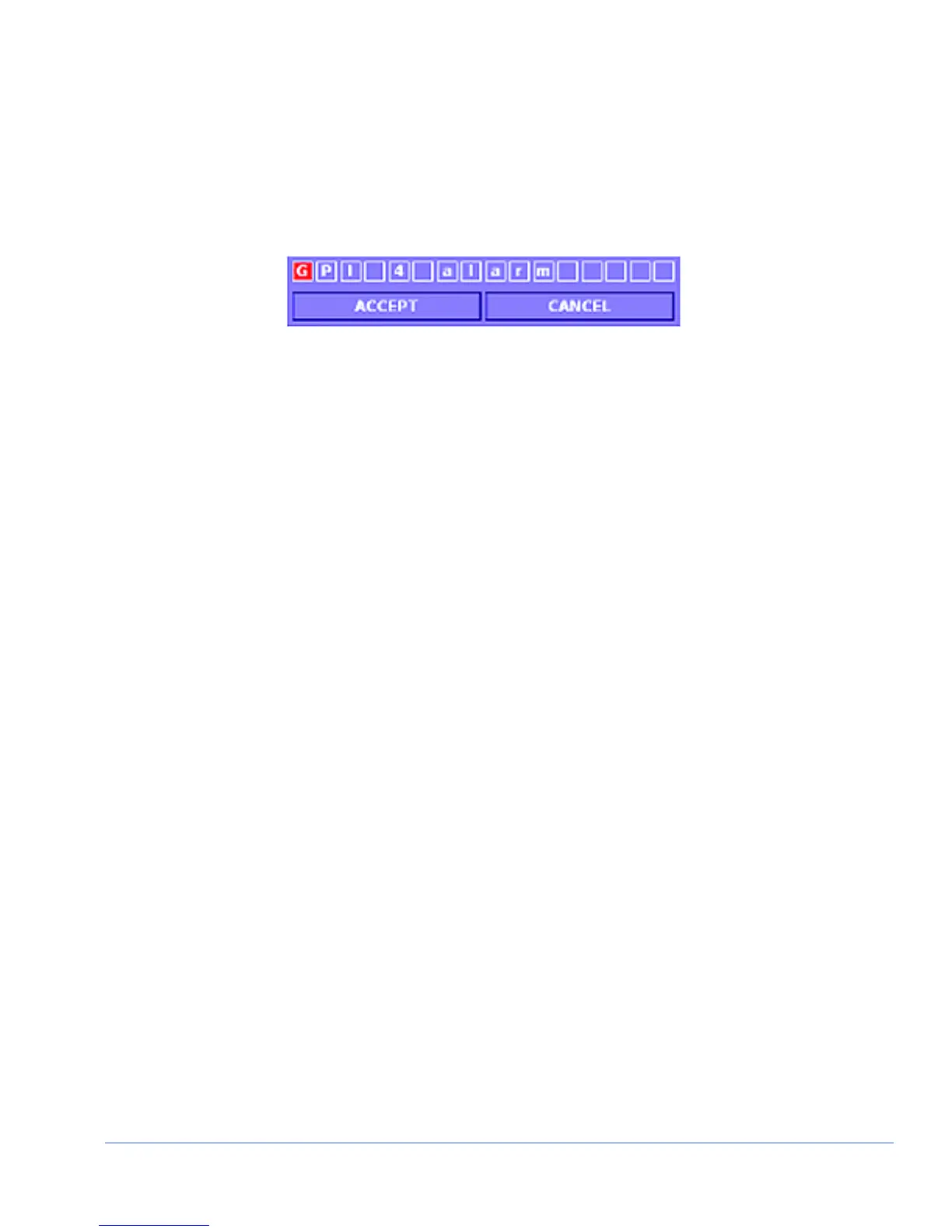
7. Press the ENT button. The GPI Rename Screen, shown in Figure 4-4, appears.
Figure 4-4. GPI Rename Screen
8. Use the RIGHT/LEFT NAVIGATION buttons to select character box.
9. Press the UP/DOWN NAVIGATION buttons to select a character.
10. Repeat until the name is complete.
11. Press the ENT or RIGHT, LEFT, or ENT NAVIGATION buttons until ACCEPT is
selected.
12. Press the ENT button over ACCEPT to accept the name, or CANCEL to not use
the changed name. Press the EXIT button at any time to cancel the name change
and return to the previous submenu.
GPI Output Function
The GPI Output Function submenu is used to determine the GPO Polarity and GPO
Output Setup for each input.
GPO Out 1 and 2 Polarity
There are two OUTPUT GPIs that are associated with a list of alarms. All GPI alarm
activation selections are set to the default OFF until the alarm is enabled. When an
alarm is enabled, the GPI functions according to the GPO OUT 1 and 2 POLARITY
setting (NORMALLY OPEN, NORMALLY CLOSED). The default polarity is
NORMALLY OPEN.
• NORMALLY OPEN: The contact closure on the GPI board is normally open.
When the contact closure closes, the GPO alarm is activated.
• NORMALLY CLOSED: The contact closure on the GPI board is normally
closed. When the contact closure opens, the GPO is activated.
GPO Out 1 and 2 Setup
The GPO Out 1 and 2 Setup submenu is used to select what input or alarm the GPO
follows. If an alarm occurs on an input associated with the GPO, the GPO will change
its polarity setting. If Follow Alarms is selected, the GPO will change its polarity
setting whenever an alarm occurs on any input.



 To Next Page