General Operation
TVM Series Installation and Operation Handbook 109
Copyright © 2008, Harris Corporation
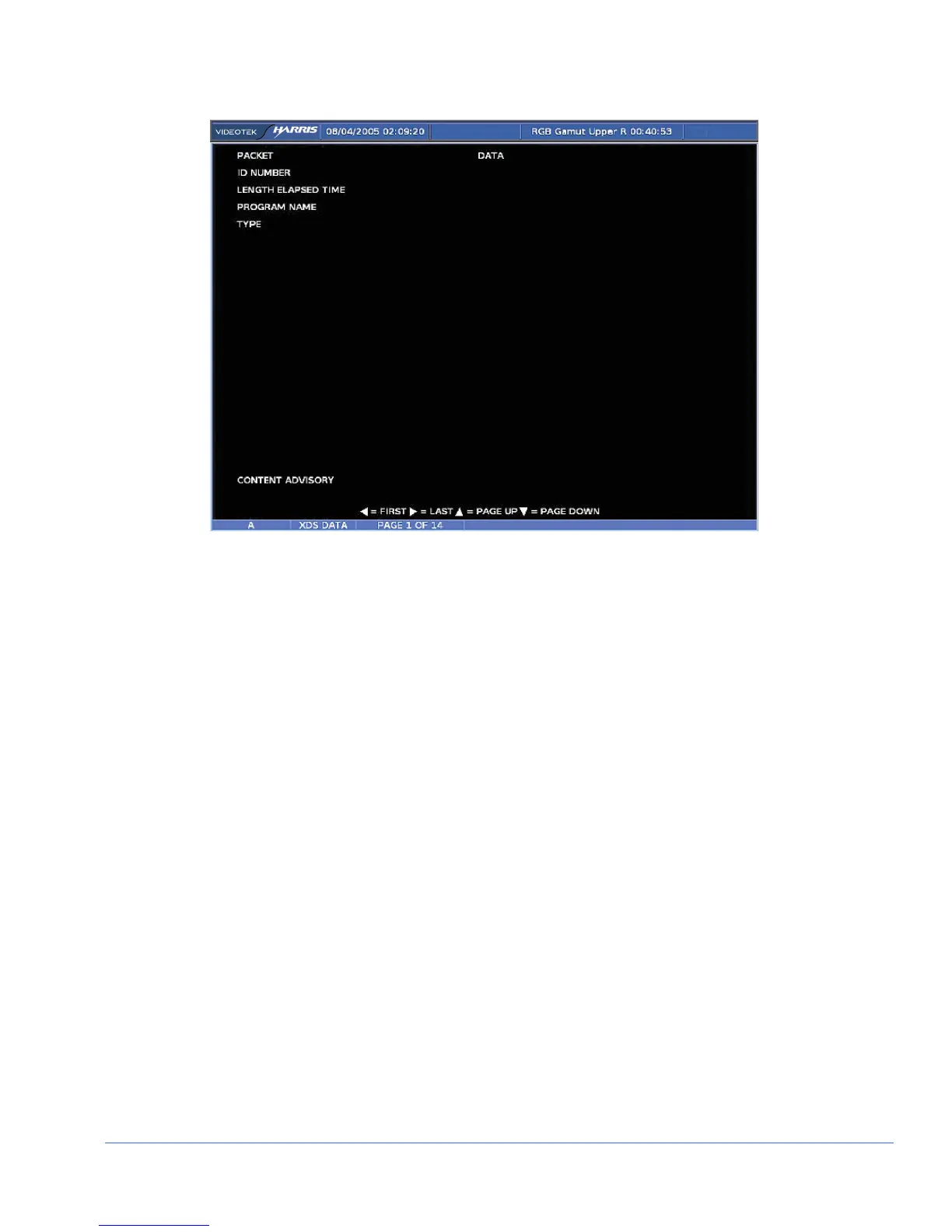
Figure 3-60. XDS Pane
Teletext
NOTE: If the format selected is not a valid format for teletext, NOT VALID DISPLAY FOR
INPUT FORMAT appears on the screen. PAL and 625 are the only formats that functions with
teletext.
Teletext functionality is operational when enabled in the OPTION DISPLAY pane
menu. When enabled, the TVM monitors for teletext.
The Teletext Detect alarm is activated when the presence of Teletext is not detected in
the vertical blanking interval for some time in excess of the duration setting. The
Teletext Not Updating alarm is also activated when the Teletext carrier is present and
the data word is null for a period in excess of the duration setting. Press the DOWN
arrow to go to the Index page (page 100). Press the LEFT ARROW button to go to the
previous page, and press the RIGHT ARROW button to go to the next page.
Press the ENT button to open the Teletext Page Input screen. From this screen, select
the page where the teletext can be viewed. Use the UP/DOWN Navigation buttons to
change the number for the page. Press the LEFT/RIGHT button to move between
numeric positions.
CRC
CRC evaluates SD and HD formats. CRC functionality is operational when enabled in
the OPTION DISPLAY pane menu. When enabled and the OPTION button is pressed,
the CRC display appears.
A CRC display diagram is shown in Figure 3-61 and described in Table 3-54. The
diagram illustrates the general location for the various CRC display fields.



 To Next Page