General Operation
TVM Series Installation and Operation Handbook 117
Copyright © 2008, Harris Corporation
• DATA ANALYZER: Enables the Data Analyzer display, as described on page 119.
The menu item is not accessible without the TVM-VTM-AAP or TVM-40 option.
• TIMING CUSTOM: Enables the Custom Timing Display, as described on page
127.
• WFM/VEC ONLY: Enables the Waveform and Vector to only be displayed, as
described on page 127.
TVM Classic
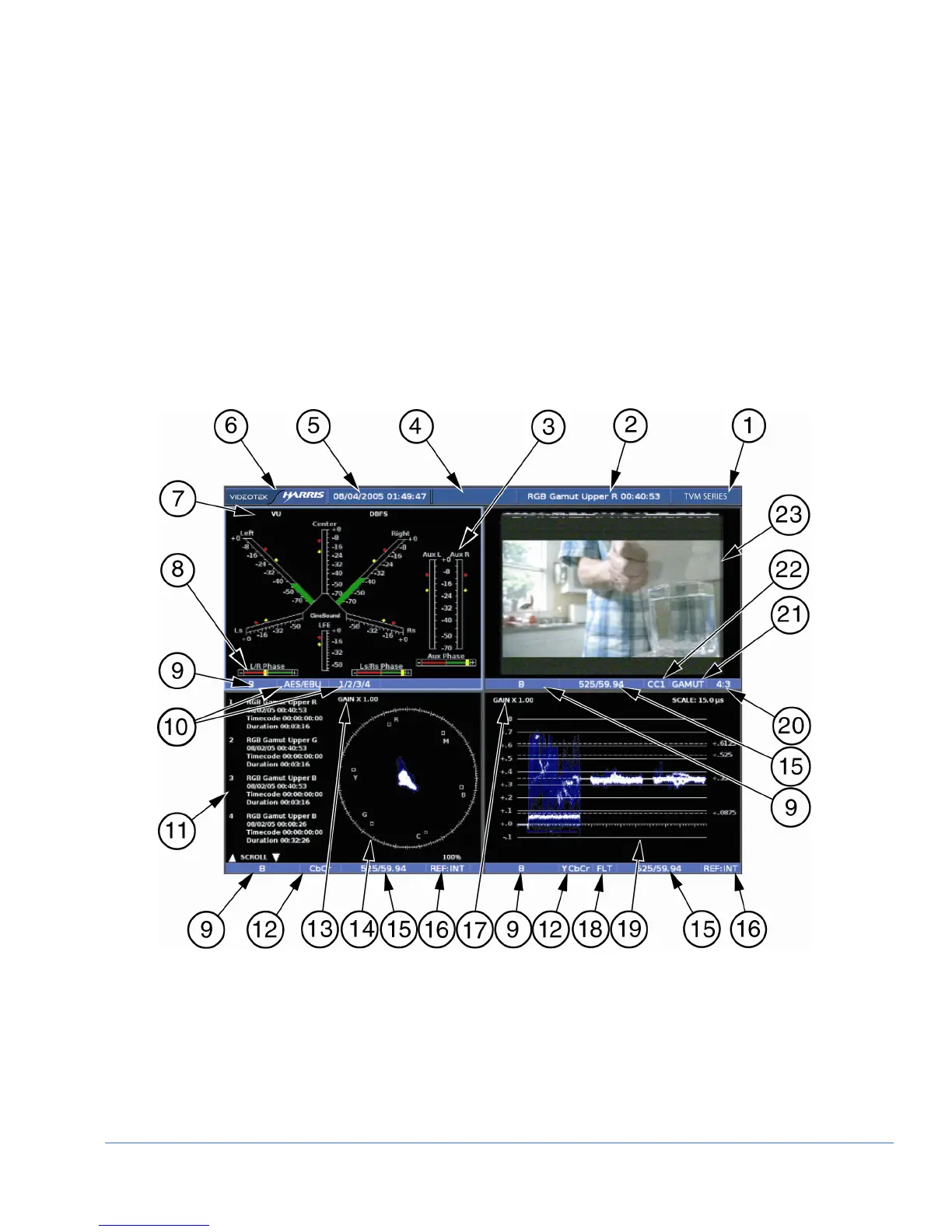
Pressing and holding the MLT button accesses the MLT DISPLAY menu. From the
MLT DISPLAY menu, select TVM CLASSIC to have the TVM convert the screen to
the classic TVM style display, as shown in Figure 3-64.
Figure 3-64. TVM Classic Display Diagram



 To Next Page