General Operation
TVM Series Installation and Operation Handbook 111
Copyright © 2008, Harris Corporation
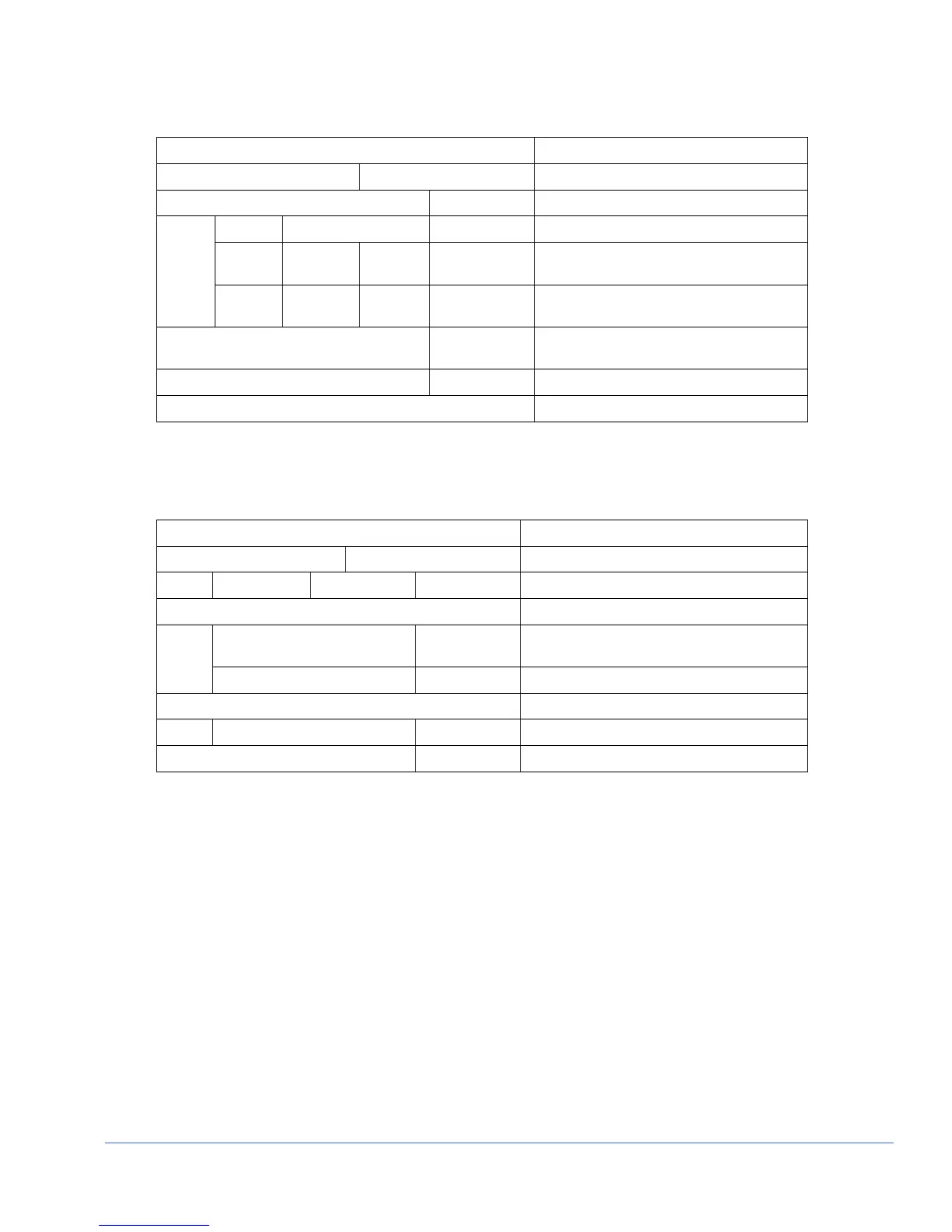
The following information is displayed when the CRC display is ON and an SD format
is detected:
Display Description
Time since Reset 00:00:00 Hr:min:sec, elapsed time since last reset
FF CRC Seconds Value Full field CRC error in seconds
CRC Seconds Value Active Picture CRC error in seconds
F1 AP CRC Value CRC value (Check Sum) for active
picture, field one
AP
F2 AP CRC Value CRC value (Check Sum) for active
picture, field two
Embedded Audio Value Detects how many groups of audio are
available
Ancillary Data Present Detects other ancillary information
Format Errors Detects a format error
NOTE: When activated, the CRC display replaces the alarm display when an SD format is
detected.
The following information is displayed when the CRC display is ON and an HD format
is detected:
Display Description
Time since Reset 00:00:00 Hr:min:sec, elapsed time since last reset
CRC Error Free Seconds Value Length of time in seconds CRC is error free
CHROMA -
Embedded Audio Value Detects how many groups of audio are
available
Ancillary Data Present Detects other ancillary Chroma information
LUMA -
Ancillary Data Present Detects ancillary Luma information
Format Errors Y* C* Detects a format error
* Y=Luma and C=Chroma
The CRC Window Format Error types are displayed under FORMAT ERRORS when
they are detected. The CRC format error types are:
• SAV PLACED INCORRECTLY (SAV)
• LINE LENGTH ERROR (Line Length)
• FIELD LENGTH ERROR (Field Length)
• RESERVED VALUES USED IMPROPERLY (Reserved Values)
• ANC DATA CHECKSUM ERROR (ANC Checksum)
• ANC DATA PARITY ERROR (ANC Parity)
• ANC DATA PLACEMENT ERROR (ANC Placement)
• ABSENCE OF SERIAL VIDEO INPUT (No Video)
Press and hold the ENT button on the front panel to reset the CRC elapsed time to zero
and clear the EDH errors. The CRC error types are described in Section 5.



 To Next Page