General Operation
TVM Series Installation and Operation Handbook 115
Copyright © 2008, Harris Corporation
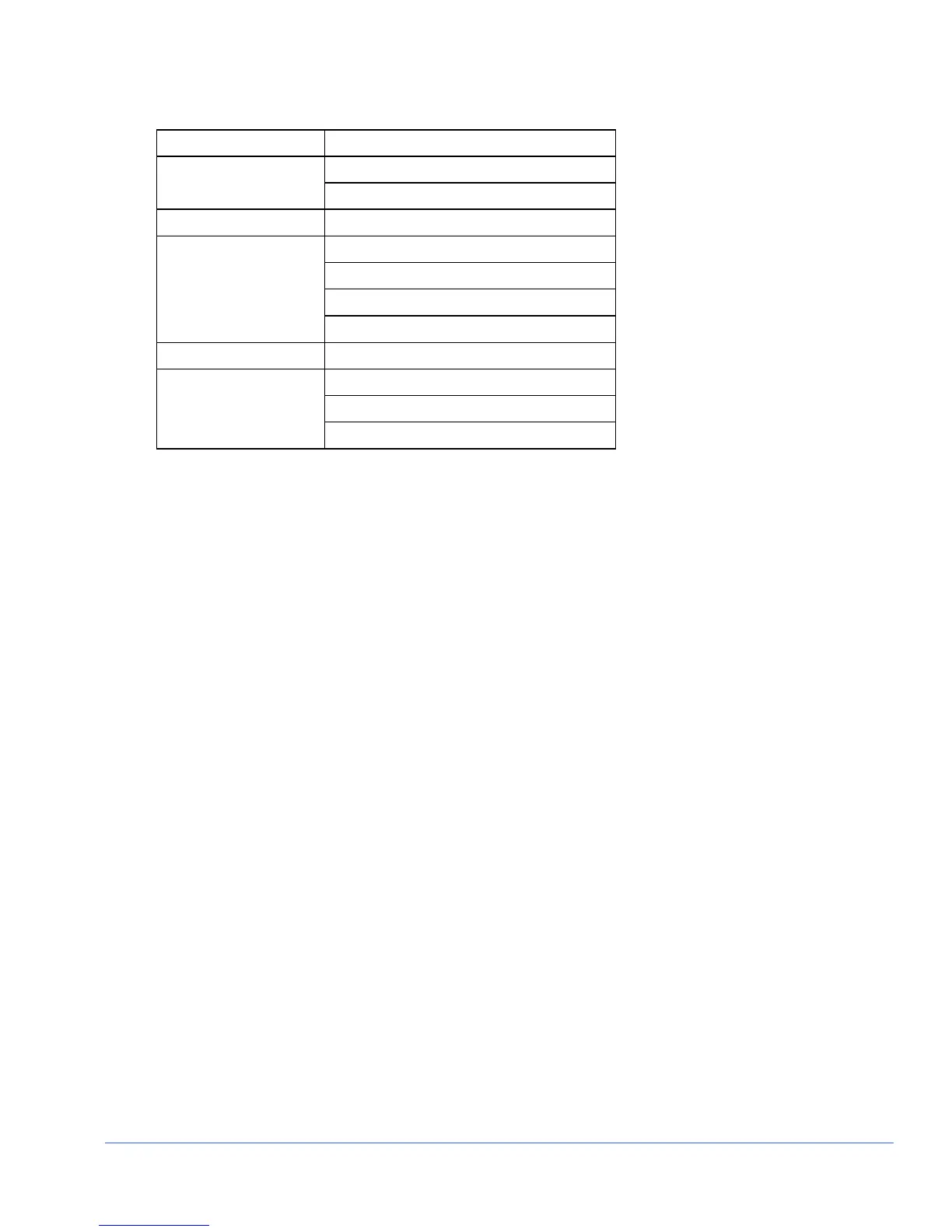
Table 3-55. ASI Pane Menu
Selection Selection Option
HEX DATA FORMAT
DECIMAL
UTC OFFSET -12.00 TO +12.00 HOURS (0.00 is Default)
15 MINUTES
30 MINUTES
45 MINUTES
TREND TIME
60 MINUTES
TREND SCALE 10 Mb/s TO 150 Mb/s
TOTAL
FOLLOW PGM SELECT
TREND DISPLAY
NULL BANDWIDTH
T.S. Format
The Transport Stream Format menu is used to determine the format that complies with
the MPEG stream. The format selections are ATSC and DVB.
Data Format
The Data Format menu is used to determine the numeric base for the Transport Stream
information that is displayed: Hex or Decimal
UTC Offset
The Universal Time Coordinated (UTC) Offset is used to provide an offset of the time
shown on the display to the time zone of the unit. The UTC Offset parameters are in
hour increments.
Trend Time
The X-axis of the trending chart contains the selected trending time. When new data is
entered into the trending display, the time interval on the X-axis changes while the plot
lines shift from right to left. The TRENDING TIME is set in 15, 30, 45, or 60-
MINUTE increments:
Trend Scale
The Y-axis of the trending chart is used to indicate the scale that is plotted on the
trending chart. Bandwidth data is plotted on a scale of 10 Mb/s to 150 Mb/s.
Trend Display
The Trend Display menu item is used to select the type of information that is shown in
the trending display. The selections are the Total Bandwidth, the bandwidth of the
selected program, and Null Bandwidth. The Null Bandwidth is the bandwidth that is
used by the Null packet.



 To Next Page