Installation
TVM Series Installation and Operation Handbook 19
Copyright © 2008, Harris Corporation
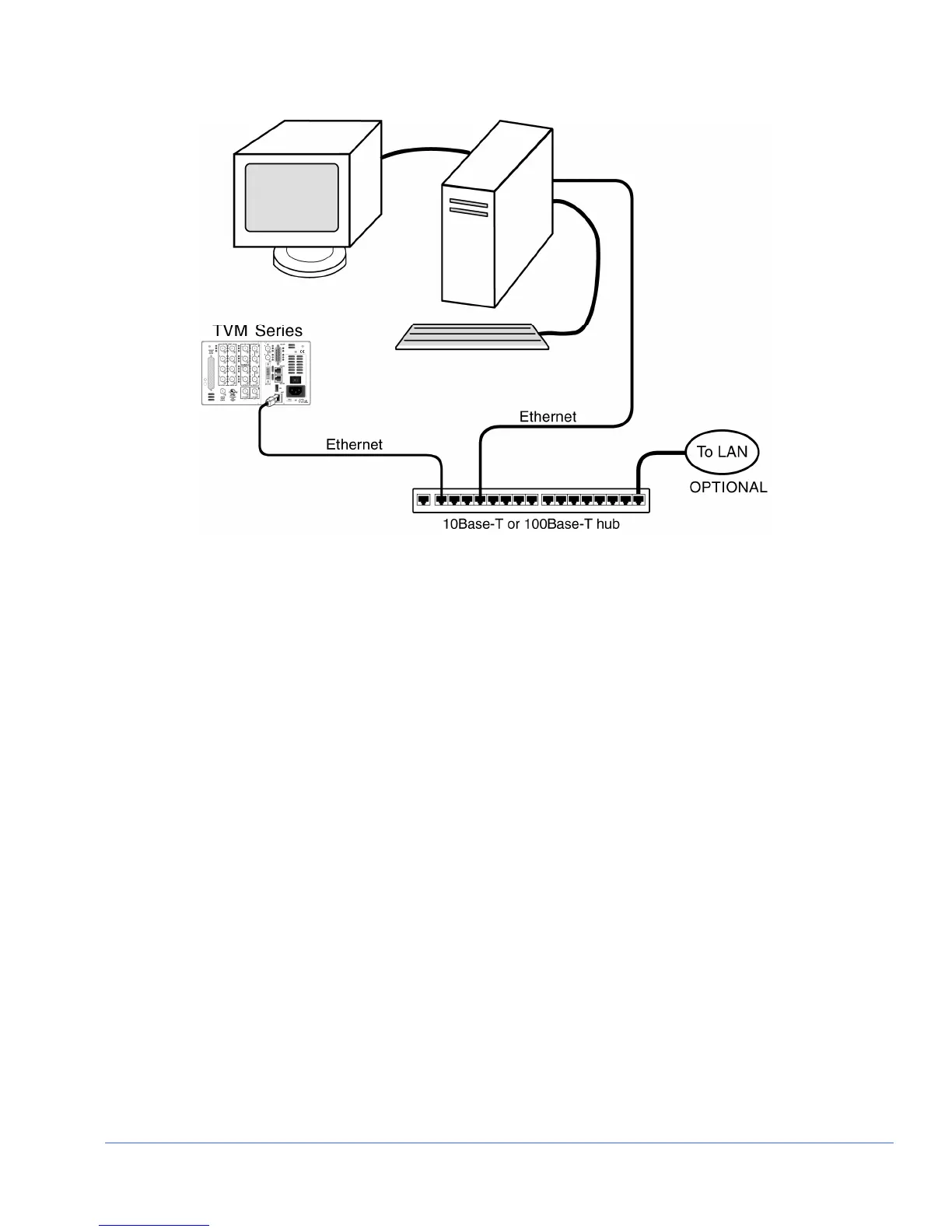
Figure 2-4. TVM Network PC Connection
4. Ethernet Configuration
a) Press the SETUP button on the TVM front panel.
b) Press the UP/DOWN button to highlight the COMMUNICATIONS menu, and
then press the ENTER button to enter the submenu.
c) Press the UP/DOWN button until the IP CONFIGURATION submenu is
highlighted.
d) Press the ENTER button or LEFT/RIGHT knob to enter the IP
CONFIGURATION submenu.
e) (If using DHCP) Press the LEFT/RIGHT button to highlight DHCP. When
DHCP is highlighted, press the UP/DOWN button to toggle the state to ON.
Press the RIGHT or LEFT button to highlight ACCEPT, and press the ENT
button. The IP Address is retrieved from the DHCP server and placed under the
appropriate submenu.
(If not using DHCP) Press the LEFT/RIGHT button to select IP ADDRESS.
Press the UP/DOWN button to change the value selected, and then press the
LEFT/RIGHT button to highlight the next value. Repeat for the remainder of
the IP Address, Subnet Mask, and Gateway. To avoid conflicts, the static IP
Address, Subnet Mask, and Gateway should be obtained from the System
Administrator.
f) Press LEFT/RIGHT to highlight ACCEPT, and then press ENT to accept the
entered values.
g) Press the EXIT button to exit the submenu.



 To Next Page