General Operation
62 TVM Series Installation and Operation Handbook
Copyright © 2008, Harris Corporation
Table 3-23. Description of Vector Display Diagram
Field
Identifier
Field Information Nomenclature
7 Line select information Line select is shown as Line and the number with the ODD
or EVEN field (odd or even field will only show for certain
Video Formats)
8 Vector Standard Displayed as 75%, 100%, or 75% + 100% (HD only); this is
selected in the Vector Pane setup submenu called Analog
standard, SD standard, or HD standard
9 Zoom
• Zoom (when enabled)
• Blank when disabled
• Press the ZOOM button to cycle through Zoom modes
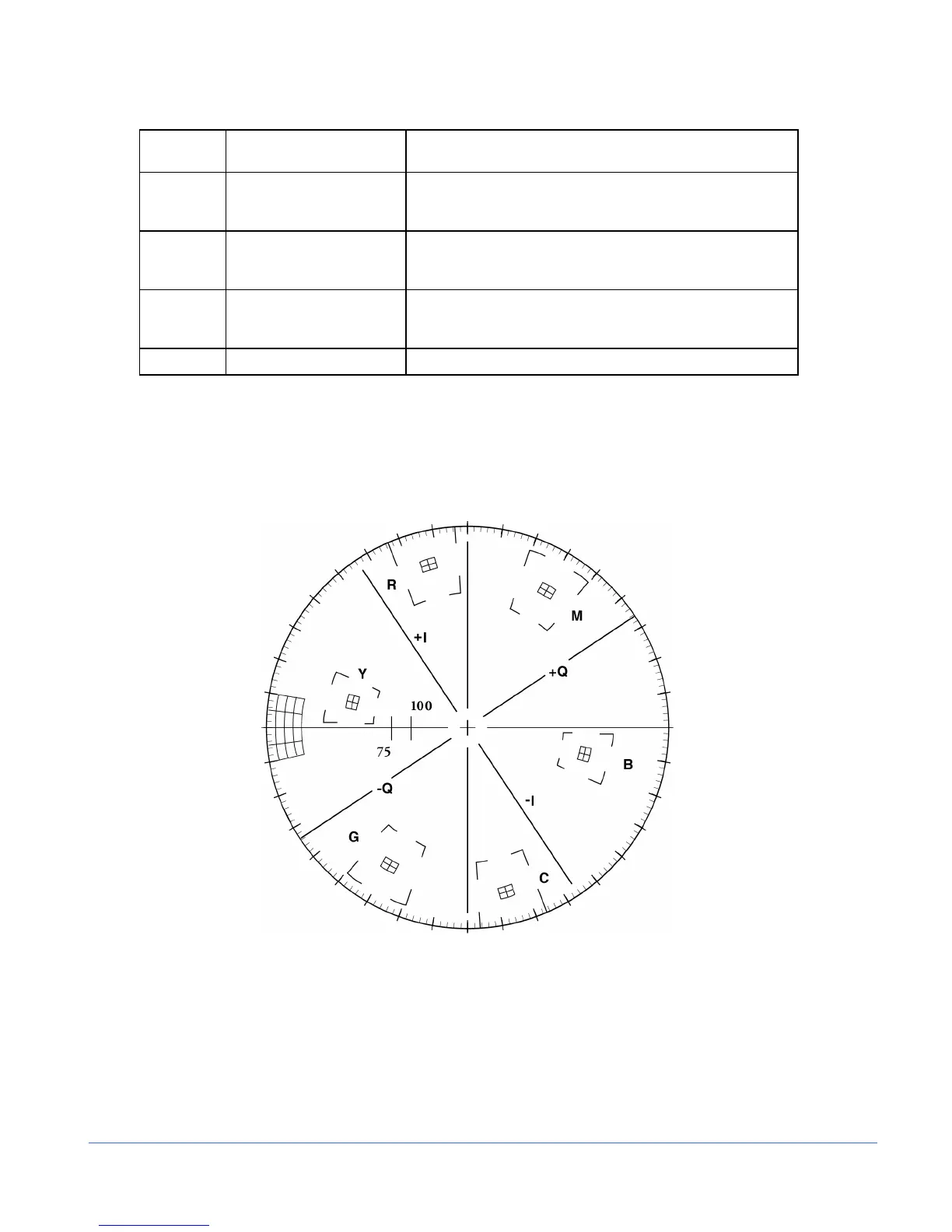
10 Vector graticule Shows Vector graticule
Graticules are configured by selecting the Video Input Format along with the
appropriate Vector Setup standard.
Some graticule scales are illustrated in Figure 3-29 to Figure 3-36.
Figure 3-29. Vector NTSC Graticule



 To Next Page