VIVOTEK - A Leading Provider of Multimedia Communication Solutions
298 - User's Manual
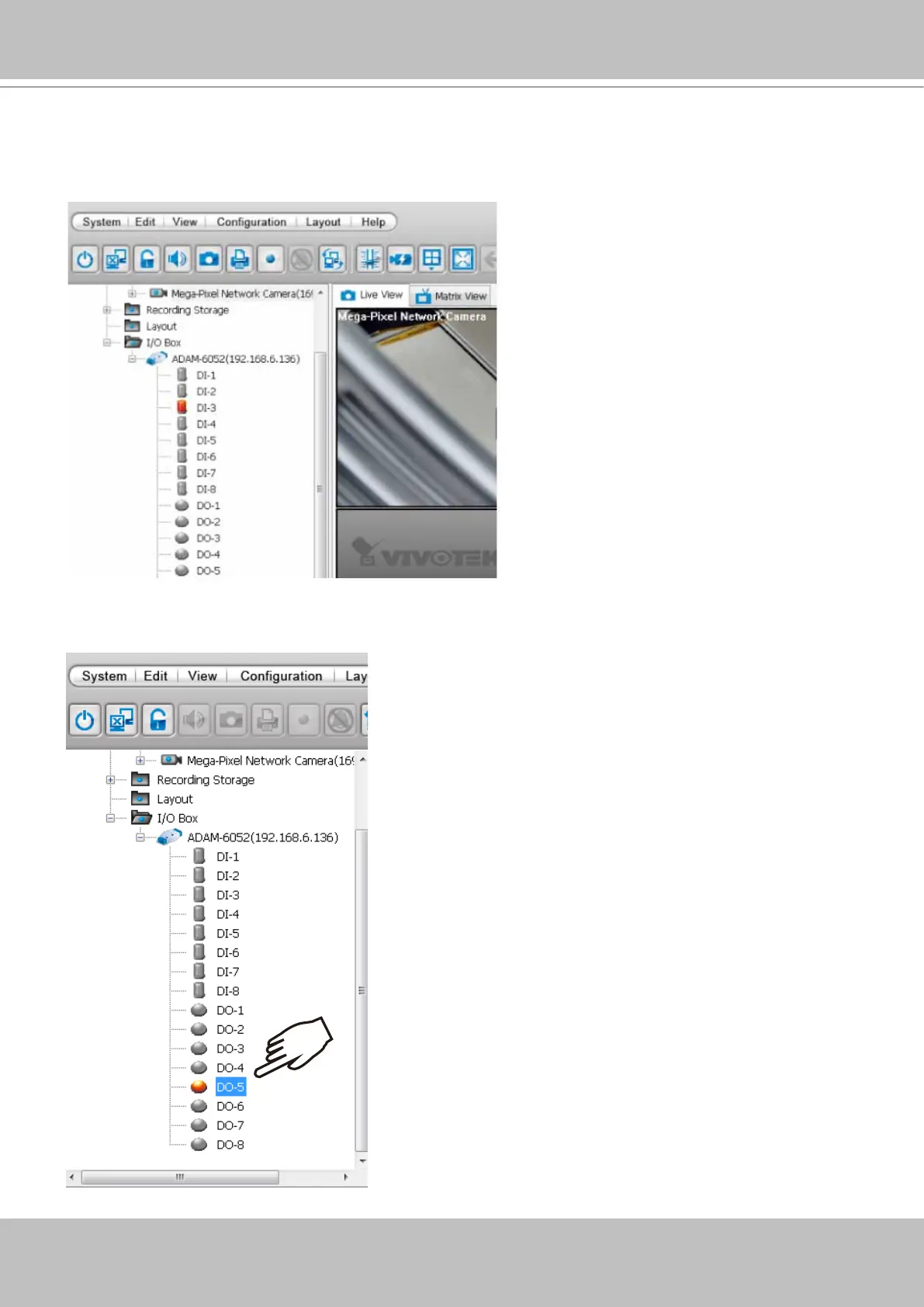
6. Click Close to close the window. The I/O module and its DI/DO entries should be listed on the
device tree under the I/O box sub-directory. As shown below, once a DI is triggered from the
I/O module, the associated DI icon will be lighted. Audible notication can also be heard from
the VAST server.
x2
7. You can also double-click on a DO icon to manually trigger the digital output. Double-click
again to cancel the trigger.



 To Next Page