3 Sensor / Actuator Errors
This field displays the accompanying message to an error bit.
Error messages of all conveyors are collected into this field.
Description Description of the kind of error.
Source Component that is in error (sensor or actuator).
Conveyor Location of the conveyor in error (for example, Breaker 2).
Time Time stamp of the error.
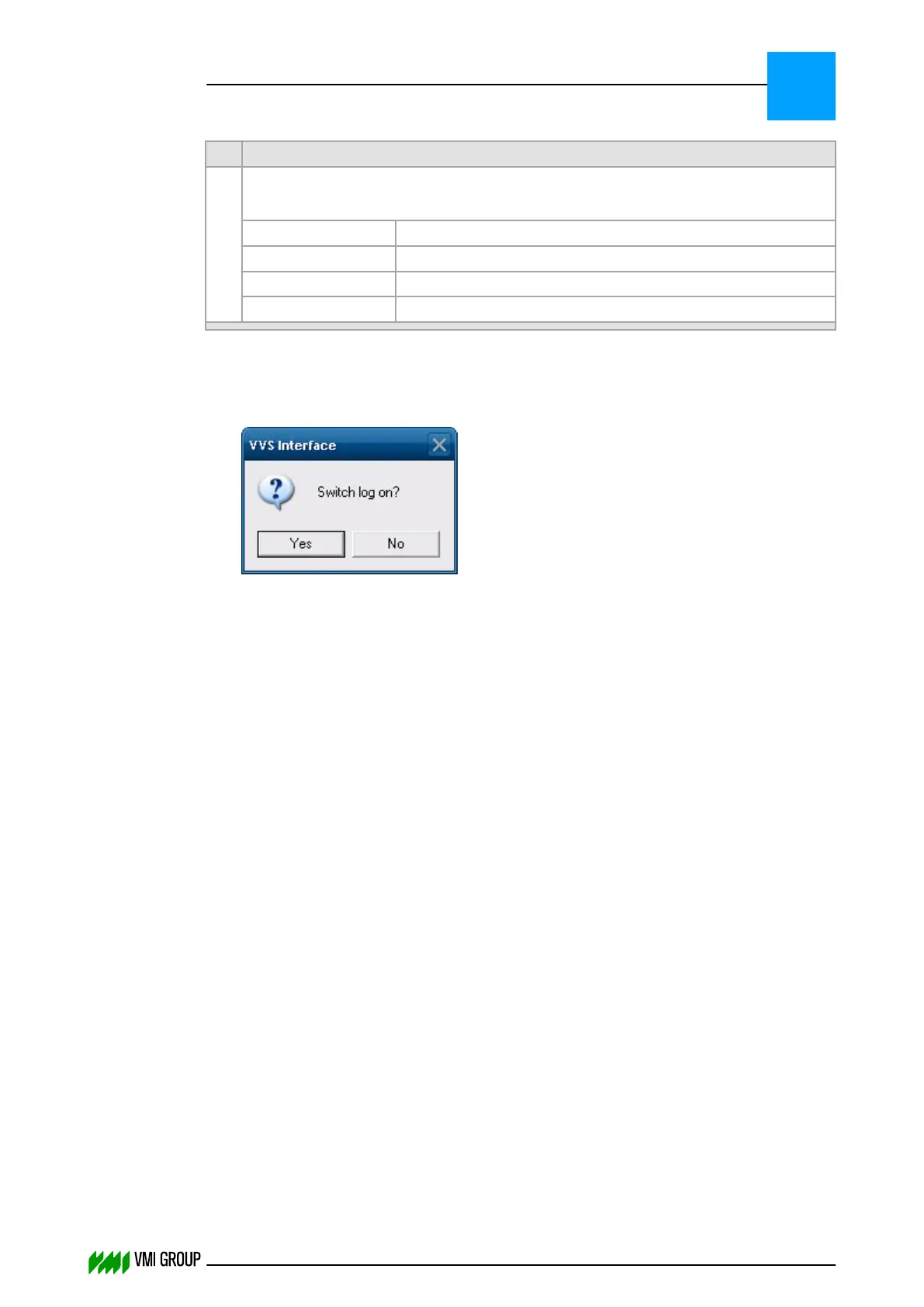
To switch log option on:
1. Right-click in the BIT STATUS field [2].
2. Select Log Options.
3.
Click YES to switch the log option on.
To remove the messages from the errors field:
1. Right-click in the SENSOR / ACTUATOR ERRORS field [3].
2. Select REMOVE ALL.
VVSU OPERATION
Screen layout (generic)
7
THINKING FORWARD
VMI Vision System VVS (OL82) VVSX 13.0.12.0, VVSU 3.0.6 / 4 / 2016-07-11 / pd#175592
7-12



 To Next Page