No. Legend Description Illustration
3 Legend
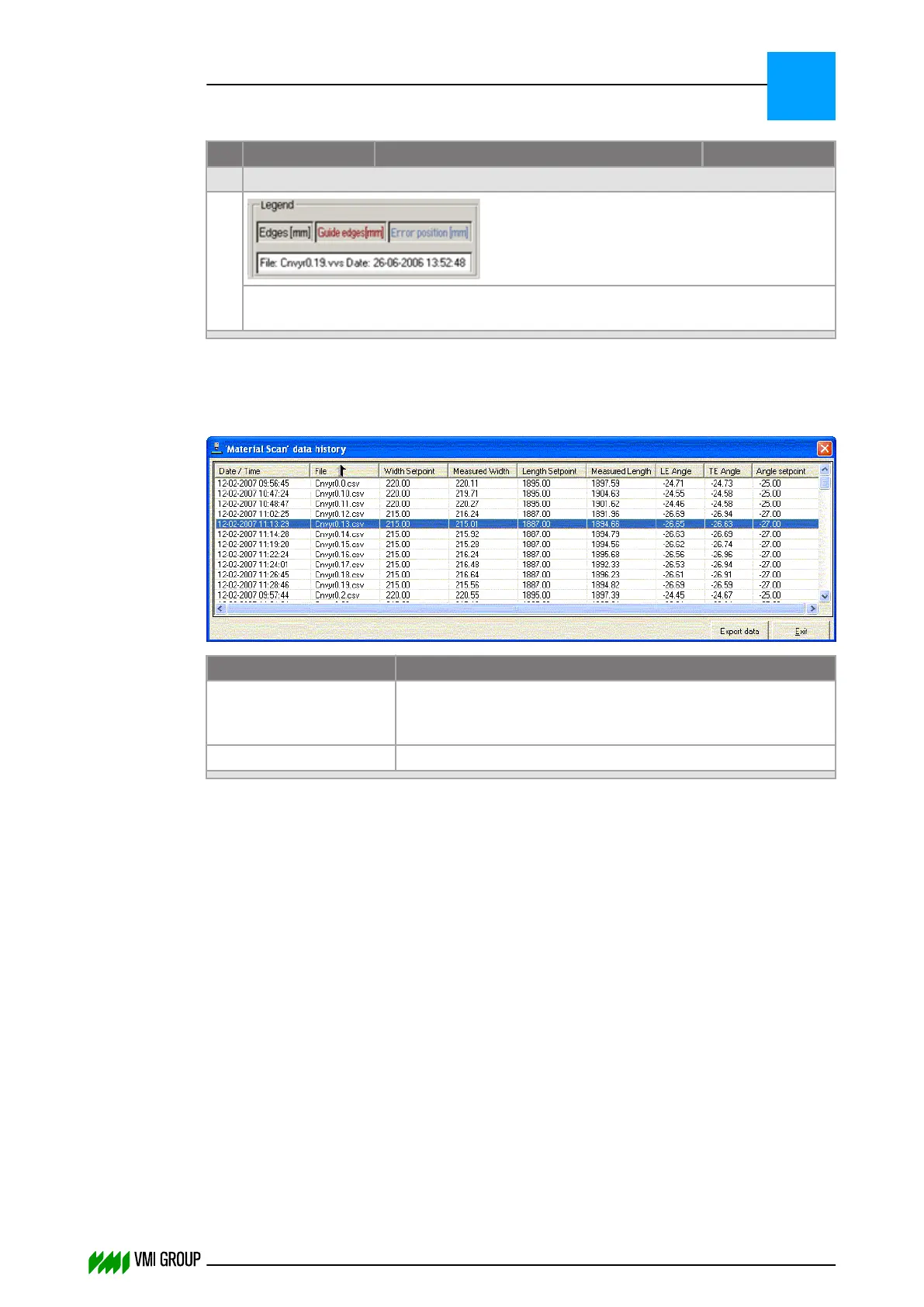
The legend and filename are displayed in the bottom right corner. The colors of the
legends correspond with the colors of the displayed lines.
History
The size of the history file is determined in the VVSX configuration file (VVSConfig.ini).
Legend Description
Export data Results in a Browse window to save the history data in
a comma‑separated file.
Default is the directory on which also the data is found.
Exit Returns to the material scan screen.
The last 100 scans of the selected conveyor are listed with date, time, set points and
measured data.
The data in the window can be sorted:
1. Click on the column header for alpha-numeric sorting of the selected column.
An arrow appears in the column header.
2. Click again to reverse the sorting order.
VVSU OPERATION
Screen layout (generic)
7
THINKING FORWARD
VMI Vision System VVS (OL82) VVSX 13.0.12.0, VVSU 3.0.6 / 4 / 2016-07-11 / pd#175592
7-21



 To Next Page