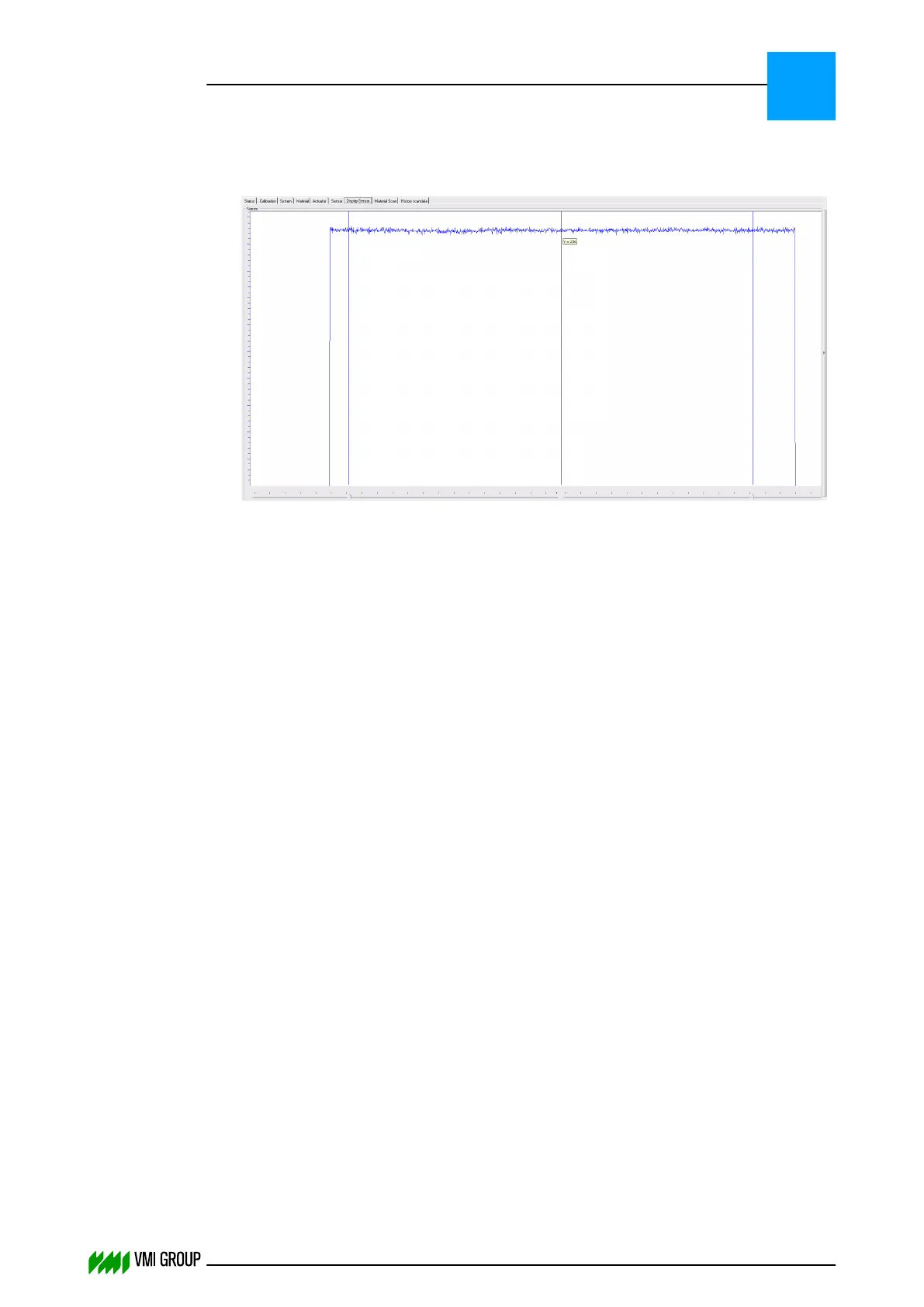
15. Check if the intensity of the camera image is between 150 - 230.
Use the mouse pointer in DISPLAY SENSOR to determine the intensity.
Example - food focus image (white balance on):
16. Fix the adjustment screws [A], [B, [C] settings with the lock nuts.
ALIGNMENTS, ADJUSTMENTS AND CALIBRATIONS
VVS Breaker
5
THINKING FORWARD
VMI Vision System VVS (OL82) VVSX 13.0.12.0, VVSU 3.0.6 / 4 / 2016-07-11 / pd#175592
5-13



 To Next Page