10.
NOTICE
This step can influence the alignment, adjustment and focus of the camera. You may
need to readjust and recalibrate the camera afterwards!
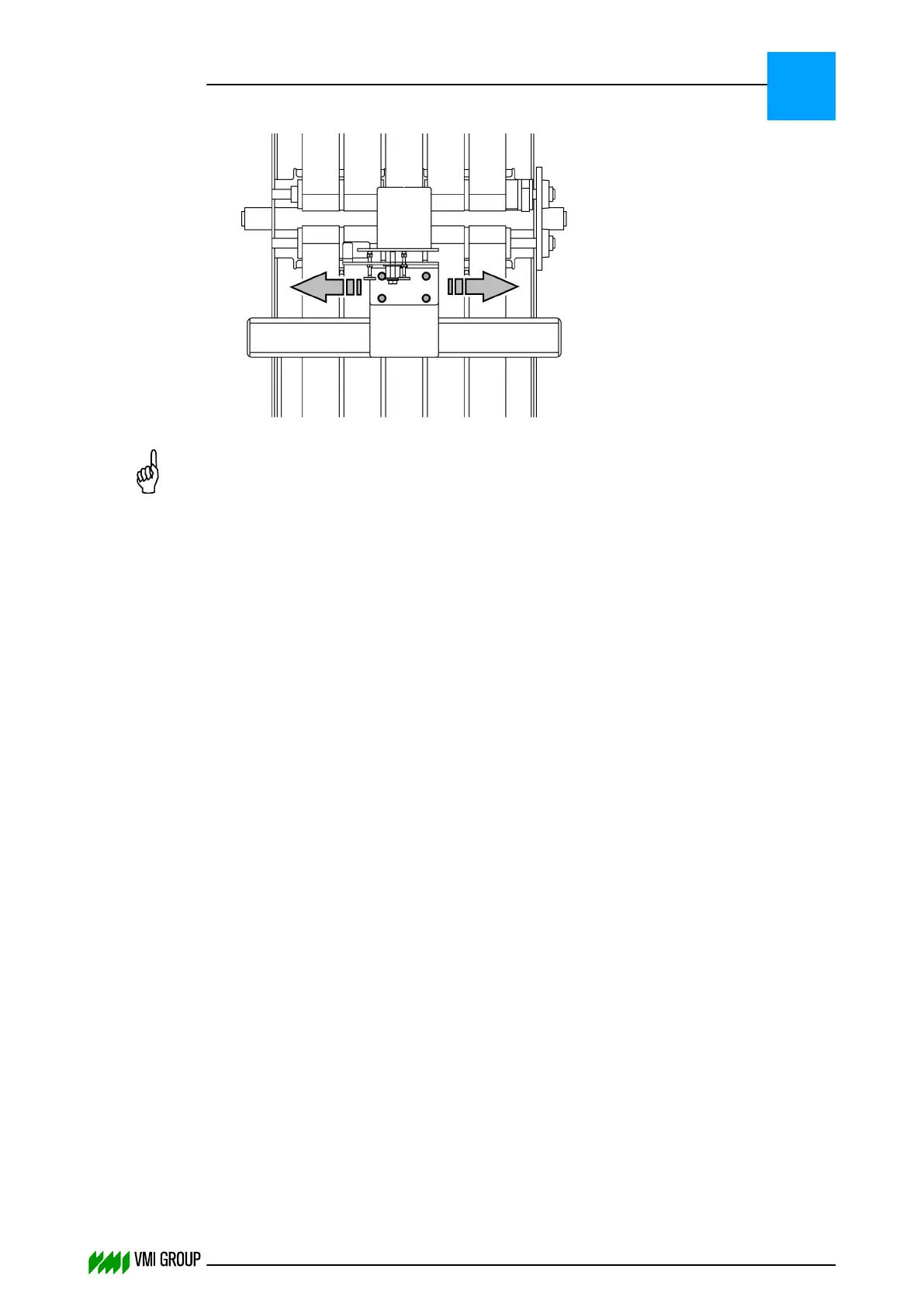
● Loosen the screws (4x).
● Move the camera in such direction that the LEFT VALUE and RIGHT VALUE is
within the tolerance of 2 mm.
● Fasten the screws (4x).
11. Repeat the calibration from step 7.
ALIGNMENTS, ADJUSTMENTS AND CALIBRATIONS
VVS Tread
5
THINKING FORWARD
VMI Vision System VVS (OL82) VVSX 13.0.12.0, VVSU 3.0.6 / 4 / 2016-07-11 / pd#175592
5-32



 To Next Page