103
button Action/result
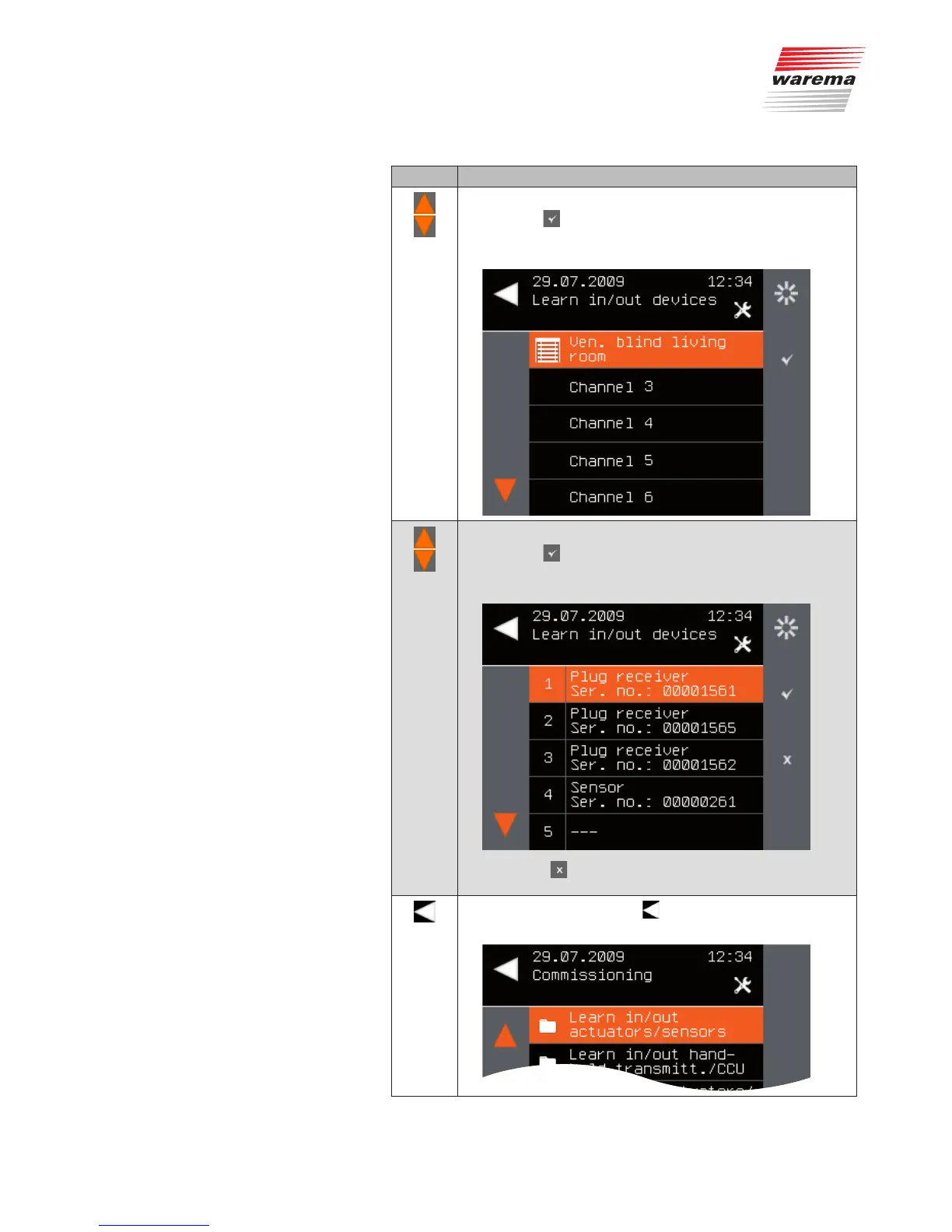
Using the selection cursor, select the desired product type.
Press the
button.
All channels into which the device can be learned are dis-
played.
Using the selection cursor, select the desired channel.
Press the
button.
The device is learned into the channel. The overview of
scanned devices reappears.
NOTE The button for learning out is now additionally
activated for the learned device.
Leave the menu using the button.
The Commissioning menu opens again.
System



 To Next Page