Setting Up the Detectors 79
4.6.1 Accessing the Detector Setup Screen
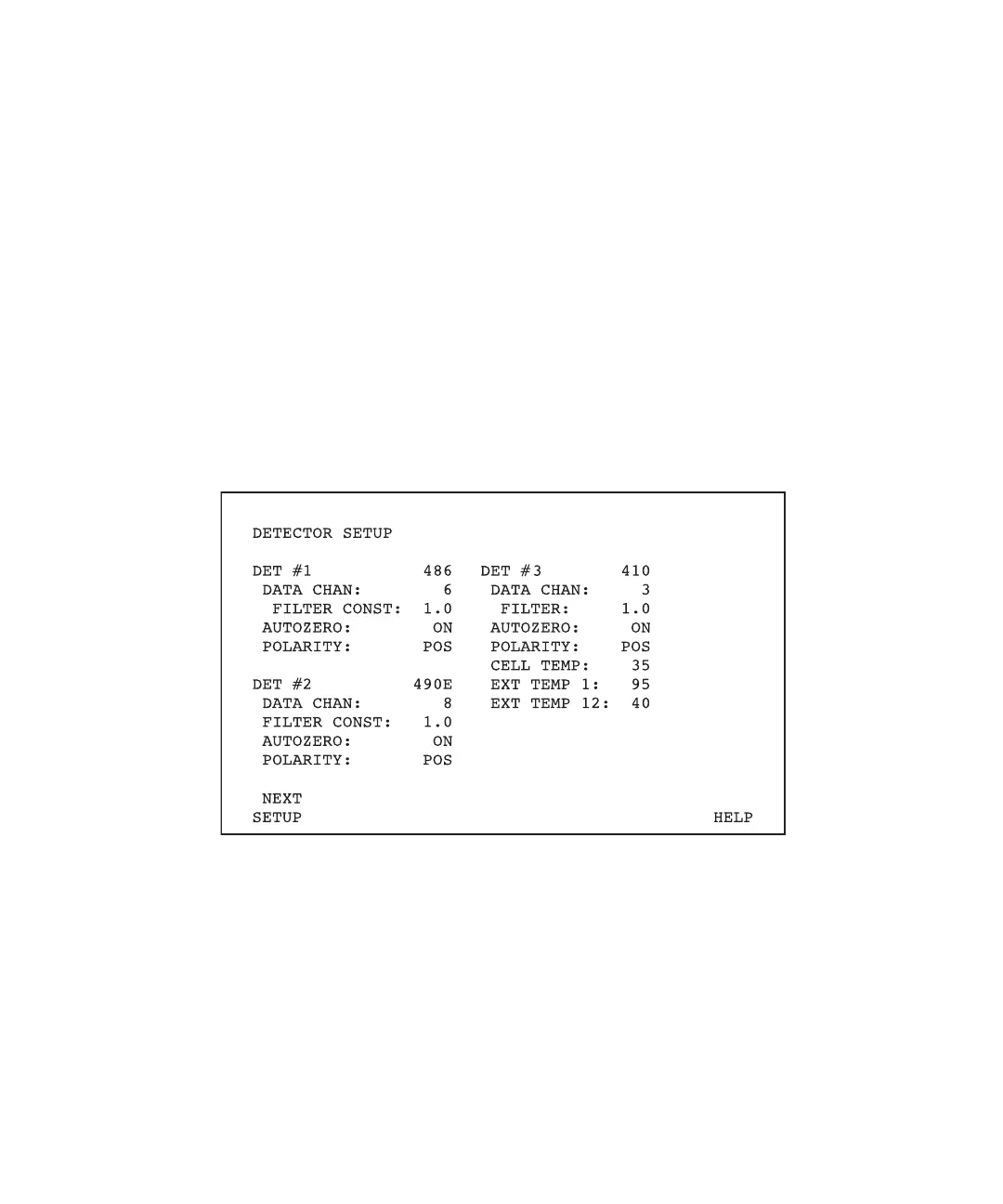
To access the Detector Setup screen (Figure 4-18):
1. Press the Set Up function key to display the Pump Setup screen (see Figure 4-13).
2. Press the Next Setup screen key to display the Autoinjector Setup screen (see
Figure 4-16).
3. Press the Next Setup screen key to display:
• Detector Setup screen (if Dissolution Control is not enabled on the Autoinjector
Setup screen)
• Dissolution Control screen (if Dissolution Control is enabled on the Autoinjector
Setup screen)
4. If the Dissolution Control screen appeared in step 3, press the Next Setup screen key
again to display the Detector Setup screen.
Figure 4-18 Detector Setup Screen (with 410 Detector Parameters)
The Detector Setup screen also supports setup of a Waters 431/432 Conductivity detector
as an alternate Det #3 (Figure 4-19). The type of detector connected (410 or 431/432)
determines which screen appears.



 To Next Page