Setting Up the 600 as a PowerLine Controller 49
Exiting the Pump Configuration Screen
Do one of the following:
• Press the Configure screen key to save the parameter values displayed on the screen.
The system reboots and displays the Powerup screen.
Pressing the Configure screen key also aborts a run in process and sets the flow rate
to 0.
• Press the Cancel screen key to return to the Pump Setup screen without saving any
changes made to the Pump Configuration screen.
4.1.1 Configuring the Controller Type
This section describes how to configure the Waters 600 Controller as a PowerLine
Controller.
Waters preconfigures the 600 controller as a PowerLine Controller at the manufacturing
site. Use this section to verify that the controller type is correct or to change the controller
type if you previously configured the controller as a Gradient Controller (see Chapter 8,
Setting Gradient Controller Operating Parameters).
To verify or configure the controller type:
1. Turn on the 600 controller by pressing the On/Off switch to the 1 (On) position. The
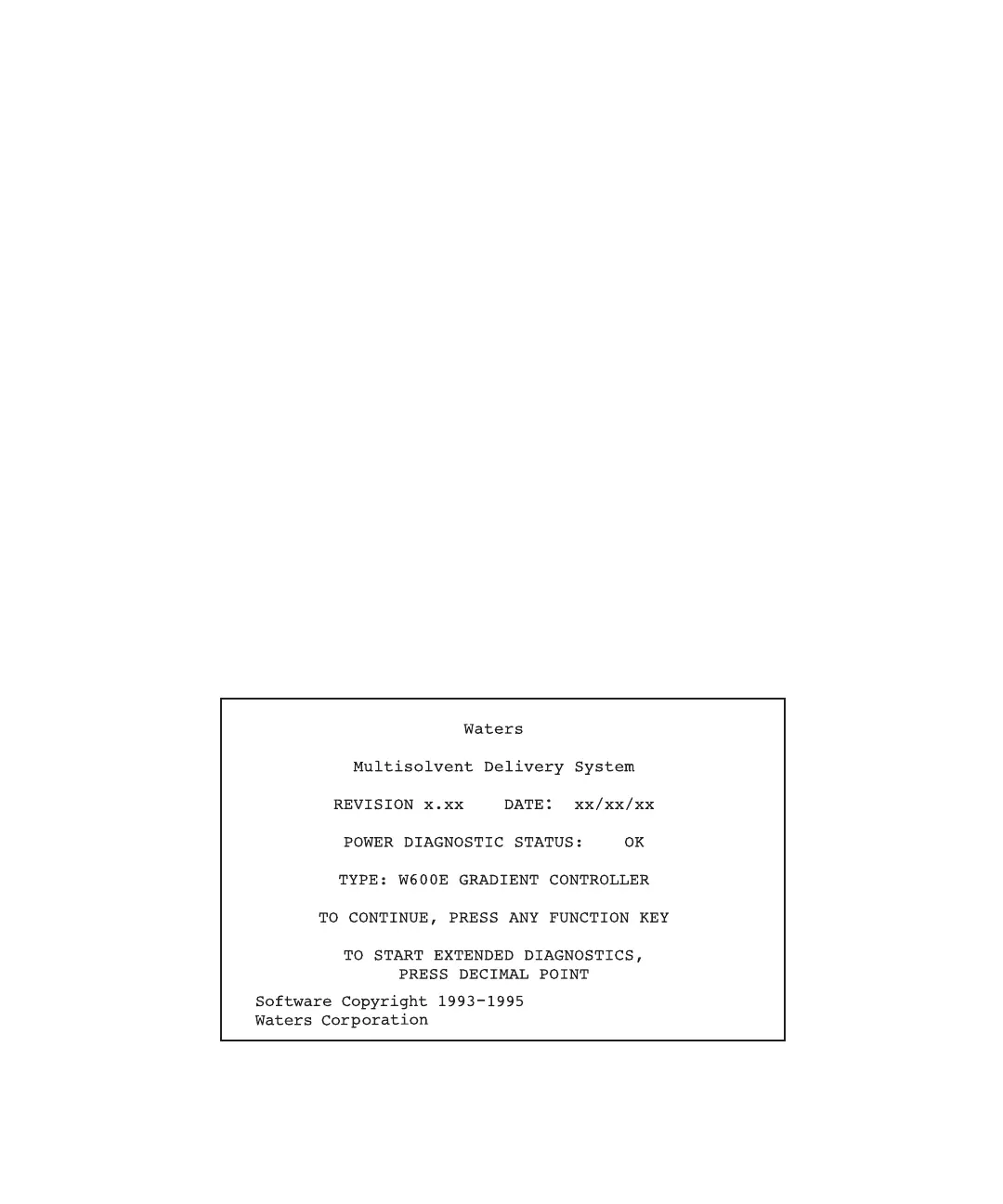
Powerup screen appears (Figure 4-3).
Figure 4-3 Gradient Controller Powerup Screen



 To Next Page