200 Running Gradients
11.4.6 Aborting the Run
Using the Direct Function Key
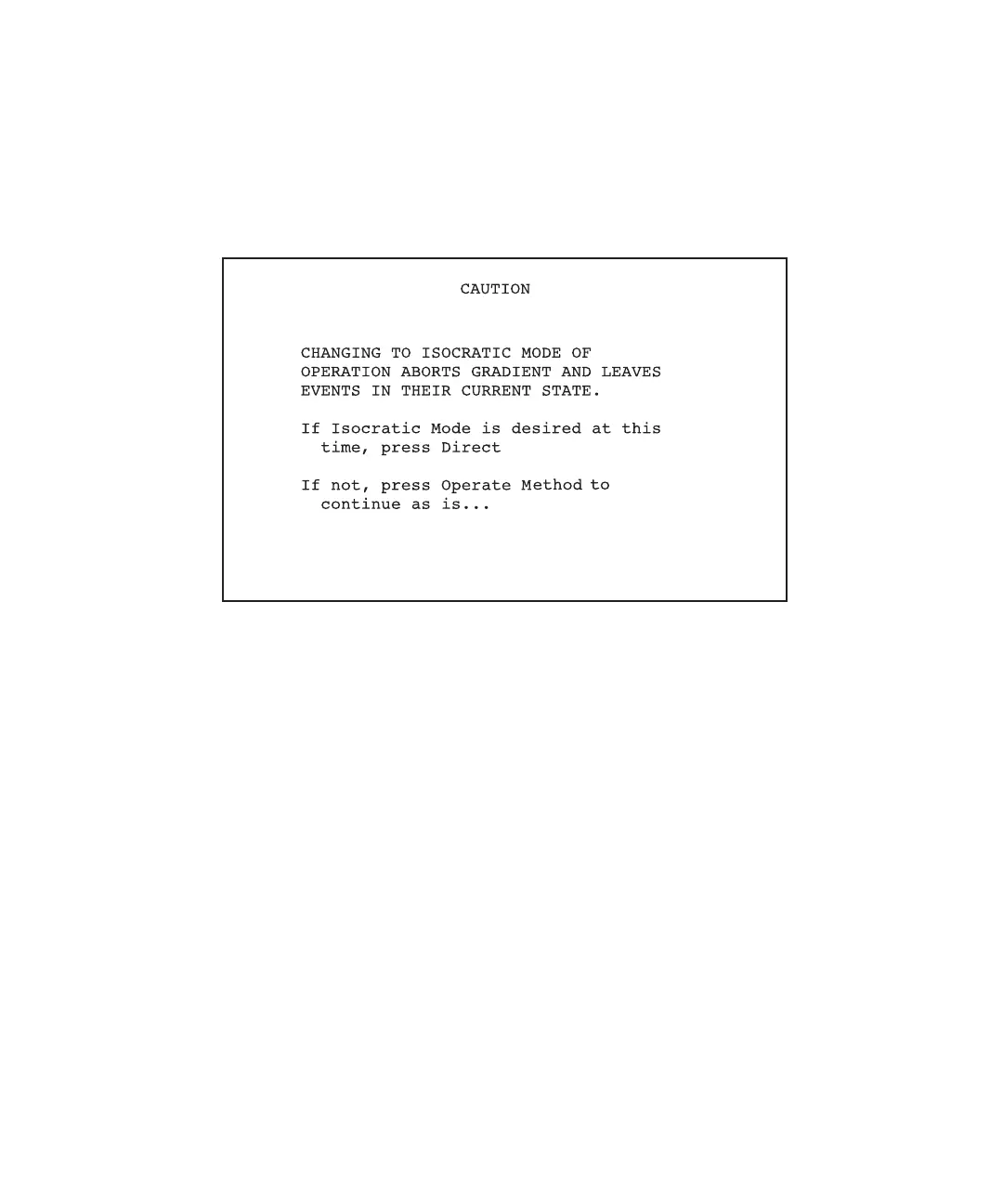
1. Press the Direct function key. The Caution screen appears (Figure 11-5). The
Caution screen prompts you to immediately abort the gradient or cancel the abort.
Figure 11-5 Caution Screen
2. Take one of the following actions:
• To abort the run immediately, press the Direct function key. The system goes into
the direct control mode and displays the Isocratic screen. If you want, you can
change the switch states on the Isocratic screen.
• To cancel the abort, press the Operate Method function key to return to the
Operate Gradient screen and to resume monitoring the gradient.
Note: When you abort the run, gradient- and event-table execution stops. Any enabled
external switches remain in the current (or last-set) state.



 To Next Page