Creating an Event Table 185
Events 8 and 9 require specification of a table number between 1 and 15.
Event 10 requires 1 to turn On the lamp or 0 to turn Off the lamp. See “Hints for Event 10”
on page 184 for background information on using event 10
Sample Event Table
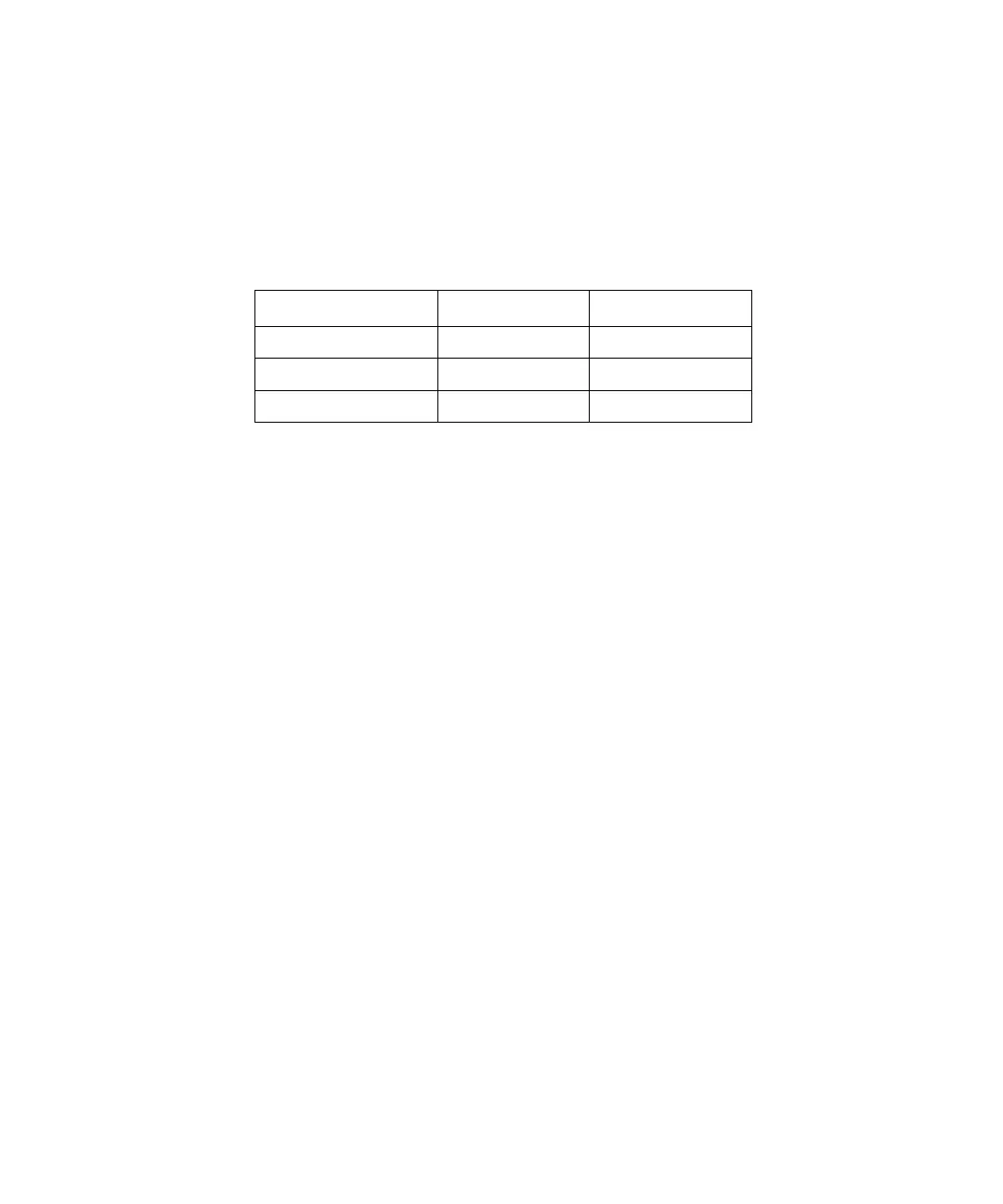
Figure 10-6 is a simple example of an event table.
Figure 10-6 Example of an Event Table
10.2.2 Programming the Event Table
Figure 10-7 illustrates the steps involved in using the Program Event screen to create an
Event table. Use this flowchart for quick reference once you become familiar with your
Waters 600E system.
Time Event Action
Initial 1 Pulse
3.00 2 On
3.55 2 Off



 To Next Page