Comparing Controller Types 21
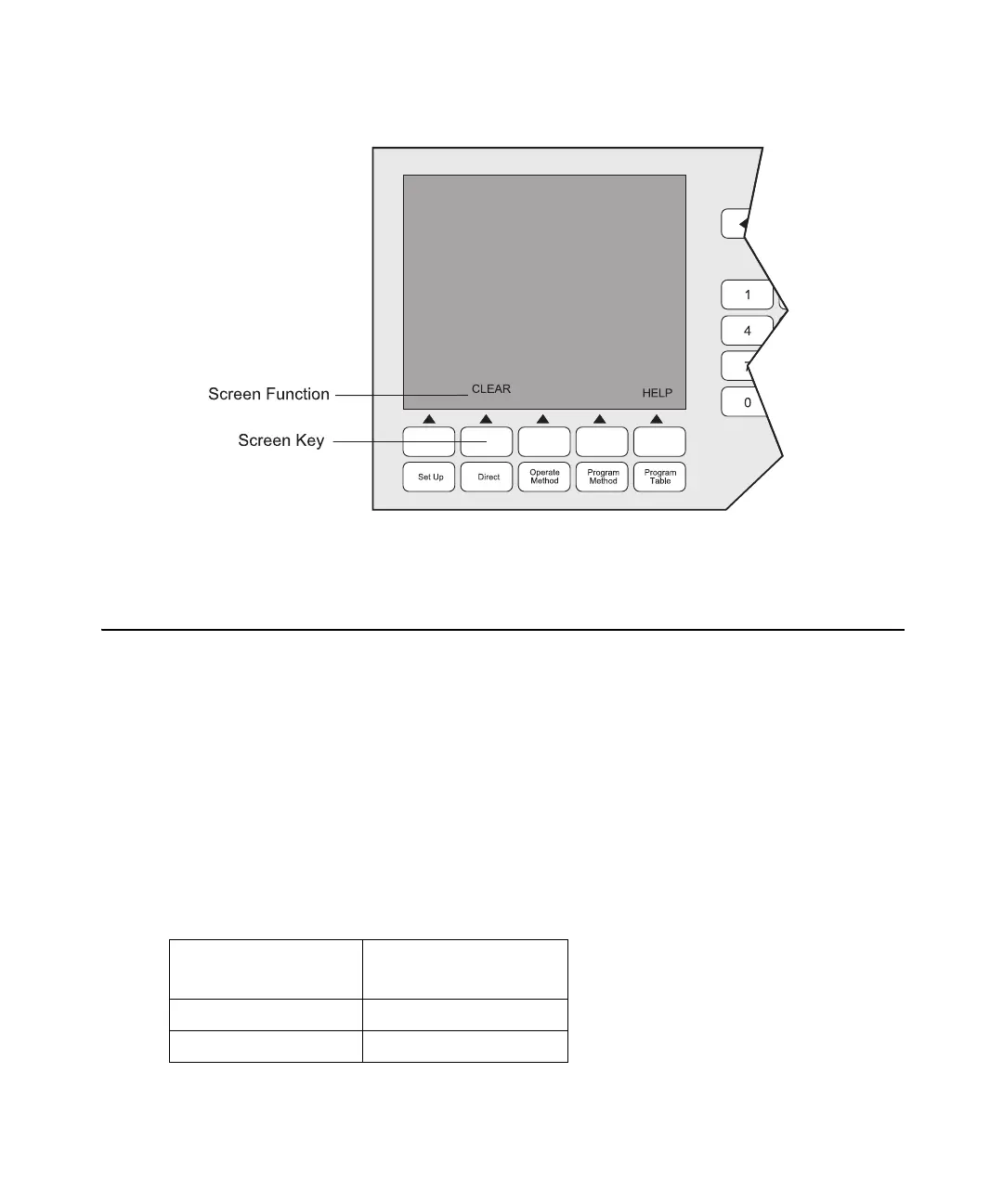
Figure 2-4 shows the location of the Clear Line screen label relative to the screen key.
Figure 2-4 Clear Line Screen Key
2.4 Comparing Controller Types
Use this section to help you determine which controller configuration best fits your needs.
This section describes:
• PowerLine controller configuration
• Gradient controller configuration
Note: After you have decided upon a controller type, continue with Chapter 3, Preparing
Your 600E System for Operation, before proceeding to the controller-specific chapters
outlined in the table below.
Using PowerLine or Gradient Controller Mode
To use the
controller as a:
Refer to:
PowerLine Controller Chapters 4 through 7
Gradient Controller Chapters 8 through 11



 To Next Page