154 Setting Gradient Controller Operating Parameters
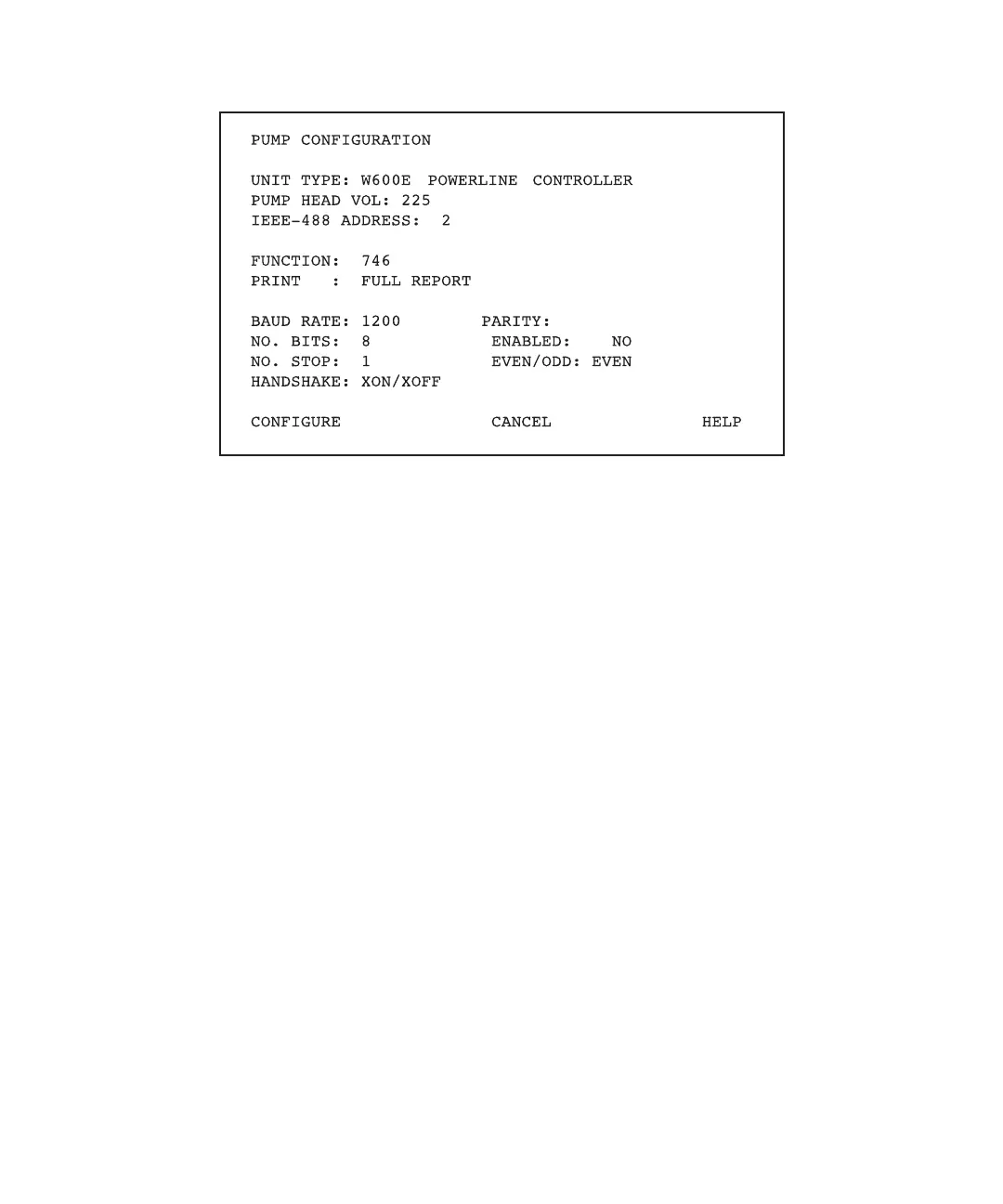
Figure 8-5 PowerLine Controller Pump Configuration Screen
5. Move the cursor to the Unit Type field.
6. Type 0 to select the Gradient Controller. Press Enter.
7. Press the Configure screen key. The controller reboots and returns to the Gradient
Controller Powerup screen. The Type field contains:
W600E Gradient Controller
8. Continue with the following sections:
• Section 8.1.2, Communicating with a Data System
• Section 8.2, Setting Up the 600E Pump
8.1.2 Communicating with a Data System
Use this section only if you intend to use the Waters Millennium Chromatography
Manager (PC-based) or the Waters ExpertEase 845/860 Data System (VAX/VMS-based)
to control the 600E system. Otherwise, proceed to Section 8.2, Setting Up the 600E Pump,
to set up your pump for the first time or to change one or more pump parameters.
This section does not explain how to use the data systems or how to program the data
systems for other applications. For information on using and programming the data
systems, see the appropriate user’s manuals.



 To Next Page