Setting Up the 600 as a Gradient Controller 153
2. Check the controller Type field. If the Type field contains:
• W600E Gradient Controller - Skip the rest of this section and proceed to
Section 8.1.2, Communicating with a Data System.
• W600E PowerLine Controller - Continue with step 3.
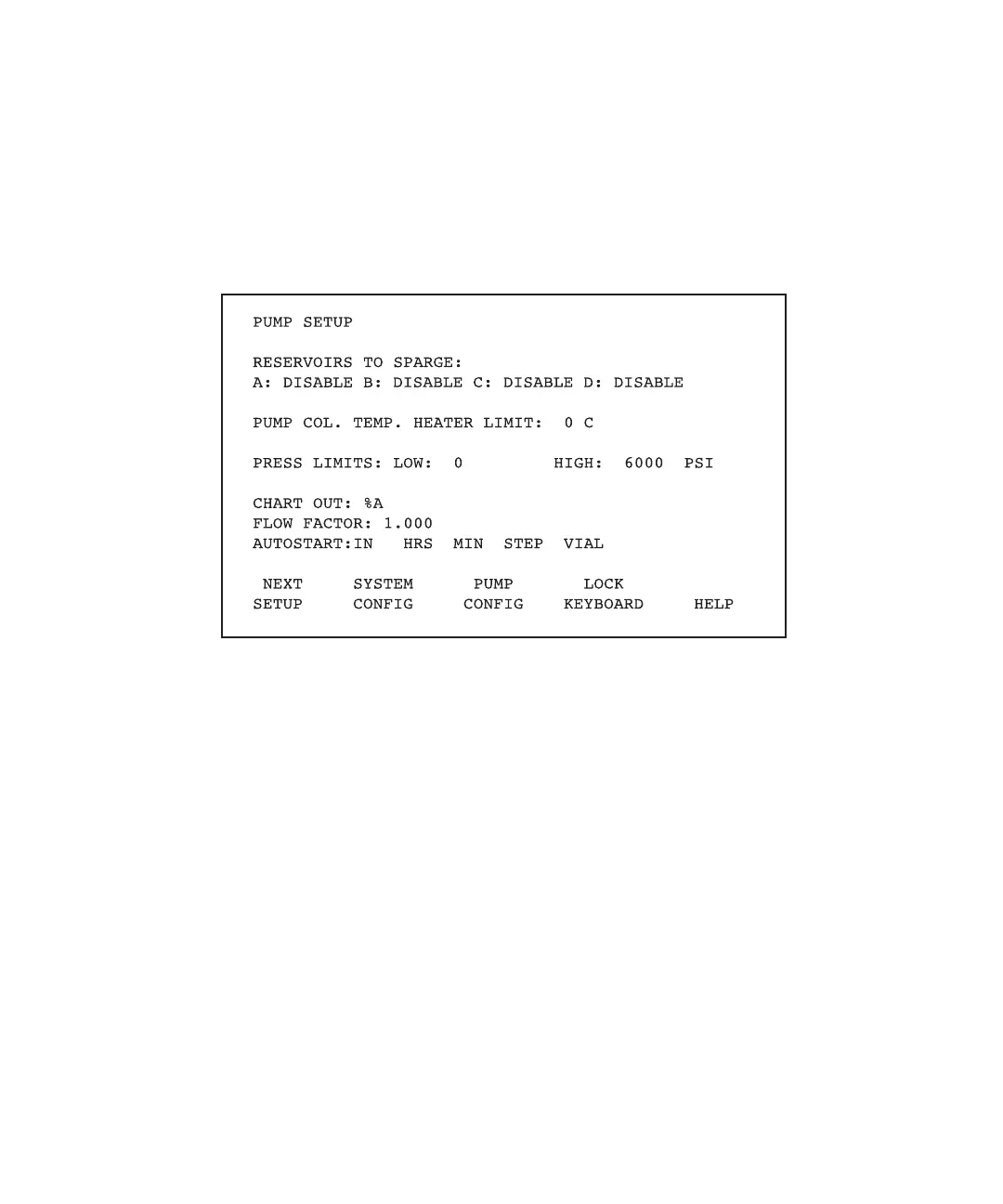
3. Press the Set Up function key to display the PowerLine Controller Pump Setup
screen (Figure 8-4).
Figure 8-4 PowerLine Controller Pump Setup Screen
It is not necessary to set any parameters on the Pump Setup screen now. For a
description of the gradient controller version of the Pump Setup screen and pump
parameters, see Section 8.2, Setting Up the 600E Pump.
4. Press the Pump Config screen key to display the PowerLine Controller Pump
Configuration screen (Figure 8-5).



 To Next Page