194 Running Gradients
Canceling the Run
To cancel the run, press any function key, except the Operate Method key, to select another
mode.
11.3 Starting a Run
This section assumes that you have already set your initial operating parameters. If you
have not, review Section 11.2, Setting Initial Operating Parameters, for requirements.
Otherwise, proceed with the following topics:
• Accessing the Operate Gradient screen
• Running a gradient
11.3.1 Accessing the Operate Gradient Screen
1. If the controller screen is not displaying the initial Operate Gradient screen (see
Figure 11-3), press the Operate Method function key and the initial Operate Method
screen appears. Otherwise, go to step 2.
2. Move the cursor to the Table field on the initial Operate Gradient screen. Type a
table number (1 to 15) and press Enter.
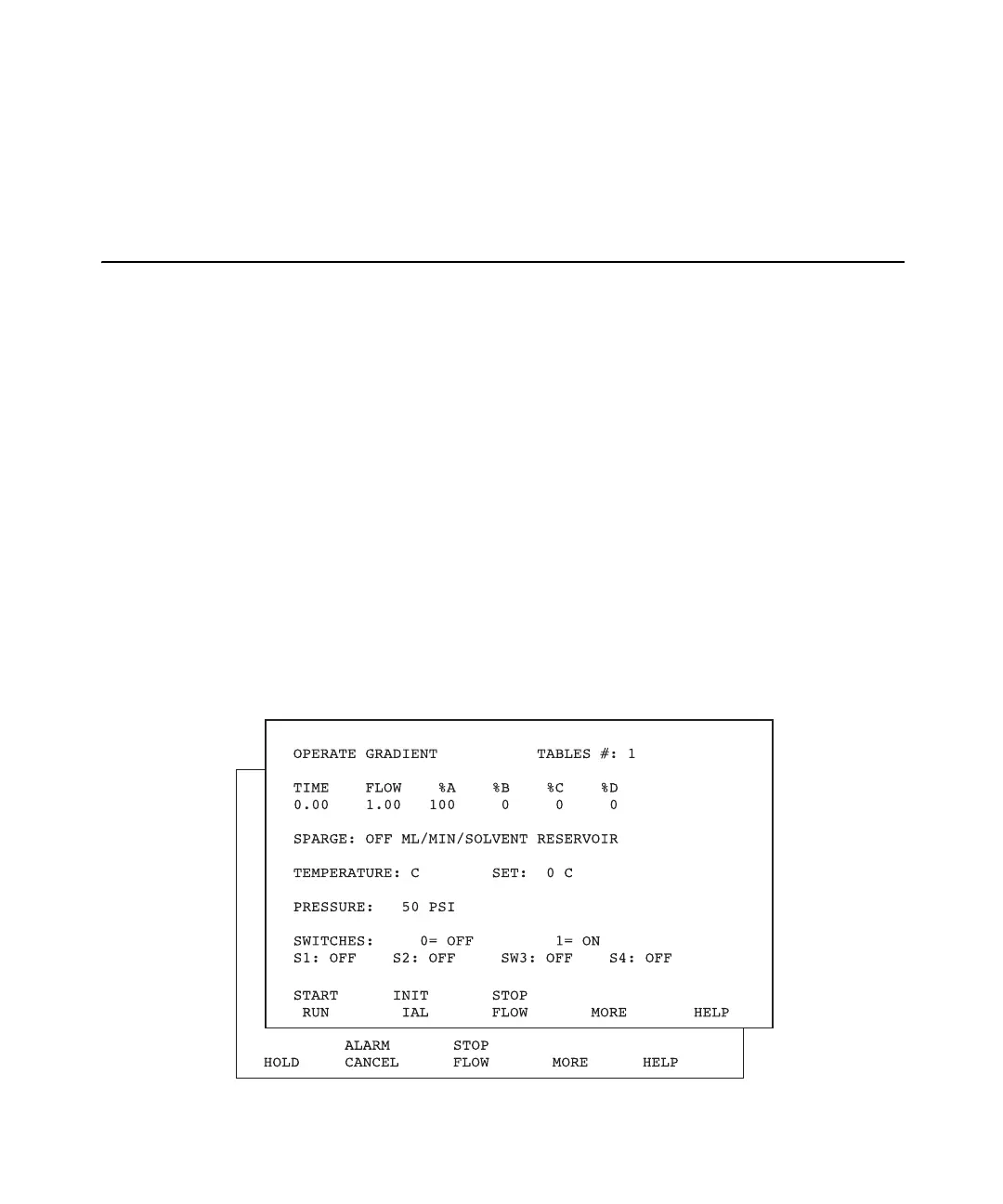
3. Press the Operate Method function key. The second Operate Gradient screen
appears (Figure 11-4).
Figure 11-4 Second Operate Gradient Screen



 To Next Page