Setting Initial Operating Parameters 193
Accessing the Initial Operate Gradient Screen
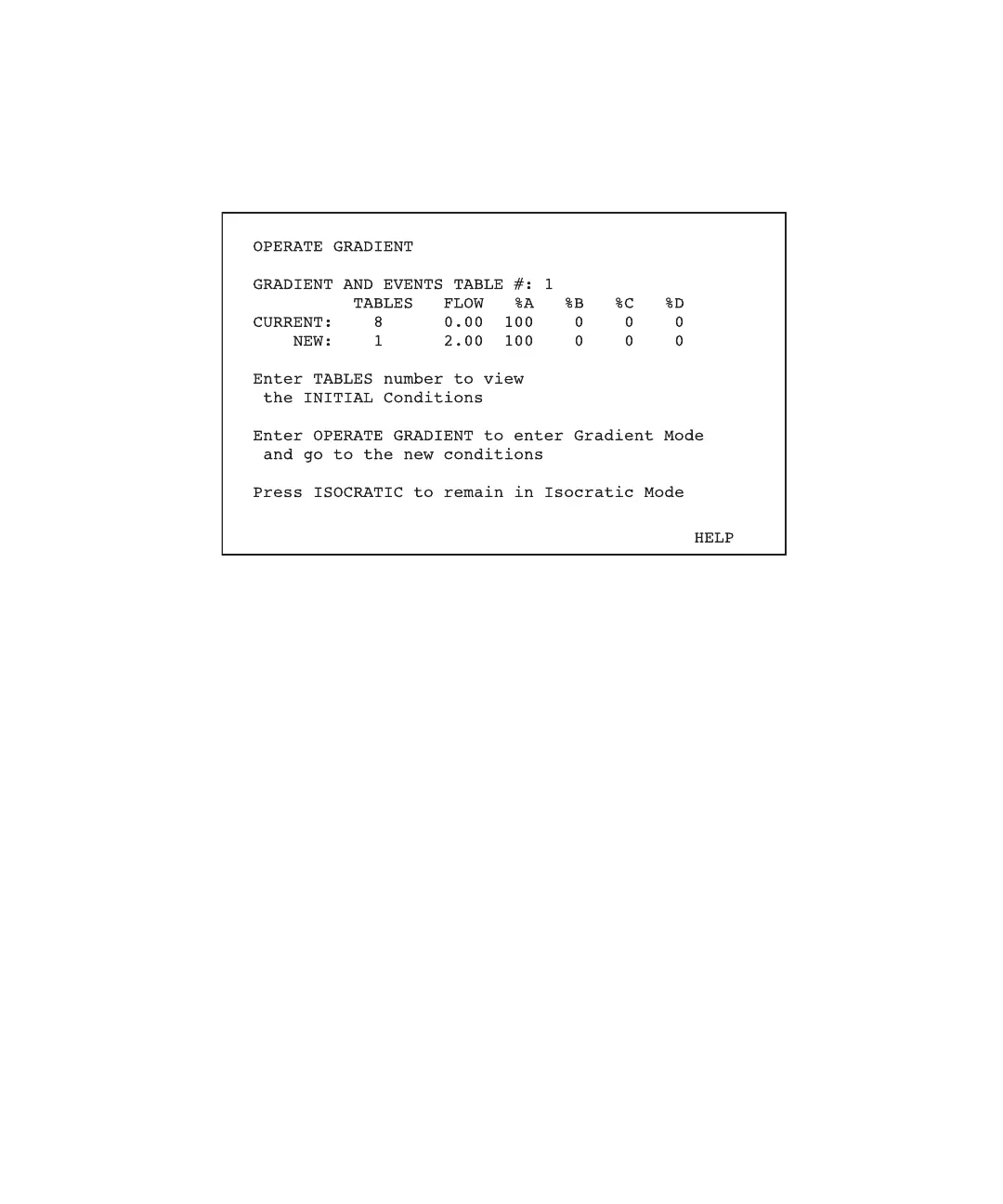
To access the initial Operate Gradient screen, press the Operate Method function key. The
initial Operate Gradient screen appears (Figure 11-3).
Figure 11-3 Initial Operate Gradient Screen
This screen displays:
• Gradient and events table numbers (sets) to be run from the Operate Gradient screen
• Current pump conditions on the Current line
• Initial conditions of the gradient table listed on the New line
Setting Parameters
To change the gradient and event tables that you set to run:
1. If Autostart is active, the keyboard will be locked. To abort the Autostart, unlock the
keyboard on the Pump Setup screen by pressing the Unlock Keyboard screen key.
2. After you unlock the keyboard, make your changes to the initial Operate Gradient
screen as follows:
a. Move the cursor to the Gradient and Events Tables # field.
b. Type the table number of the desired set of gradient and event tables.
c. Press Enter.



 To Next Page