Running a Method from the Direct Control Screen 99
5.2.6 Aborting a Run
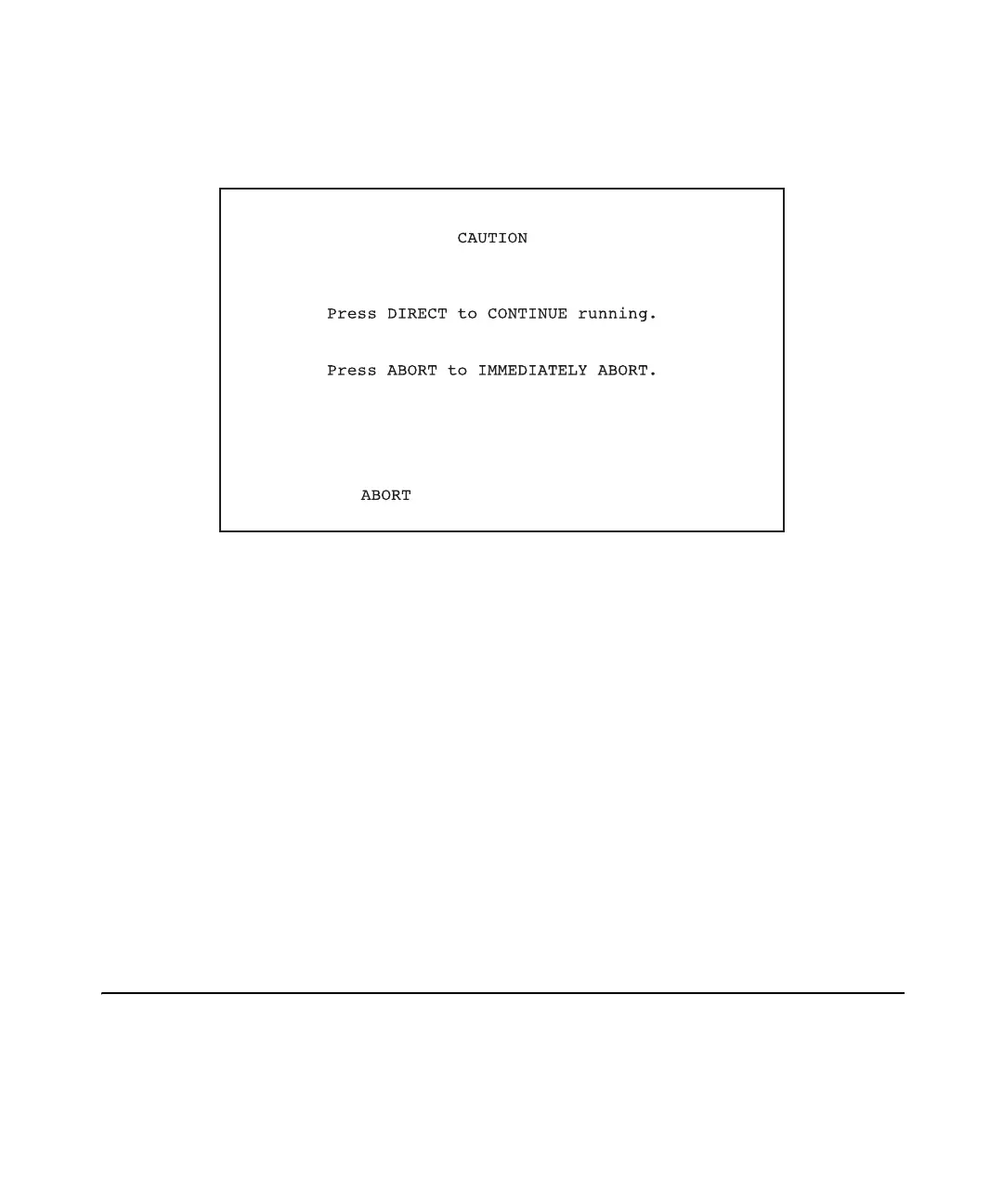
1. Press the Abort screen key. The Caution screen appears (Figure 5-3).
Figure 5-3 Caution Screen
2. Press either the:
• Abort screen key to immediately abort the run
• Direct function key to continue running
5.2.7 Changing Parameters During a Run
The pump, external switch, injector, and detector conditions displayed on the Direct
Control screen can be changed while a run is in progress.
To change a parameter:
1. Move the cursor to the appropriate field.
2. Type in the new value and press Enter. The change takes effect immediately.
5.3 Running a Method from the Direct Control Screen
After equilibrating or flushing the system using the Direct Control screen, you can run a
previously created method (see Chapter 6, Creating PowerLine Methods).



 To Next Page