100 Running PowerLine in Direct Control Mode
Accessing the Operate Method Screen
To run a method from the Direct Control screen:
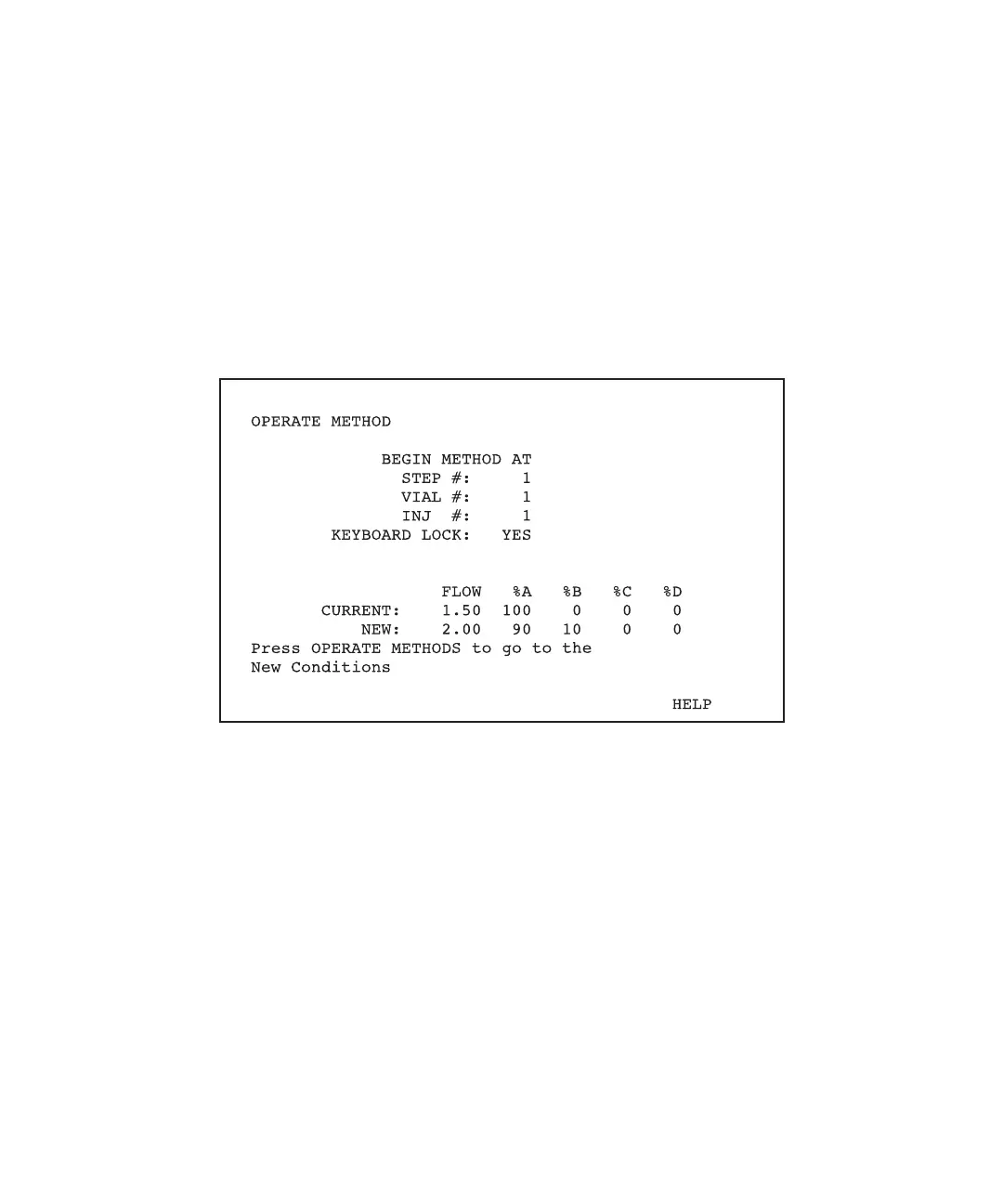
1. Press the Operate Method function key. The initial Operate Method screen appears
with the current direct control flow conditions shown in the Current field
(Figure 5-4).
Note: If there is a direct-control run in progress when you press the Operate Method
function key, the system warns that, if you proceed to the Operate Method screen,
the system will abort the direct control run. Pressing the Operate Method function
key a second time aborts the run and the initial Operate Method screen appears.
Figure 5-4 Initial Operate Method Screen
2. Type the Step #, Vial #, and Inj # values that you want the system to use while
running the method. The initial flow conditions of the step you specified appear in
the New line. This line shows any impending changes in eluent or flow rate.
If you prefer not to begin the method, press any function key except Operate
Method.
Starting the Method
To start the method, press the Operate Method function key again.
For complete information on running the method, see Chapter 7, Running PowerLine
Methods.



 To Next Page