Setting Up the 600 as a Gradient Controller 155
This section assumes that your system was installed as described in the Waters 600E
Multisolvent Delivery System Installation and Maintenance Guide and you have made the
appropriate IEEE-488 cable connections to the data system.
Setting the IEEE-488 Address
To configure the 600E system to communicate with a data system, you must set the
IEEE-488 address of the 600E system on the Gradient Controller Pump Configuration
screen as follows:
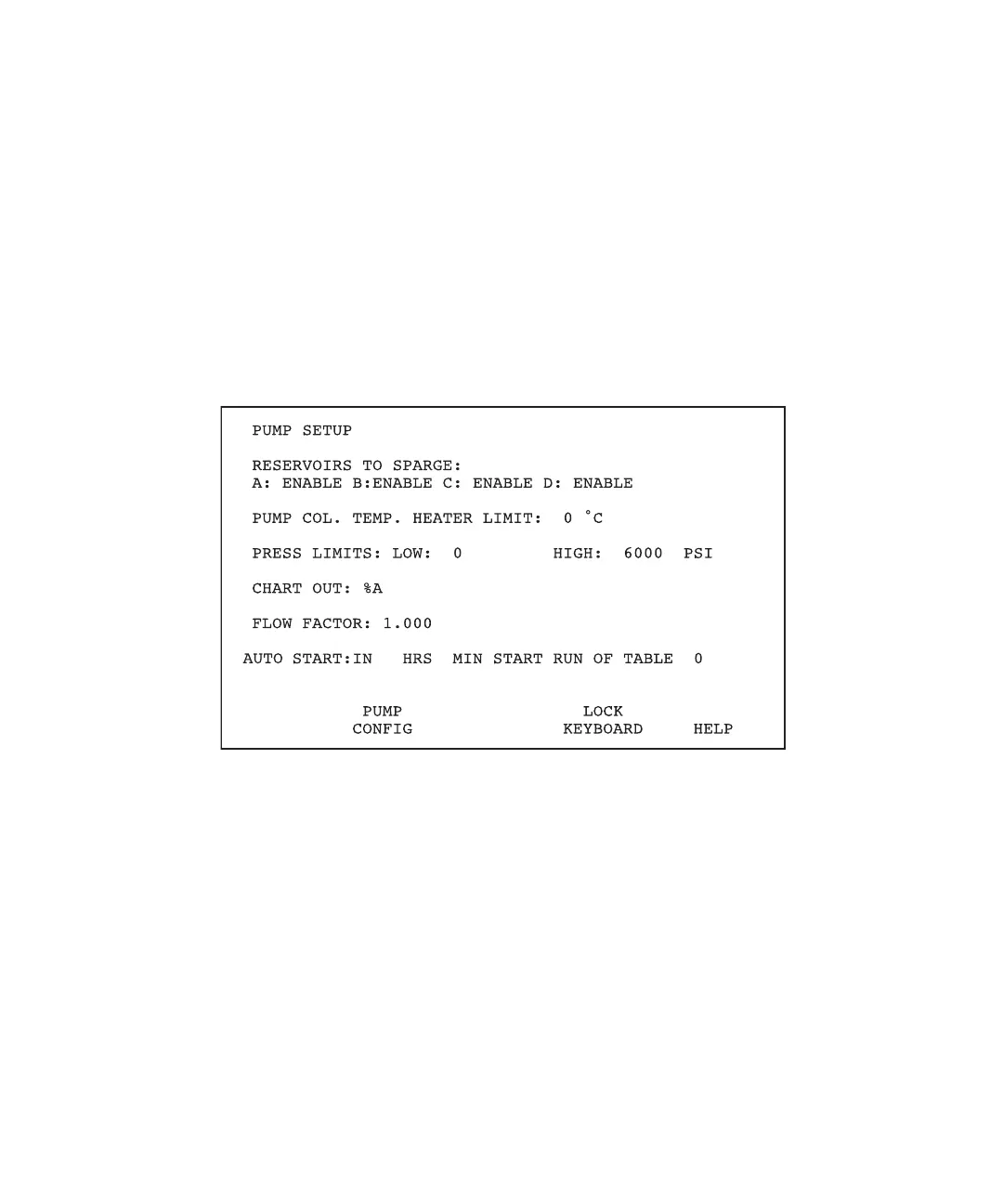
1. From the Gradient Controller Powerup screen, press the Set Up function key. The
Gradient Controller Pump Setup screen appears (Figure 8-6).
Figure 8-6 Gradient Controller Pump Setup Screen



 To Next Page