xxvii
Notes
Notes call out information that is helpful to the operator. For example:
Note: Record your result before you proceed to the next step.
Attentions
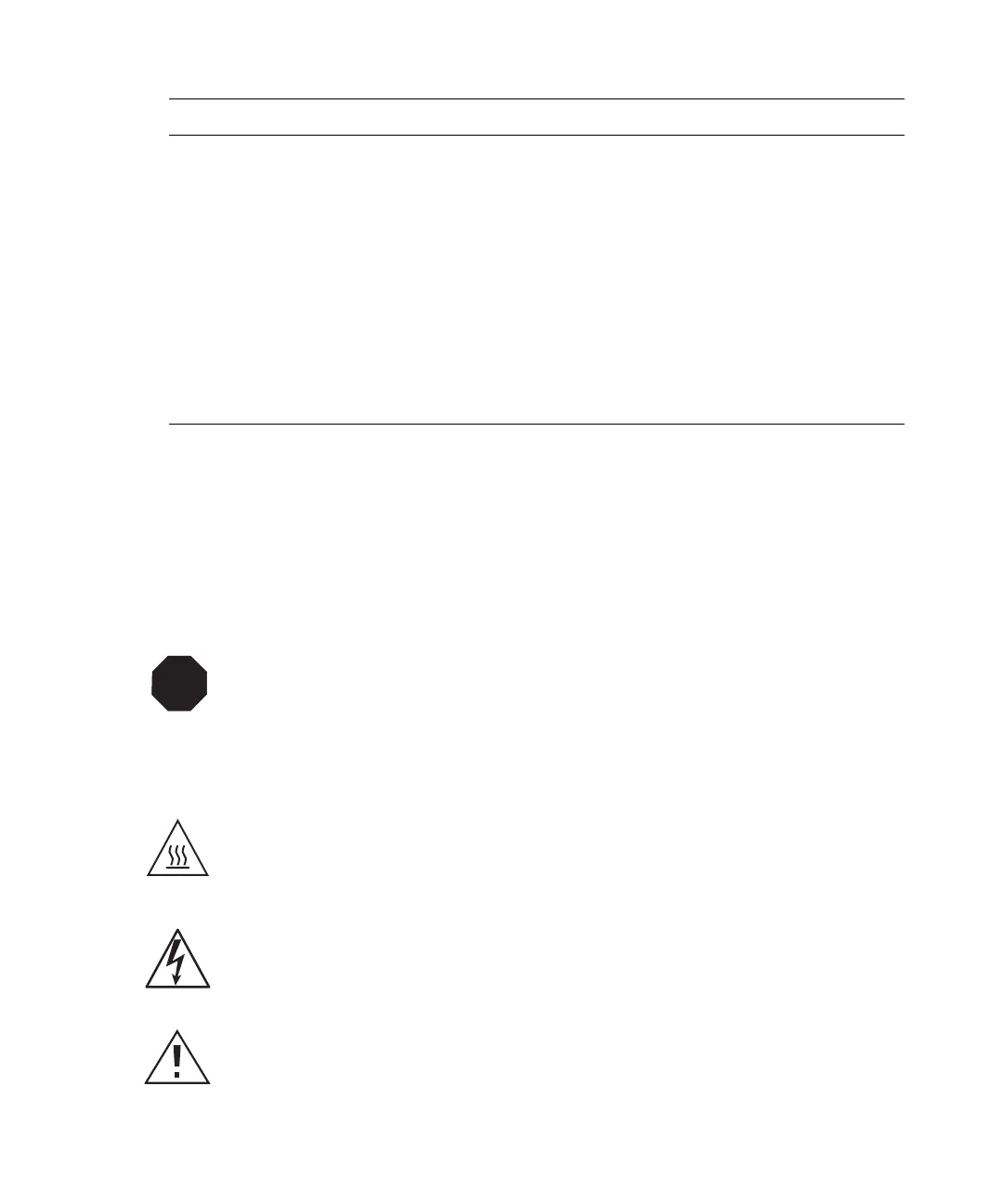
Attentions provide information about preventing damage to the system or equipment. For
example:
Cautions
Cautions provide information essential to the safety of the operator. For example:
Keys The word key refers to a computer key on the keypad or keyboard.
Screen keys see the keys on the instrument located immediately
below the screen. For example, “The A/B screen key on the 2414
Detector displays the selected channel.”
… Three periods indicate that more of the same type of item can
optionally follow. For example, “You can store filename1,
filename2, … in each folder.”
> A right arrow between menu options indicates you should choose
each option in sequence. For example, “Select File > Exit” means
you should select File from the menu bar, then select Exit from the
File menu.
STOP
Attention: To avoid damaging the detector flow cell, do not touch the flow cell
window.
Caution: To avoid burns, turn off the lamp at least 30 minutes before removing it for
replacement or adjustment.
Caution: To avoid electrical shock and injury, unplug the power cord before
performing maintenance procedures.
Caution: To avoid chemical or electrical hazards, observe safe laboratory practices
when operating the system.
Convention Usage



 To Next Page