Service Parts Disassembly
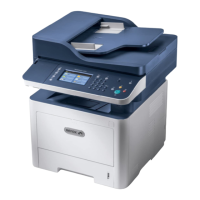
Phaser 3330 and WorkCentre 3335/3345 Xerox Internal Use Only
Service Manual
4-34
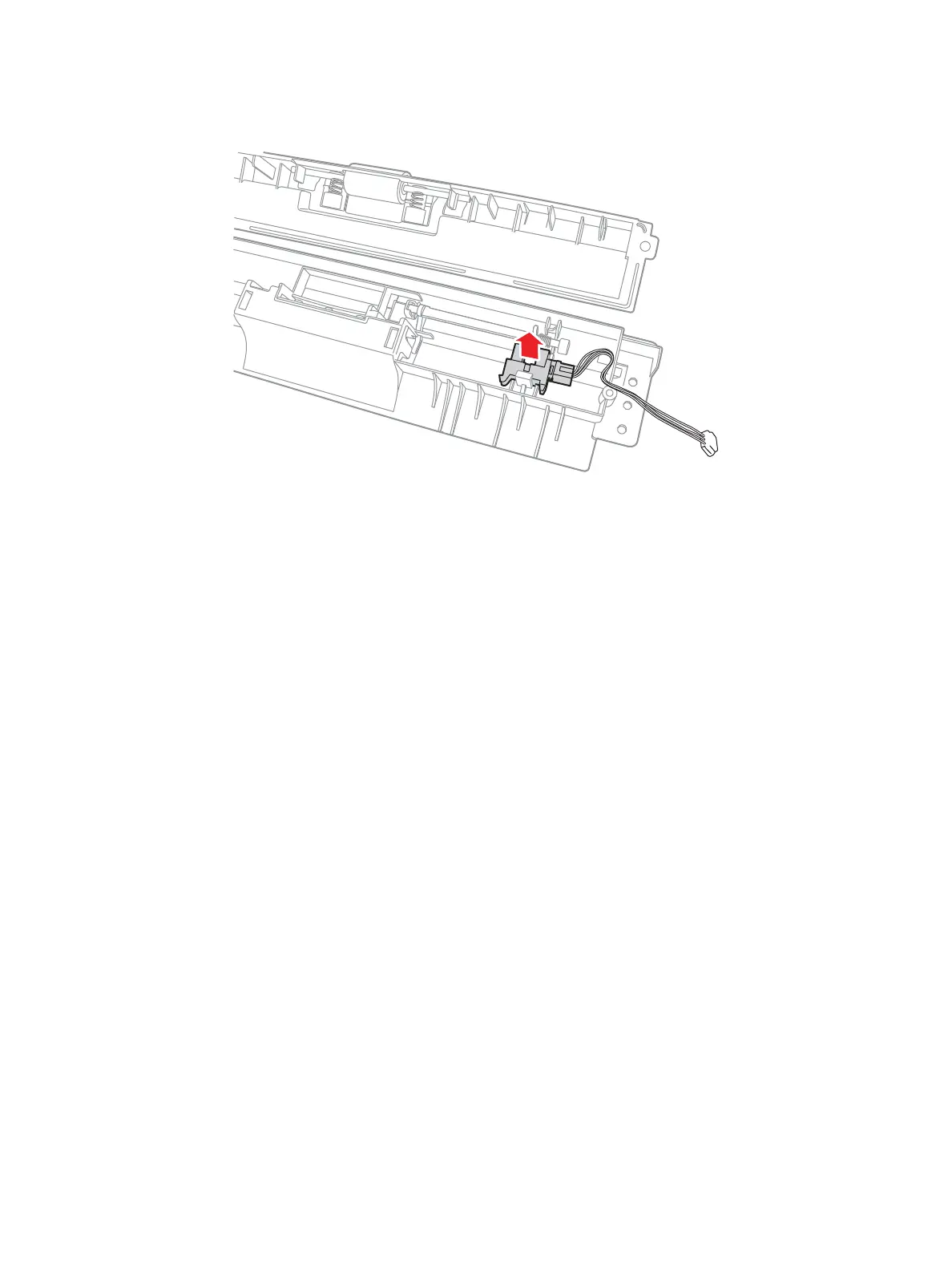
9. Remove the Roller Cover and disconnect P/J34 to remove the Bypass Tray.
Note: When installing the Bypass Assembly, install the left side on the peg in the frame first. Then
work the right side in before installing the Clutch.
s3320-074


 To Next Page
 Loading...