50
Genos2 Owner’s Manual
1
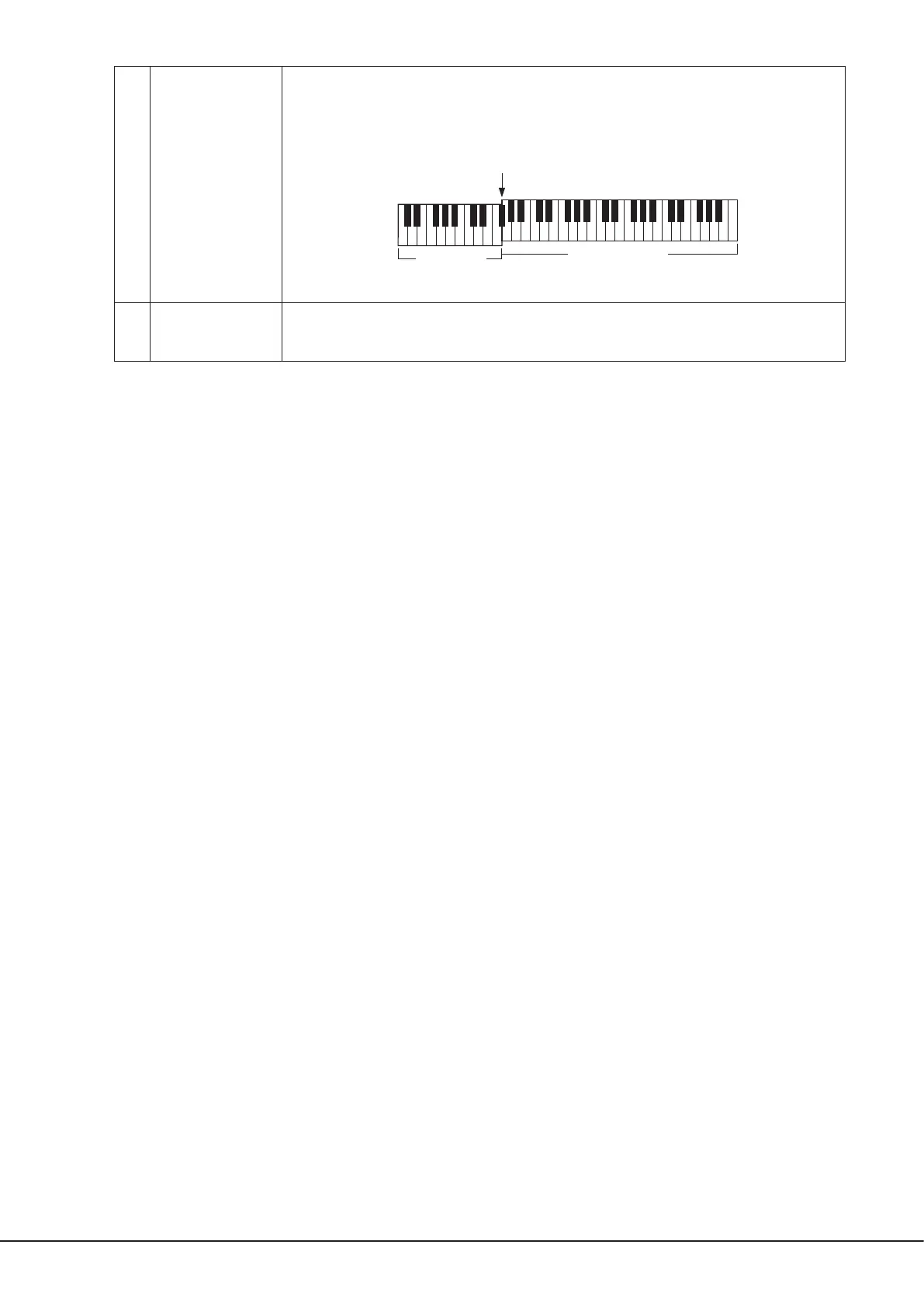
Split Point
(Style + Left)
Sets Split Point (Style) and Split Point (Left) to the same note. In this case, the Chord Section and the LEFT
part section occupy the same area.
Specify the Split Point directly from the keyboard by simultaneously holding [Style + Left] on the display
and pressing the desired key on the keyboard.
2
Split Point
(Style, Left, Right 3)
Sets each Split Point individually.
Specify the Split Point directly from the keyboard by simultaneously holding the corresponding item on
the display and pressing the desired key on the keyboard.
You can also specify each Split Point by note name, touching the [L]/[R] controls. Split Point (Style) is indicated by “Style,”
Split Point (Left) is indicated by “Left,” and Split Point (Right 3) is indicated by “Right 3.”
NOTE
Once you have touched [L]/[R], the Split Point type you are controlling is focused (corresponding indicator is colored). In this condition, you can
change the value of the focused Split Point type by rotating the Data dial.
NOTE
Split Point (Left) cannot be set lower than Split Point (Style), and Split Point (Right 3) cannot be set lower than Split Point (Left).
Split Point
(Style + Left)
Right-hand section
Chord + LEFT
part section
(Left-hand section)



 To Next Page