77
Genos2 Owner’s Manual
Singing with Song Playback—Setting Up
3
Switching Song playback modes
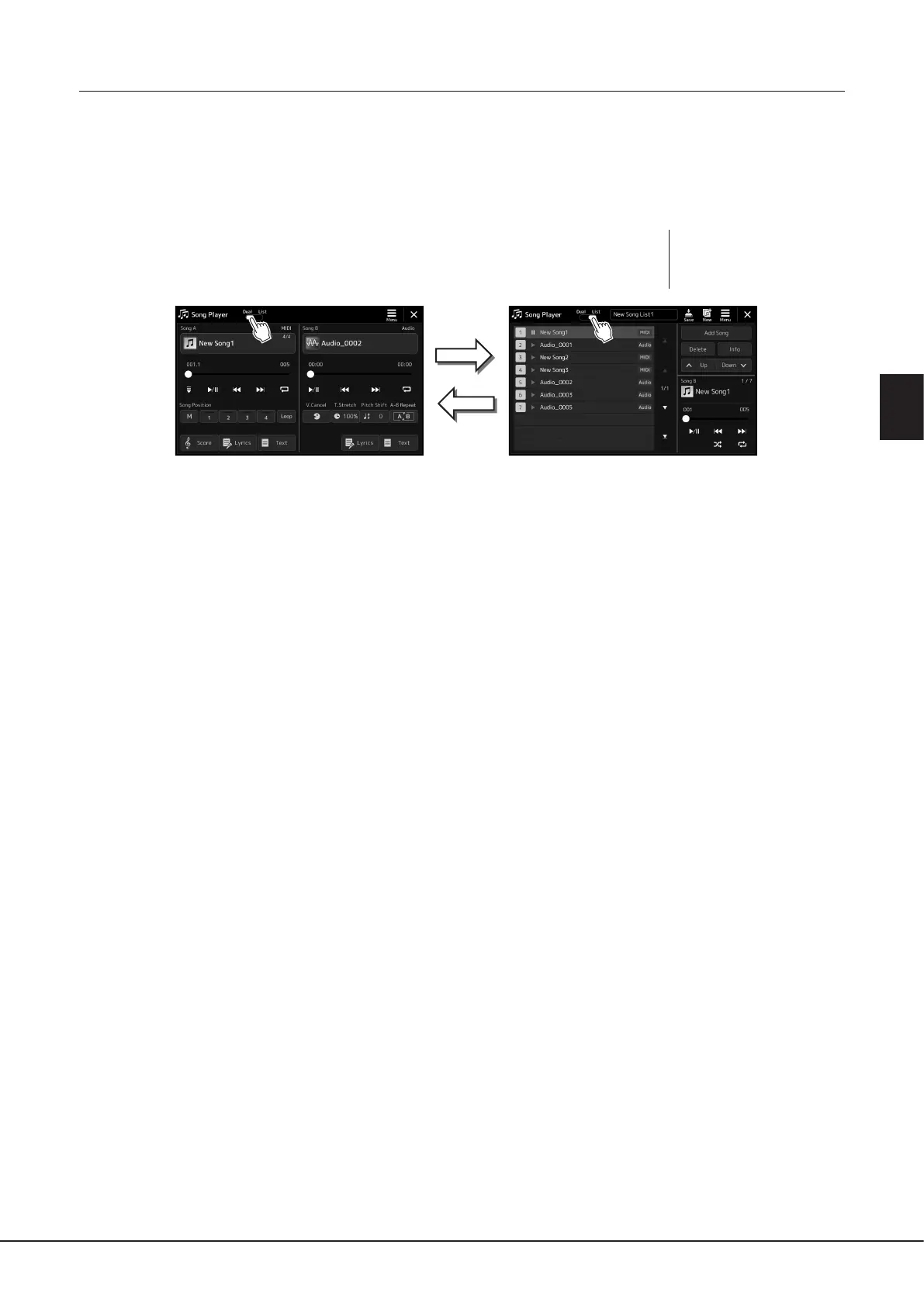
Genos2 features two modes of Song playback: Dual Player mode and Song List mode. Dual Player mode plays back two Songs
(SONG A and SONG B) simultaneously and lets you make a smooth, DJ-like transition between the two, using the special Cross
Fader. Song List mode plays back Songs continuously along with a Song List previously made.
1 Press the [SONG] button to call up the Song Playback display.
Dual Player or Song List is displayed, depending on which you have selected last time.
2 Touch the display to switch the Song playback mode.
NOTE
The Song playback mode
cannot be switched during Song
playback.
Press the [SONG] button, or
tap [List] on the display.
Press the [SONG] button, or
tap [Dual] on the display.
Dual Player mode (SONG A, SONG B) Song List mode (SONG B)



 To Next Page