78
Genos2 Owner’s Manual
Selecting Songs (Dual Player mode)
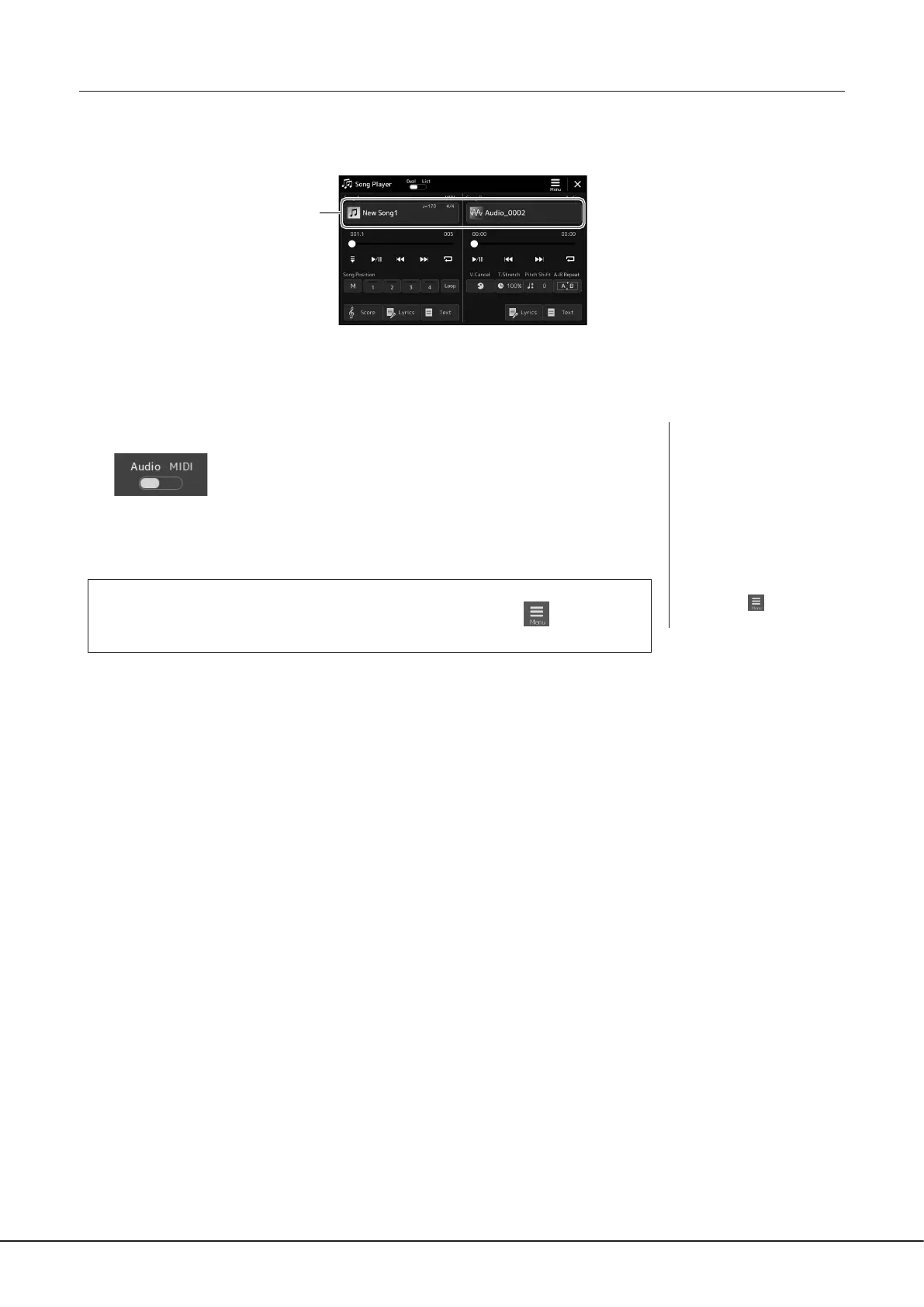
1 Press the [SONG] button to call up the Song Playback display. Make sure that Dual Player mode is
selected.
2
2 Touch the Song name in the Song A or Song B area.
The Song Selection display appears.
3 Select the desired Song for each, A and B.
For selecting from Audio Songs, touch [Audio].
For selecting from MIDI Songs, touch [MIDI].
Viewing Audio Information
When an Audio Song is selected on the Song Selection display, touching (Menu) then
[Audio Information] calls up the information window.
For detailed playback operations and the crossfade function, refer to pages 82, 89.
NOTE
• For basic operations of the
Song Selection display, refer
to “File Selection Display”
(page32).
• You can select two Audio
Songs or one Audio Song and
one MIDI Song for SONG A
and SONG B. Two MIDI Songs
cannot be selected.
• You can call up the display
of Song playback related
settings, via
(Menu) à
[Song Setting].



 To Next Page