79
Genos2 Owner’s Manual
Singing with Song Playback—Setting Up
3
Selecting Songs (Song List mode)
1 Press the [SONG] button to call up the Song Playback display. Make sure that Song List mode is
selected.
2
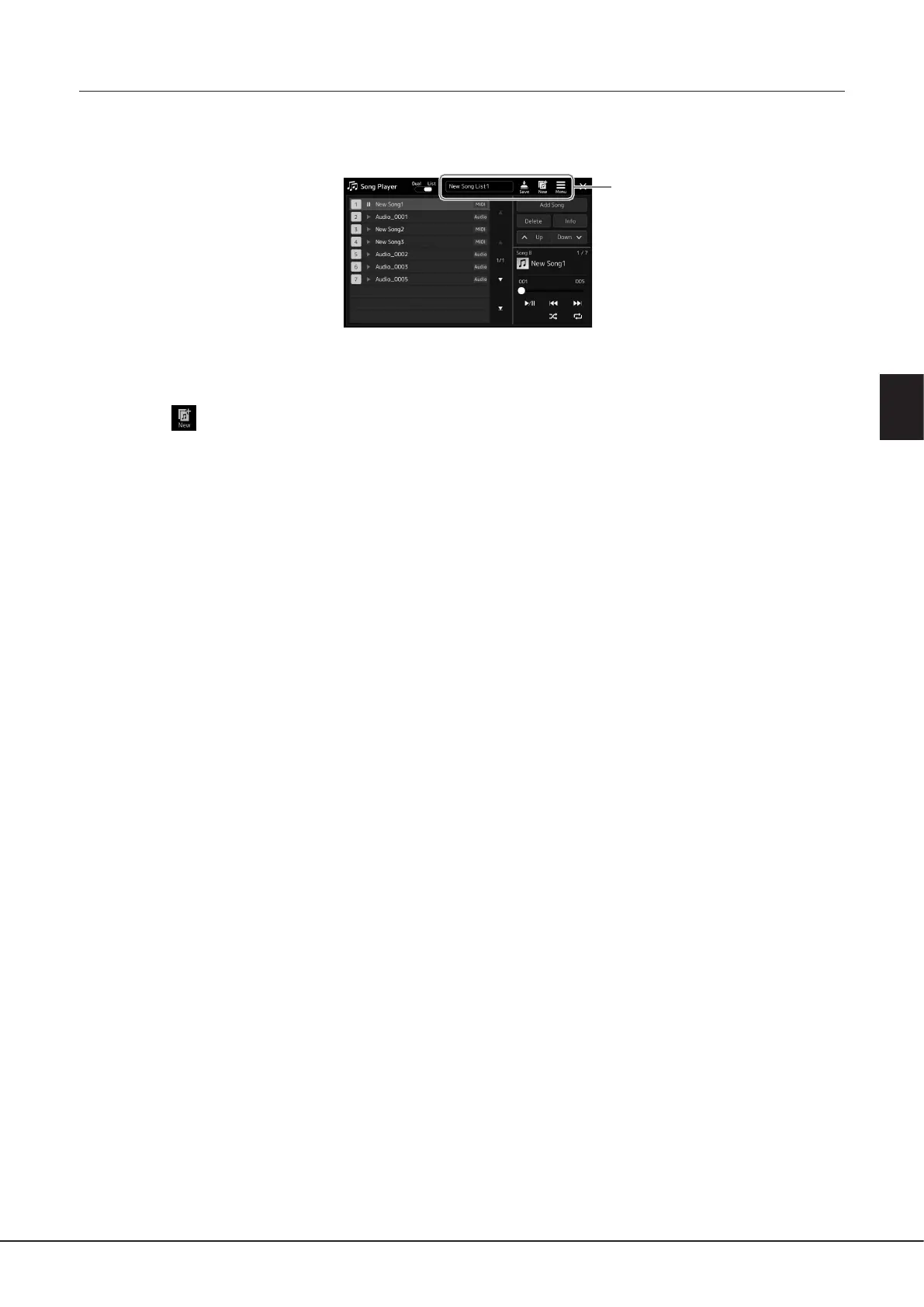
2 Prepare a Song List
When creating a new Song List
Touching (New) on the display allows you to create a new Song List.
For details on how to edit the Song List, refer to the Reference Manual on the website.
When selecting an existing Song List
2-1 Call up the Song List File Selection display by touching the Song List name.
2-2 Touch the desired Song List le.
3 Touch the desired Song from the selected Song List.
The selected Song is highlighted.
For detailed playback controls, refer to page82.
For information on controlling continuous playback of the Songs on the list, refer to the Reference Manual on the website.



 To Next Page