17www.zcorp-users.com
PART PRINTING
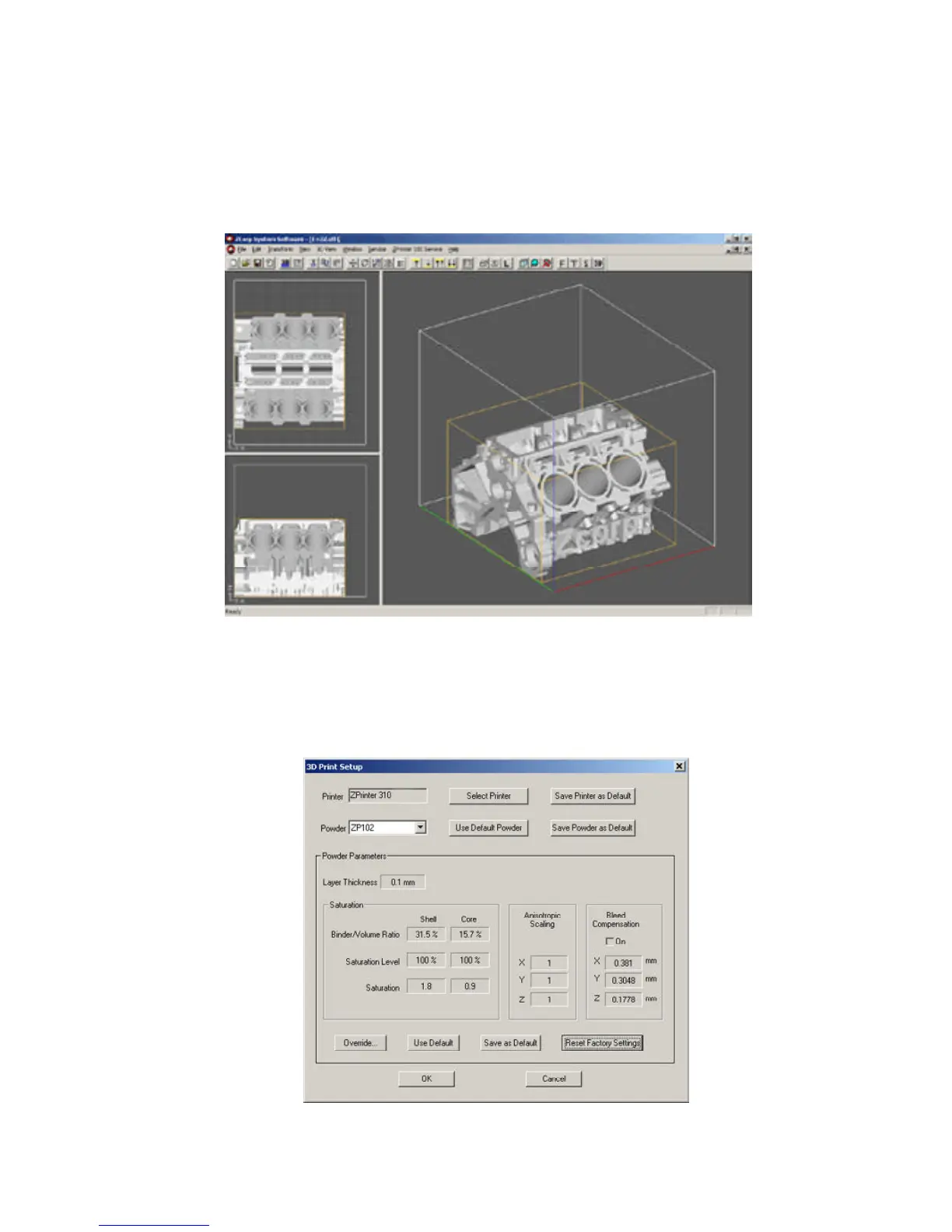
1. Launch the ZPrint Software application. Open or import the file for the build.
2. Check 3D Print Setup. Make sure the software is communicating with the printer by selecting ‘Select Printer’.
Then choose either serial or network depending on how the printer is connected to the computer. The printer
should show up as an option if the software is properly communicating with the printer.
3. Change any powder parameters if necessary.



 To Next Page