90 service@zcorp.com
BLEEDING AIR FROM THE FLUID LINES
If air gets into the tubing due to inadequate supply of binder or through removing the binder bottle, bleed the air to
prevent damage to the print head.
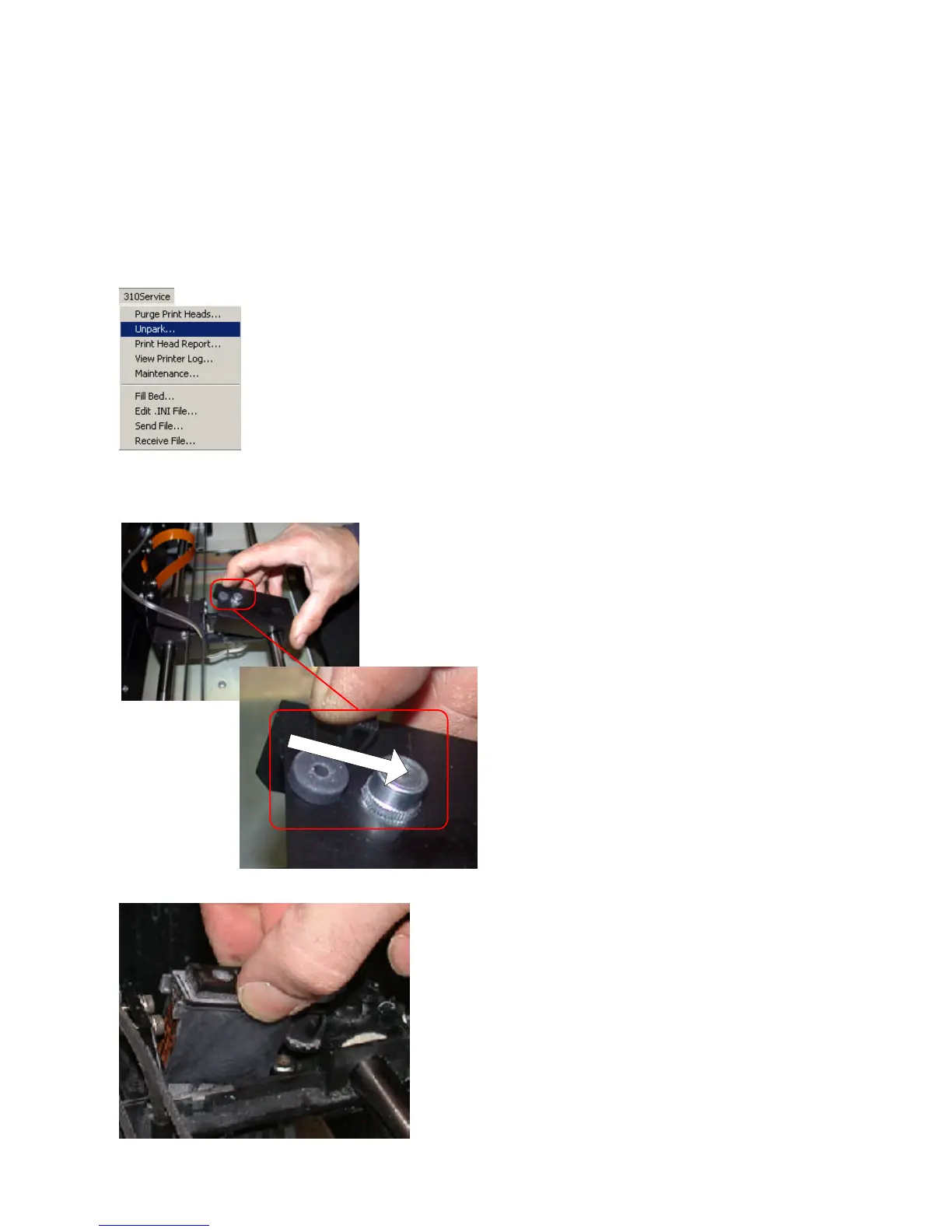
1. Select the ‘Unpark’ option in the ZPrint Software
under the 310Service menu.
3. Open the carriage cover to expose the print head.
4. Remove the print head.
2. Lift the top cover of the printer.
Pull Lever Back to Open



 To Next Page