39www.zcorp-users.com
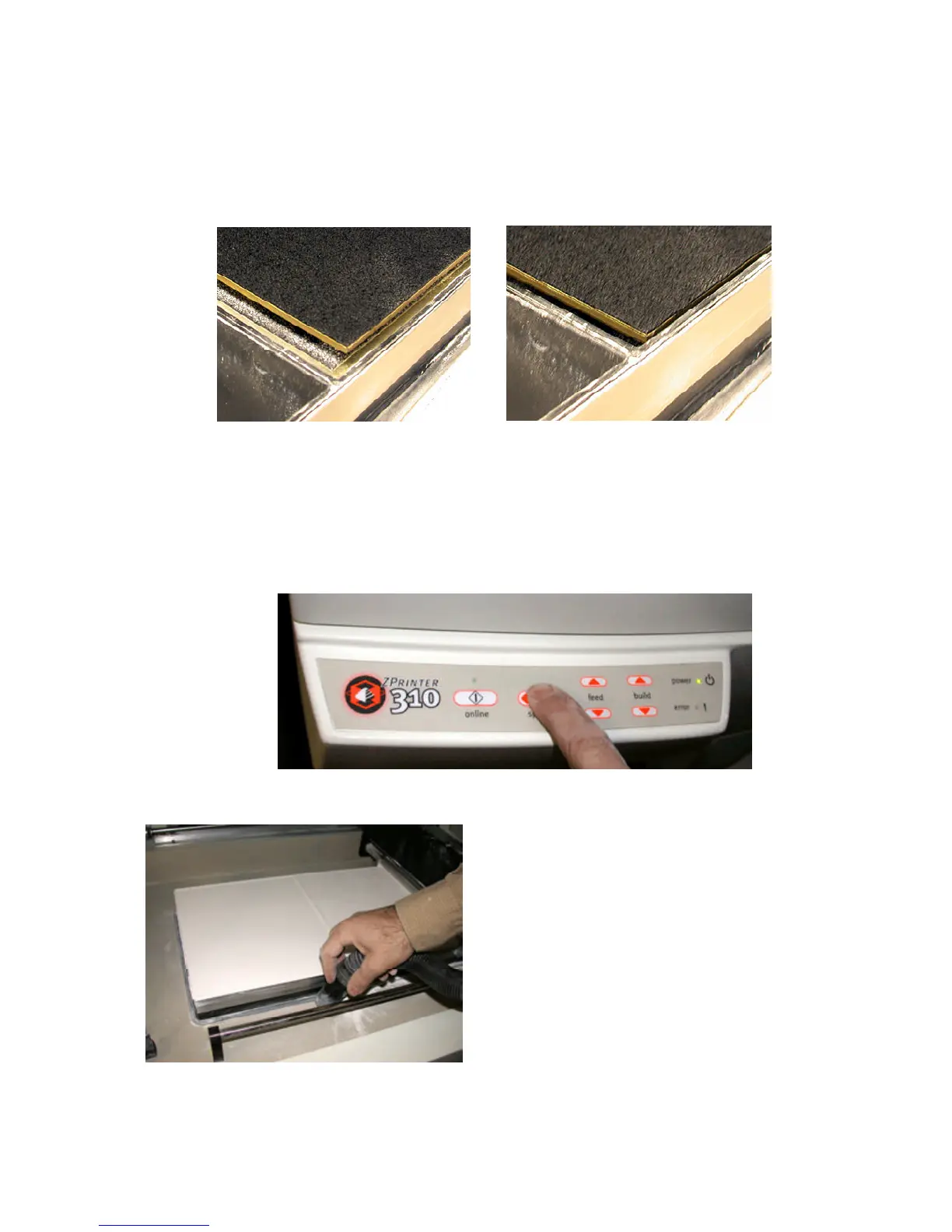
10. Press and hold the spread button for four spreads, on the fifth spread, the automatic ‘Fill Bed’ routine will take
over. This will do 13 more spreads with coordinated piston movements to prepare the build area. Press ‘Online’ to
cancel this operation or press ‘Cancel’ from the software. You may also choose the ‘Fill Bed’ option under the
310Service menu in the ZPrint Software.
CLEANING UP
11. Vacuum off any powder on the top deck.
The build plate will project above the top of the build box. In this position, the gantry would hit the build plate if
you tried to spread powder.
Lower the build piston so that the top of the build plate is slightly below the top of the build box.
WARNING: If the gantry or the spread roller hits the build plate, you may damage your printer.



 To Next Page