44 service@zcorp.com
EMPTYING THE WASTE BOTTLE
Warning: Do not recycle waste binder solution. The waste is contaminated with powder and use of this
liquid in the ZPrinter 310 System will clog the internal plumbing system and the print head.
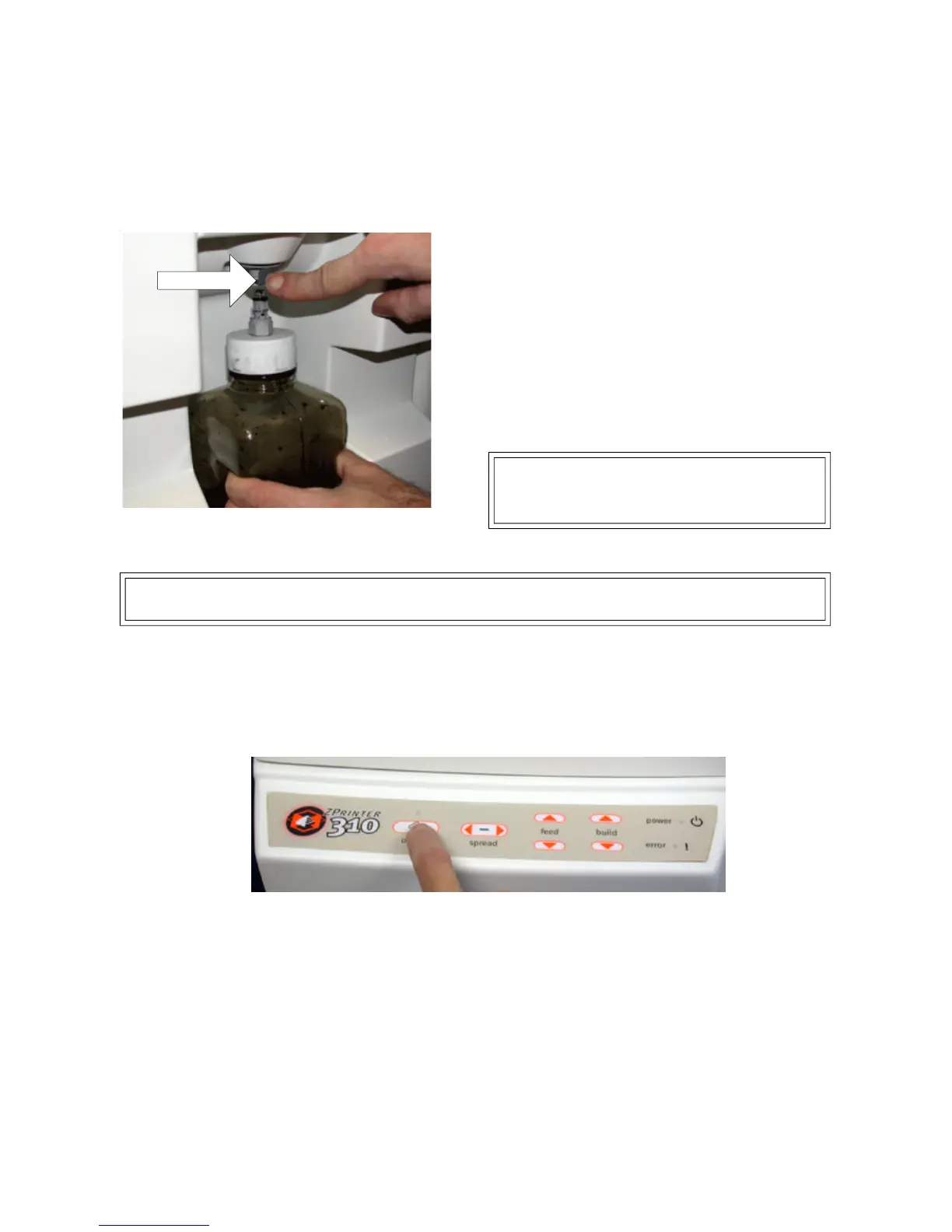
1. Remove waste bottle by depressing the button on
the waste fitting and pulling down on the waste bottle.
Push to unlock
2. Dispose of waste liquid. Binder waste should be
treated in accordance with local disposal regulations.
3. Replace waste bottle by inserting the bottle back
onto the fitting.
PUTTING THE PRINTER ONLINE
Press the online button. The green online indicator light will illuminate. The ZPrinter 310 System is now ready to
print.
NOTE: Make sure the binder bottle is completely
inserted against the fitting. A double clicking sound
will confirm that the binder bottle is locked into place.



 To Next Page