38 service@zcorp.com
PREPARING THE BUILD AREA
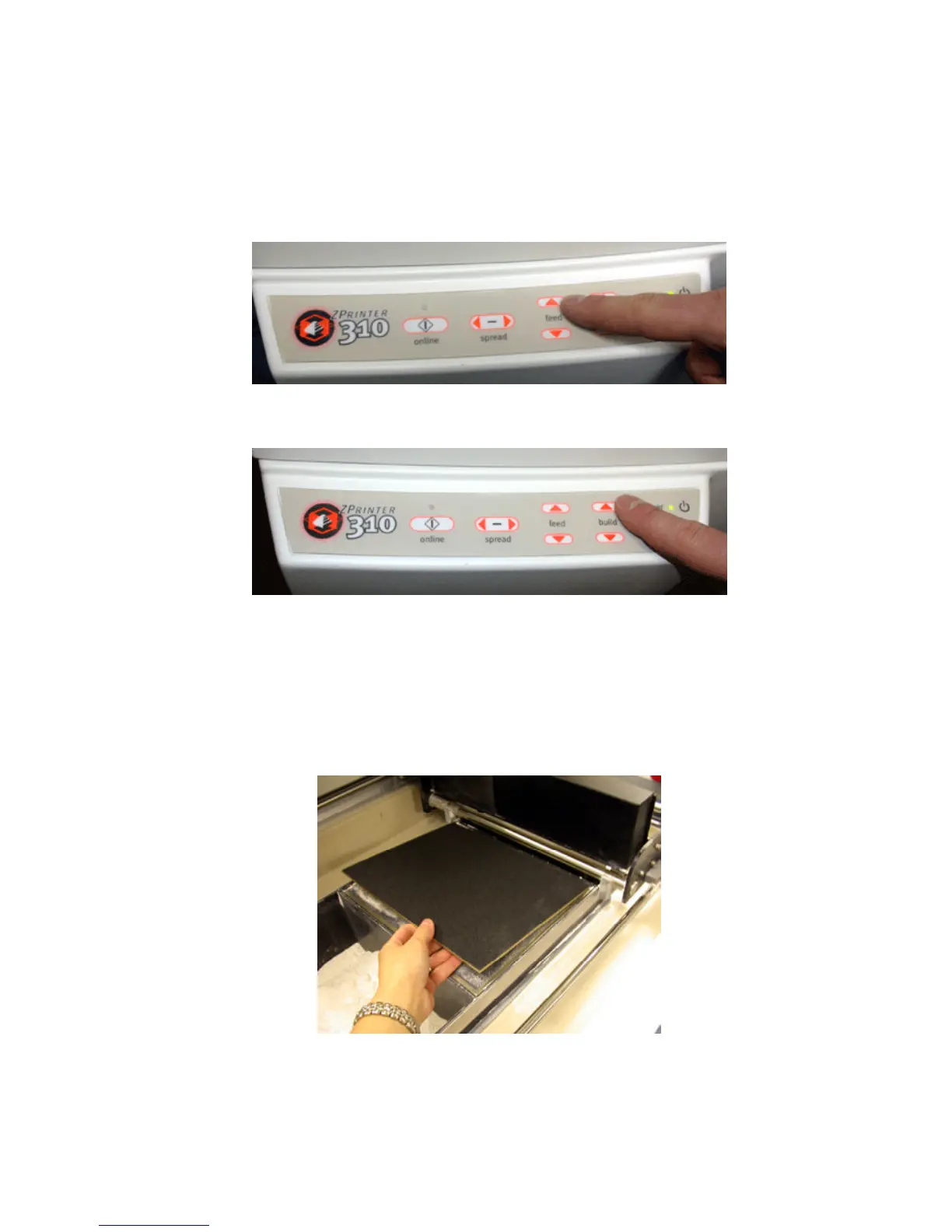
7. Press and hold the feed up button until the surface of the powder is even with the top deck.
8. Press and hold the build up button until the build piston stops.
9. Make sure the build area is clean.
If using a build plate, see directions below:
The build plate is a useful tool in making the most out of your 3D Printer. It allows you to lift delicate parts from
the printer without handling them. It may allow you to safely remove parts from the machine sooner after they
are printed, so that you can start another build while your parts dry outside the printer. You can use the build plate
to transfer your parts to an oven to dry them quickly to their full green strength.
Bring build piston all the way to the top and place build plate on top of build piston.



 To Next Page