91www.zcorp-users.com
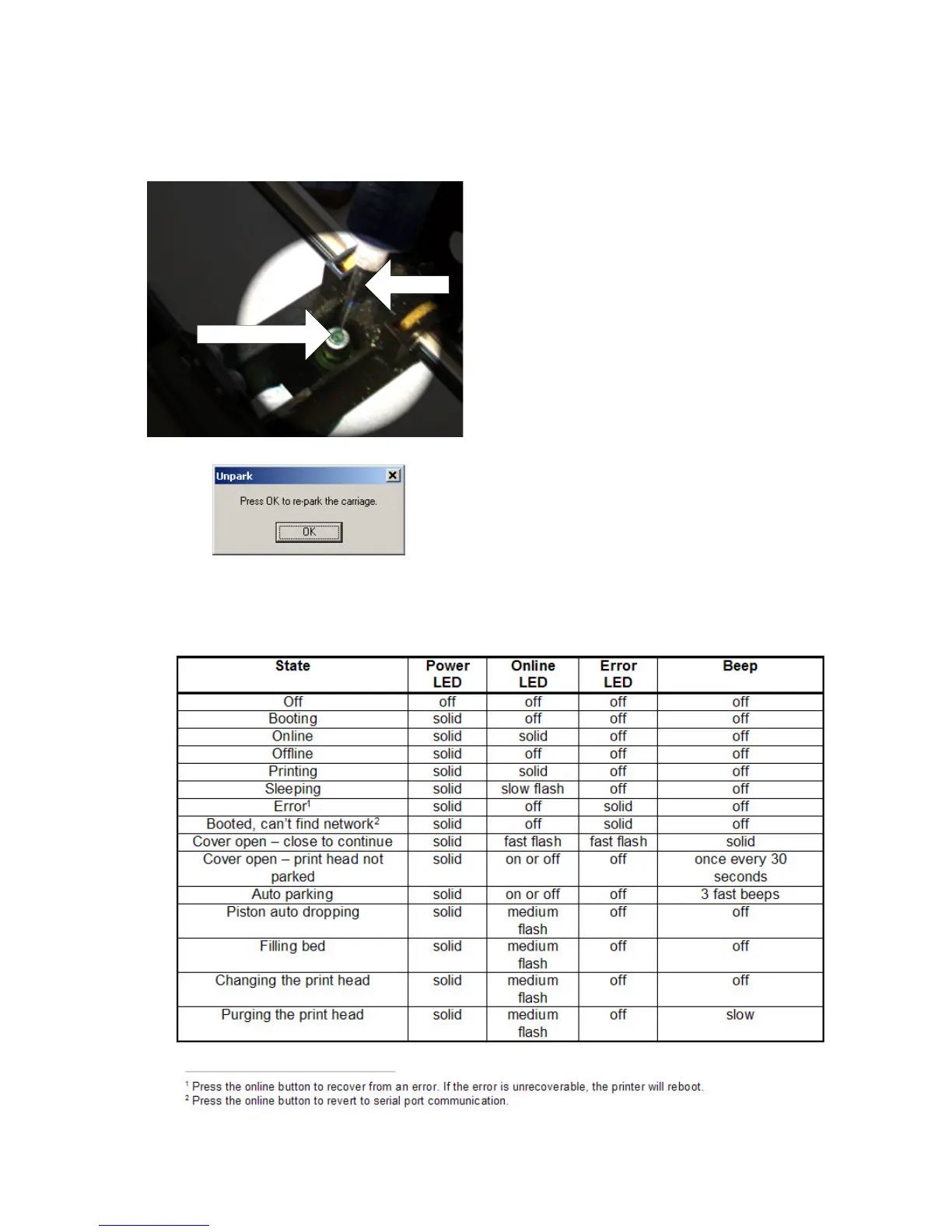
5. Insert syringe into septum and remove the air and 10 cc
of liquid.
Septum
Syringe
6. When completed, re-insert print head, close carriage
cover, close the top cover of the printer, and press ‘Done’
on the ZPrint Software to re-park the gantry.
MACHINE STATUS



 To Next Page